.png)
I work really hard to be lazy.
Free K-5 Technology Curriculum Map
That means building the system once instead of scrambling every time. I teach 800+ students across 42 classes on a 7-day rotation, this is the same curriculum map I use in my own tech lab.
Where Teachers Start
Three ways to get hands-on help right now.
Technology Games
11 ready-to-play games covering digital citizenship, back to school, patriotic holidays, computer vocabulary, and digital escape rooms. No prep, just open and go.
Browse GamesReady to Click Tech Lab
A full K-5 tech curriculum, built and ready. Stop building your lab from scratch every year.
See the MembershipFree Tech Lesson Library
Videos, games, and activities for K-5, organized by grade. No sign up required, just browse and go.
Browse the Library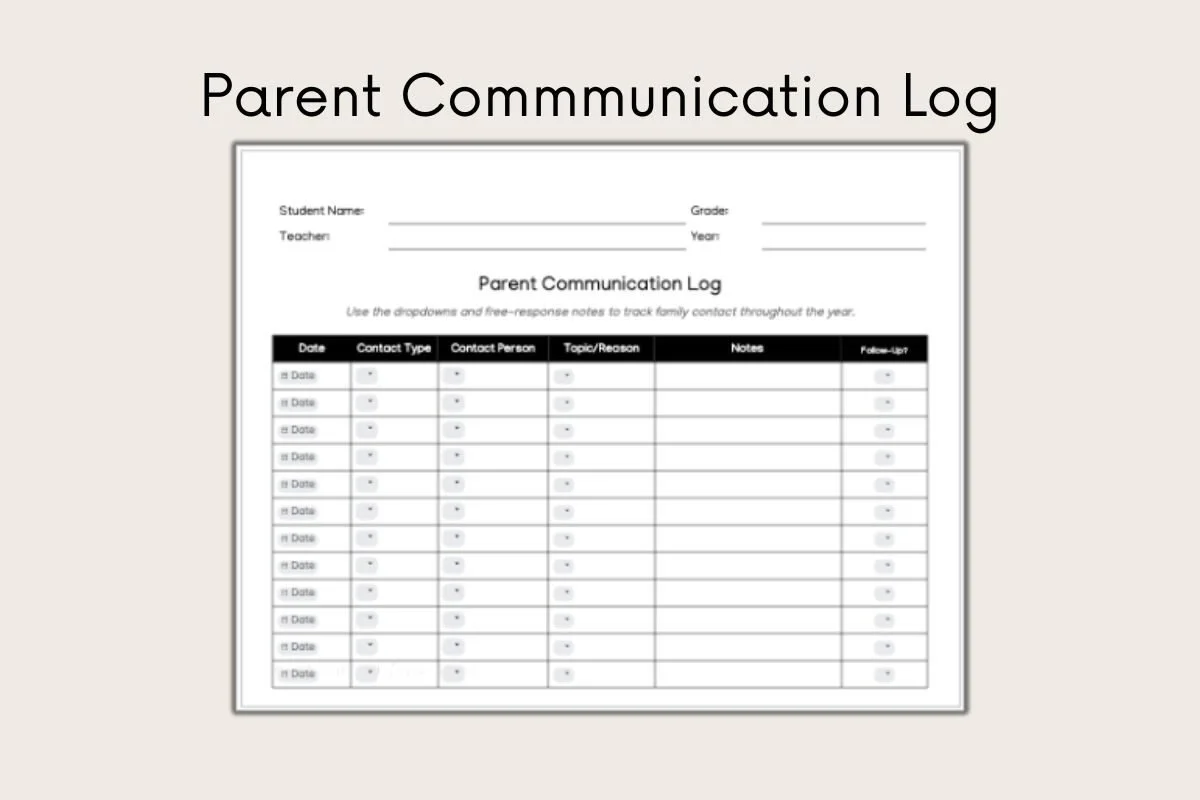
Not a Tech Teacher? Start Here Instead.
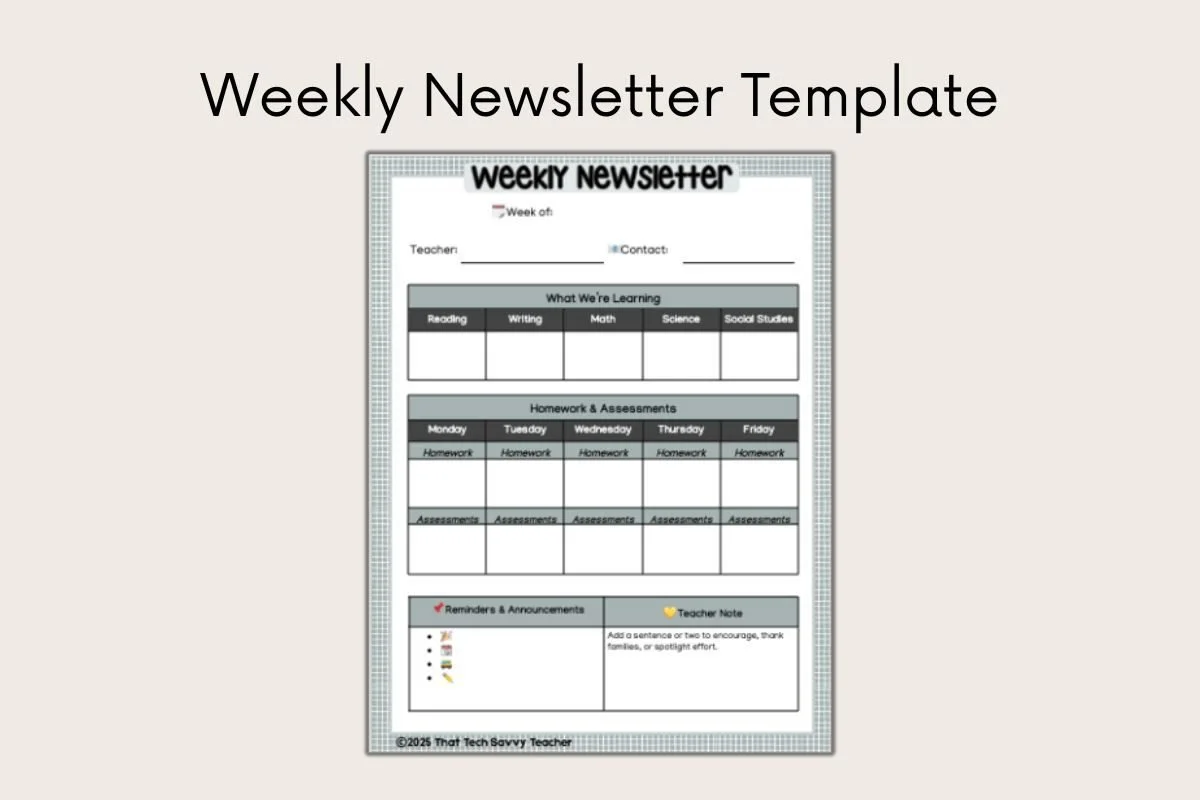
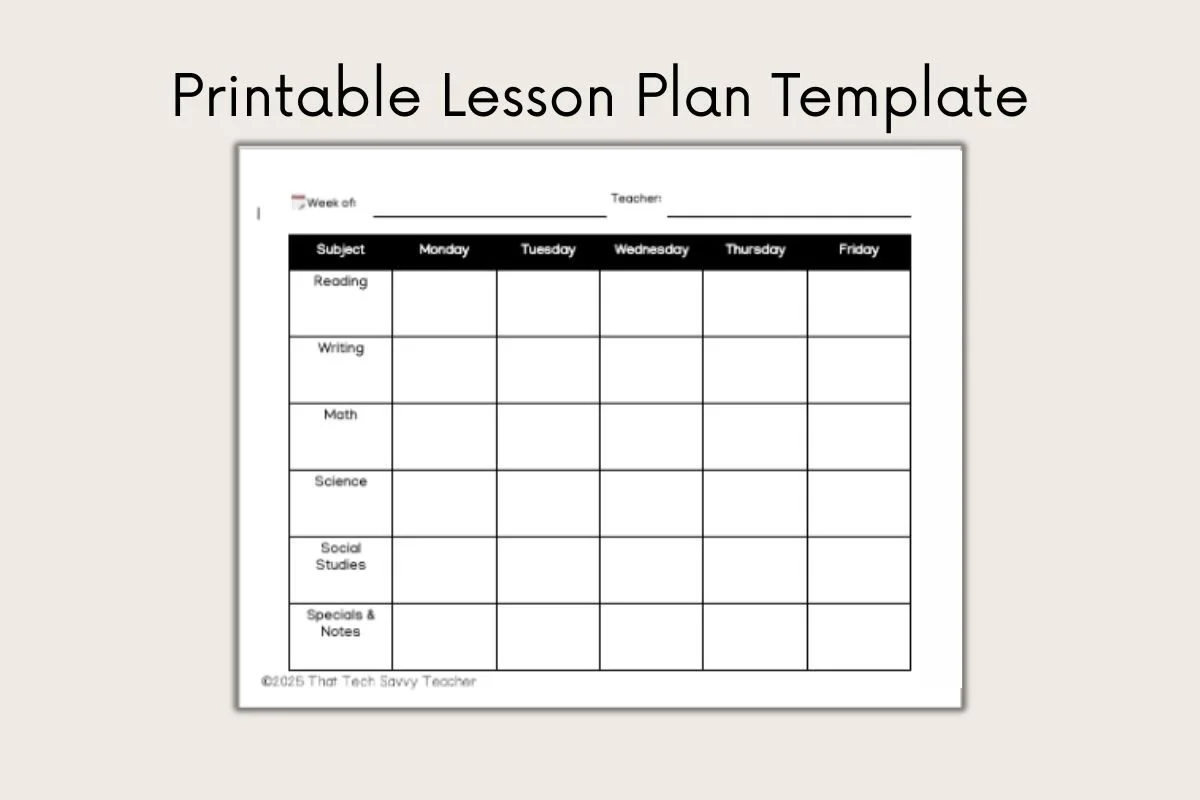
Free Google Doc templates for classroom teachers who want their systems handled without touching a tech lab. Once you're in, you'll also hear about the Teacher Systems Lab GPT, a $37 AI coaching tool built for any school role.
Grab the Templates
Hi, I'm Alison.
I've spent 25 years in education, the last 5 in the K-5 tech lab teaching 800+ students across 42 classes on a 7-day rotation. I build the systems and resources I wish someone had handed me on day one, so you don't have to build yours from scratch either.
Ready to Work Smarter, Not Harder?
Get the K-5 curriculum map in your inbox today.
Get the Curriculum Map