If you're looking for free digital citizenship lessons that your students will actually pay attention to, you're in the right place.
Teaching digital citizenship is one of those things that feels big and important, but it can be hard to know where to start. Between finding the right videos for different grade levels, figuring out which digital citizenship topics to cover, and making it actually engaging for kids, it's a lot. And if you're a classroom teacher who didn't sign up to be a tech teacher, the idea of building a whole digital citizenship curriculum from scratch? That's just too much.
That's why I've put together this roundup of free video resources, including my own collection of video-based lessons made specifically for elementary students, so you can get started without spending hours hunting things down.
Why Digital Citizenship Lessons Matter More Than Ever
We talk a lot about internet safety, but good digital citizenship goes so much deeper than just "don't talk to strangers online." In today's digital world, kids are navigating social media, online games, digital distractions, and content from people they've never met, often without much guidance.
The digital lives of our students are real. They're forming habits right now, and those digital habits will follow them long past elementary school. Teaching them to think critically, protect their personal information, and recognize trustworthy information is one of the most important things we can do as educators. It's not a once-a-year lesson. It's an ongoing conversation.
That's why a solid collection of video-based lessons is such a game changer.
How I Organized My Digital Citizenship Unit (So I Never Have to Rethink It)
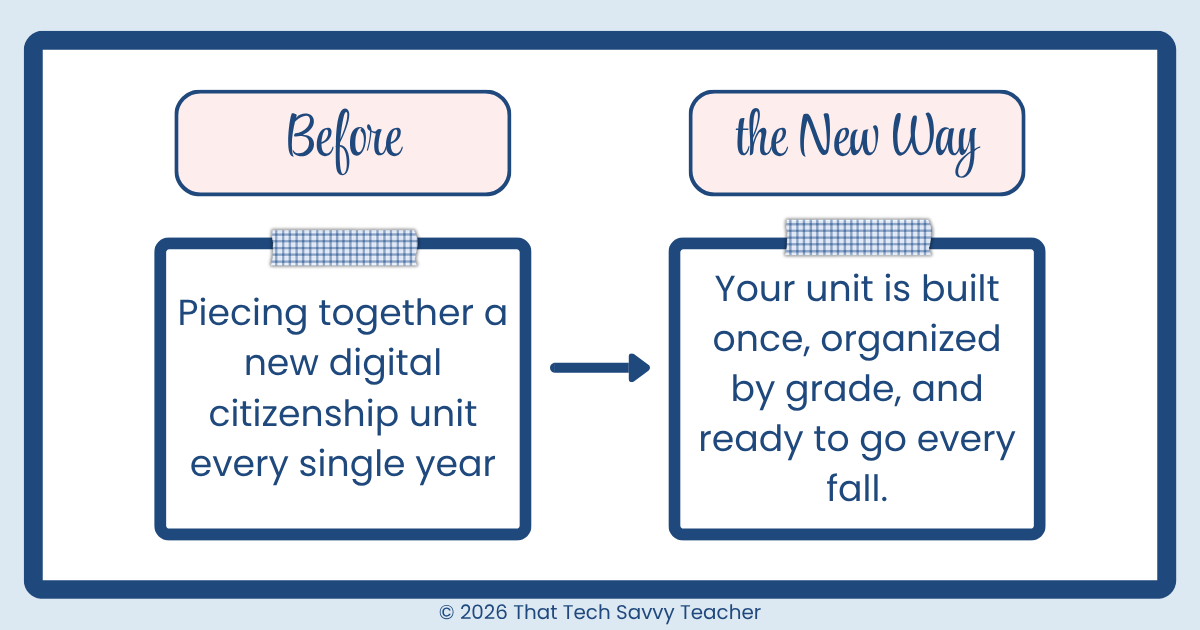
When I first started teaching technology, I knew pretty quickly that I didn't want to piece together a new digital citizenship unit every single year. That felt exhausting, and honestly, unsustainable when you're teaching almost 900 students across 42 classes.
So I did what I always do when something feels like too much work: I built a system.
I created a dedicated Google Site just for digital citizenship. I organized it by grade level, then by week, so when it was time for our digital citizenship unit, everything was already there and ready to go. The videos, the activities, the topics, all mapped out. No hunting through folders, no recreating things from scratch, no last-minute scrambling.
Year after year, that Google Site just works. I update it when I add new resources, but the structure is already in place. That's the kind of system that actually makes teaching feel manageable.
If you've ever thought "there has to be an easier way to organize my tech lessons," a Google Site might be exactly what you're looking for. I'm actually getting ready to teach a course on how to build one for your own classroom, and I'd love to have you join the waitlist.
Before You Hit Play: Grab the Free Resources First
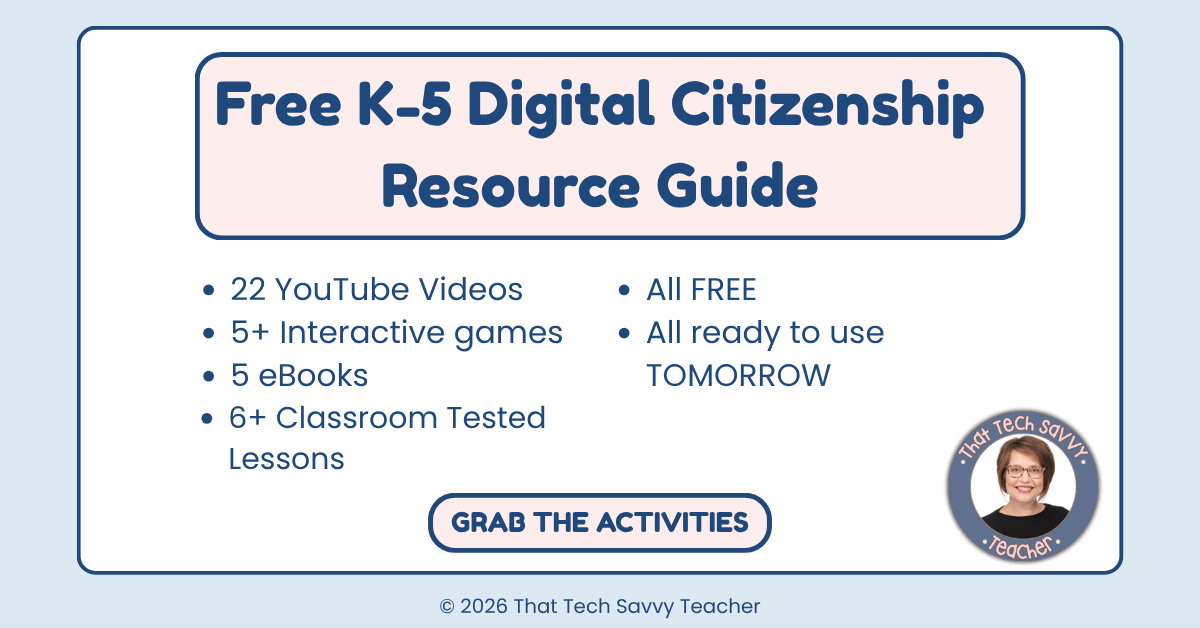
I’ve put together a free collection of digital citizenship resources to go along with everything we’re talking about in this post.
These resources are designed to help you extend the learning, give students something to do after watching, and make digital citizenship a regular part of your teaching, not just something you squeeze in once a year during Digital Citizenship Week.
My Free Internet Safety Video Playlist (Made for Elementary Students)
I've been teaching K–5 technology for over 25 years, and digital citizenship is one of those topics I feel really strongly about. Over time, I built out a full playlist of 20 free digital citizenship videos designed specifically for elementary students, covering everything from internet safety basics to passwords to hands-on activities.
You can find the full playlist here: Internet Safety Lessons for Elementary on YouTube
Here's a look at what's included, organized by topic:
Internet Safety Rules and Tips
These videos are great starting points for introducing good digital citizenship and building a foundation of safe online habits. Pick one to kick off a lesson or use as a quick conversation starter.
Internet Safety for Kids | Top Online Safety Tips Explained!
Internet Safety for Kids | Simple Online Safety Rules for 3rd Grade
Staying Safe Online: Fun Internet Safety Tips for 2nd & 3rd Graders!
Stay Safe Online: How to Handle Common Internet Scenarios for Kids
Personal Information and Online Privacy
Protecting personal information is one of the most important digital citizenship skills we can teach. These video lessons walk students through what's safe to share online and what isn't.
Online Safety for Kids: Keep Your Private Information Safe Online
Safe vs Unsafe Websites for Kids | Digital Citizenship & Internet Safety
Be Kind Online | Digital Citizenship Lesson for Young Students
Passwords and Account Safety
Strong passwords are a simple but powerful skill. These videos make the concept approachable and memorable for kids.
Digital Citizenship and Responsible Online Behavior
These video lessons go a little deeper into what it means to be a responsible digital citizen, including how to stay safe, kind, and respectful in digital spaces.
Digital Citizenship for Kids: How to Stay Safe and Respectful Online!
Digital Citizenship Pledge for Kids | Be Safe, Kind, and Responsible Online
Learn Computer Parts for Kids + Safety Rules | Easy Tech Lesson
Hands-On Activities and Projects
These are some of my favorites because they go beyond just watching. Students get to apply what they've learned through a real activity, which is a great way to deepen understanding.
Internet Safety Game for Kids | Practice Real Online Scenarios! (Link to game in description)
Online Safety for Kids Activity | Create a Video PSA in Google Vids
Internet Safety Project for Kids | Google Slides Poster Activity Tutorial
Digital Citizenship Activity for Kids | Create a PSA Poster in Google Slides
These activity-based videos are especially great if you want students to do something with what they've learned, whether that's creating a poster in Google Slides, building a PSA in Google Vids, or even playing through some real-world internet scenarios.
Other Great Free Resources for Teaching Digital Citizenship
My videos are a great starting point, but there are a few other resources worth knowing about, especially if you want to build out a more complete digital citizenship curriculum.
Common Sense Education / Common Sense Media
Common Sense Education is probably the most well-known name in this space, and for good reason. Their free K–12 digital citizenship curriculum is research-backed, covers every grade level, and includes full lesson plans, student handouts, and even family activities. If you want a more structured digital citizenship curriculum to supplement video-based lessons, Common Sense Media is a great resource to explore.
They also publish quick activities and video discussion guides that are perfect for Digital Citizenship Week, or anytime you have a short window and want to have a meaningful conversation about digital citizenship topics.
Visit: commonsense.org/education
NetSmartz (from the National Center for Missing & Exploited Children)
NetSmartz offers free, age-appropriate videos and interactive resources for students in grades K–5. Their animated characters make internet safety approachable for younger kids, and the content covers important topics like protecting personal information, recognizing unsafe situations, and strong passwords. It's a great resource for younger grade levels especially.
Visit: missingkids.org/netsmartz
Google's Be Internet Awesome / Interland
If you want to combine learning with online games, Google's Be Internet Awesome program is worth checking out. The interactive game Interland teaches digital citizenship skills through gameplay, covering topics like phishing scams, internet safety, and sharing personal information responsibly. Students in grades 2–5 especially enjoy the game format, and it's completely free.
Visit: beinternetawesome.withgoogle.com
Nearpod
Nearpod has partnered with Common Sense Education to create interactive digital citizenship lessons you can use in a whole-class or student-paced format. If your school uses Nearpod, this is a great way to make digital citizenship more interactive without having to build something from scratch. Many of the lessons are free.
Visit: nearpod.com
How to Use These Videos Without Overwhelming Yourself
Here's my honest advice: you don't need to do all of this at once.
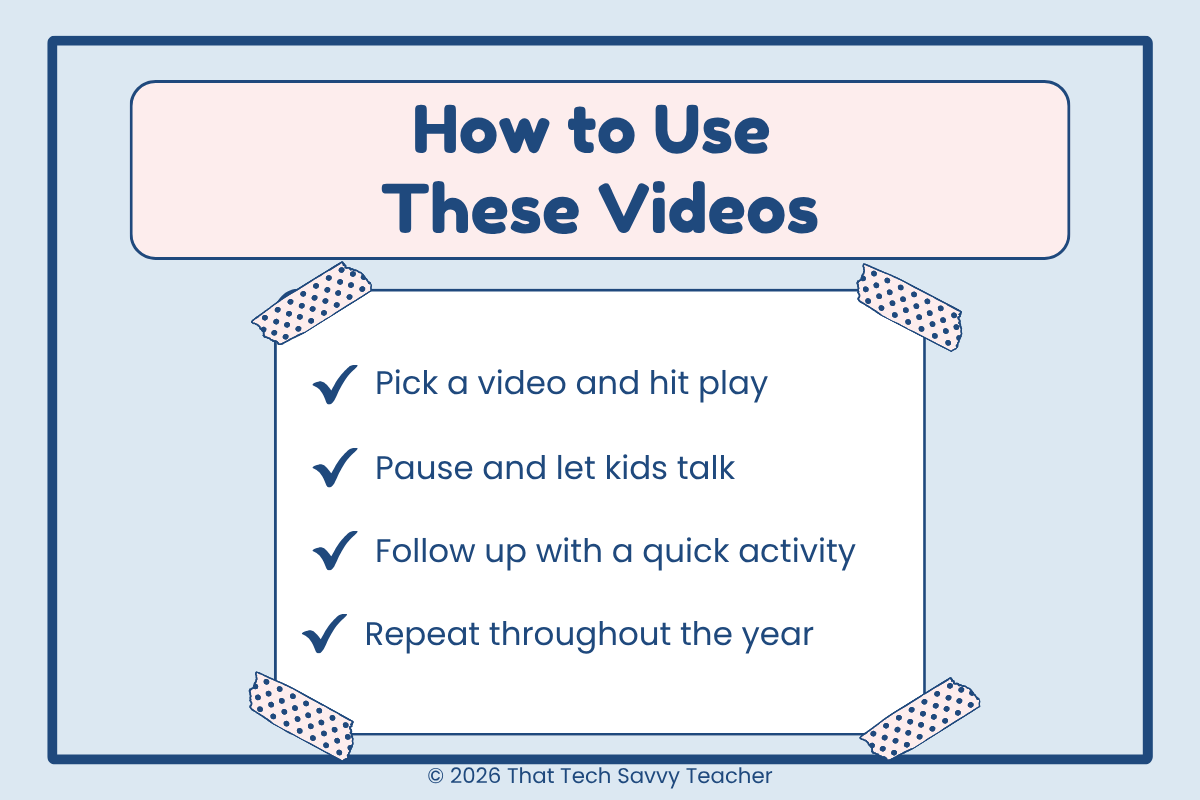
A great way to start is to pick one video and use it as a conversation starter. Show it, pause, ask a few questions, and let kids talk. That's it. You don't need a 45-minute lesson every time.
Digital citizenship lessons work best when they're woven into what's already happening. Did a student run across something weird while researching? Perfect time to talk about trustworthy information. Is a class working on a project and tempted to copy-paste? Great opening for a conversation about media literacy and digital footprints.
These don't have to be big formal lessons every single time. Sometimes a five-minute video lesson and a short discussion does more for a student's digital habits than a whole unit that feels disconnected from their real lives.
The goal is to raise responsible digital citizens, and that happens through repeated, meaningful conversations over time. Not through one perfect lesson.
FAQ: Digital Citizenship Videos for Elementary Students
-
Ideally, digital citizenship skills get woven throughout the school year, not just during Digital Citizenship Week. Even short, regular conversations help build lasting digital habits. Aim for at least once a month, or tie lessons to moments that come up naturally in class.
-
For younger students, personal information is usually a great starting point. It's concrete, relatable, and connects to real situations kids encounter. For older students, digital footprints and media literacy tend to spark the most engagement.
-
All of the videos in my playlist are completely free to watch on YouTube. A couple of them do include links to purchase a companion game or template if you want to extend the learning, but the videos themselves are always free.
-
Absolutely. These videos were made to be flexible, whether you're a tech teacher, a media specialist, or a classroom teacher who wants to cover digital citizenship topics without needing to build a whole curriculum.
Start Somewhere: That's All It Takes
Helping students navigate today's digital world doesn't have to be complicated. You have free videos, free lesson plans, and free resources right here, covering every major digital citizenship topic from internet safety to phishing scams to strong passwords.
Teaching good digital citizenship is one of the best things we can do for the kids in our classrooms right now. Their digital lives are already happening. We just need to make sure they have the skills to navigate them well.
Grab the free resources, bookmark the playlist, and let's help our students become responsible digital citizens, one video lesson at a time.
Get the free digital citizenship resources here
And if you want to learn how to build your own organized Google Site so your digital citizenship unit is ready to go every year, make sure you're on the waitlist.
Join the Google Sites for Teachers waitlist
Have a favorite digital citizenship video or activity you use with your students? I'd love to hear about it in the comments!