Free Elementary Technology Lessons for Teachers
If you’re an elementary technology teacher, you already know how hard it can be to find technology lessons that actually work across multiple grade levels.
Between planning lesson plans, managing lab time, and trying to build strong digital skills, it can feel like you are constantly searching for the next great lesson.
The good news is there is a better way.
If you want ready-to-use lessons you can try right away, I’ve put together a free tech lesson library you can access here:
In this blog post, I’m going to share a great way to teach meaningful technology lessons without feeling overwhelmed. These ideas will help you build critical thinking, support elementary students, and create a smoother classroom experience.
👉 If you are already feeling like you need a full plan instead of piecing things together week to week, I created a complete system that follows this exact structure inside Ready to Click Tech Lab.
💡 What Elementary Technology Teachers Really Need
Let’s be honest for a second.
Most elementary technology teachers are juggling:
• multiple grade levels
• limited class time
• a wide range of student abilities
You need more than random tech lessons.
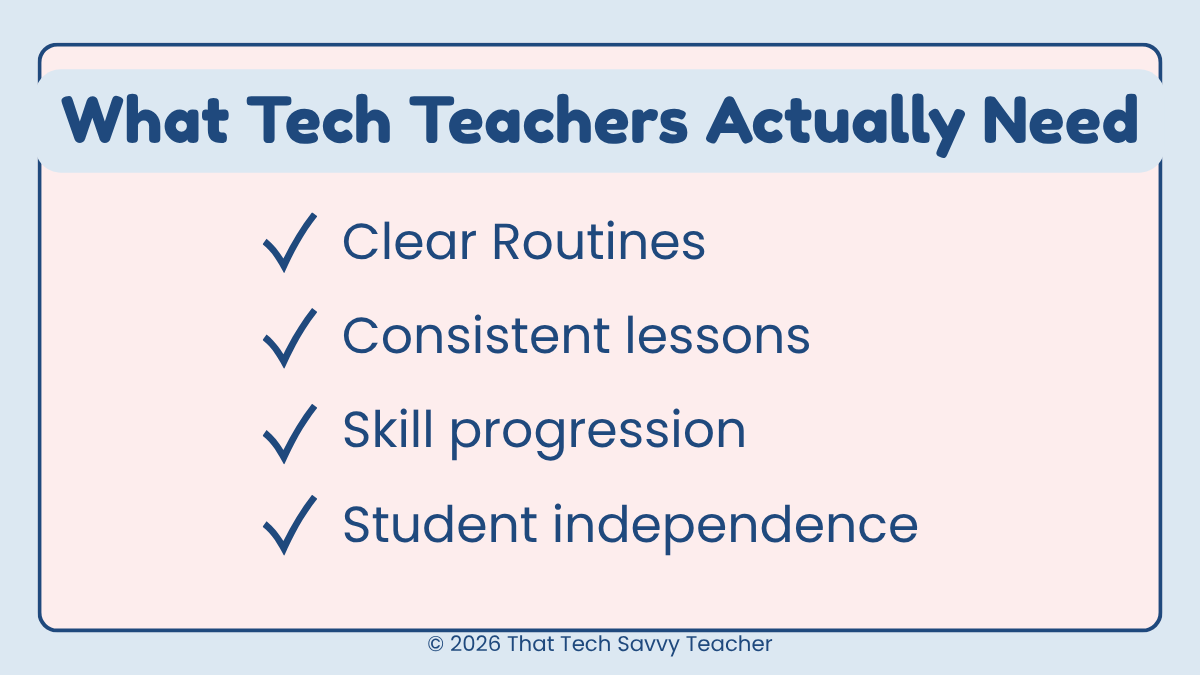
You need:
• clear routines
• predictable lesson structures
• lessons that build from your youngest students to upper elementary
That is why having a comprehensive elementary technology curriculum matters so much.
👉 This is exactly how I structure my own lab. Everything is organized so students build skills over time instead of starting over every week.
🔍 What to Look for in Technology Lessons
Not all technology lessons are created equal.
A strong lesson should:
• build critical thinking
• support technology literacy
• include interactive activities
• connect to ISTE standards
• be easy to assign in Google Classroom
It should also:
• include clear modeling
• work across different grade level needs
• be a good fit for your schedule
👉 When I create lessons, I always think about independence. Students should be able to follow along, pause, and complete work without needing constant help.
🧠 Types of Elementary Technology Lessons That Actually Work
There are so many teacher resources out there, but here is what actually works in a real classroom.
🌐 Digital Citizenship and Internet Safety
This is something I take seriously, and I do not rush through it.
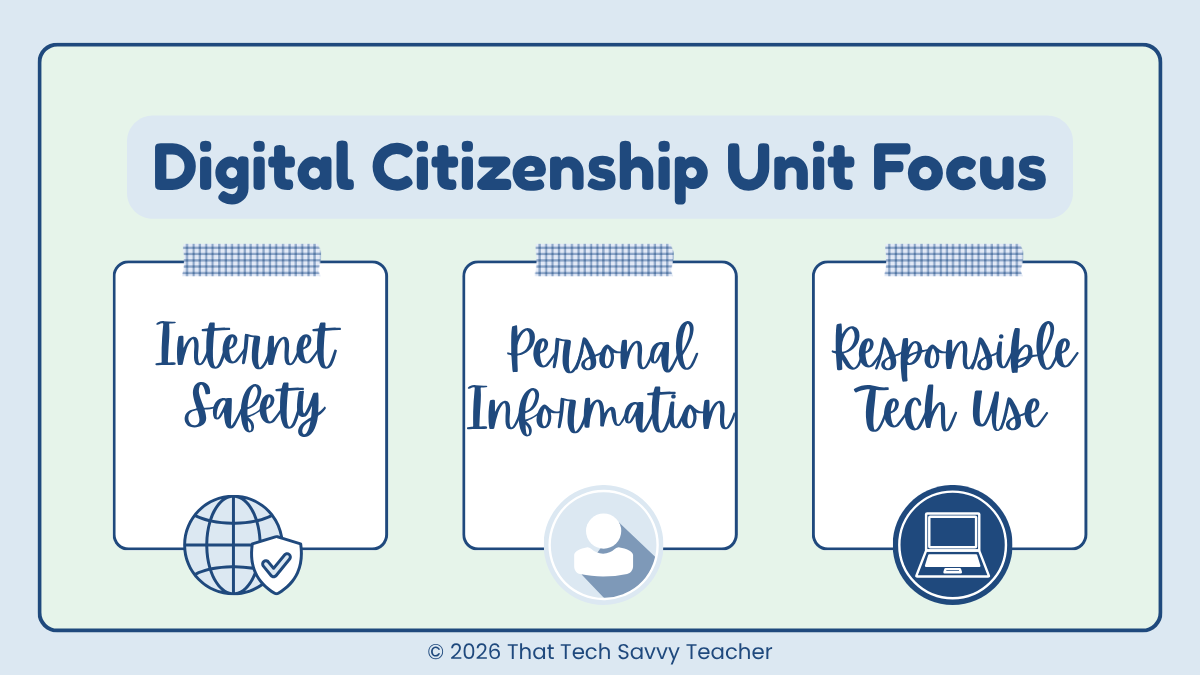
I teach digital citizenship lessons as a full unit where we focus on:
• internet safety
• understanding personal information
• responsible technology use
👉 I introduce each topic with a video lesson, then follow it with interactive activities and games so students can practice.
We spend time on it first, then revisit it throughout the year.
🎮 Interactive Activities and Self Checking Games
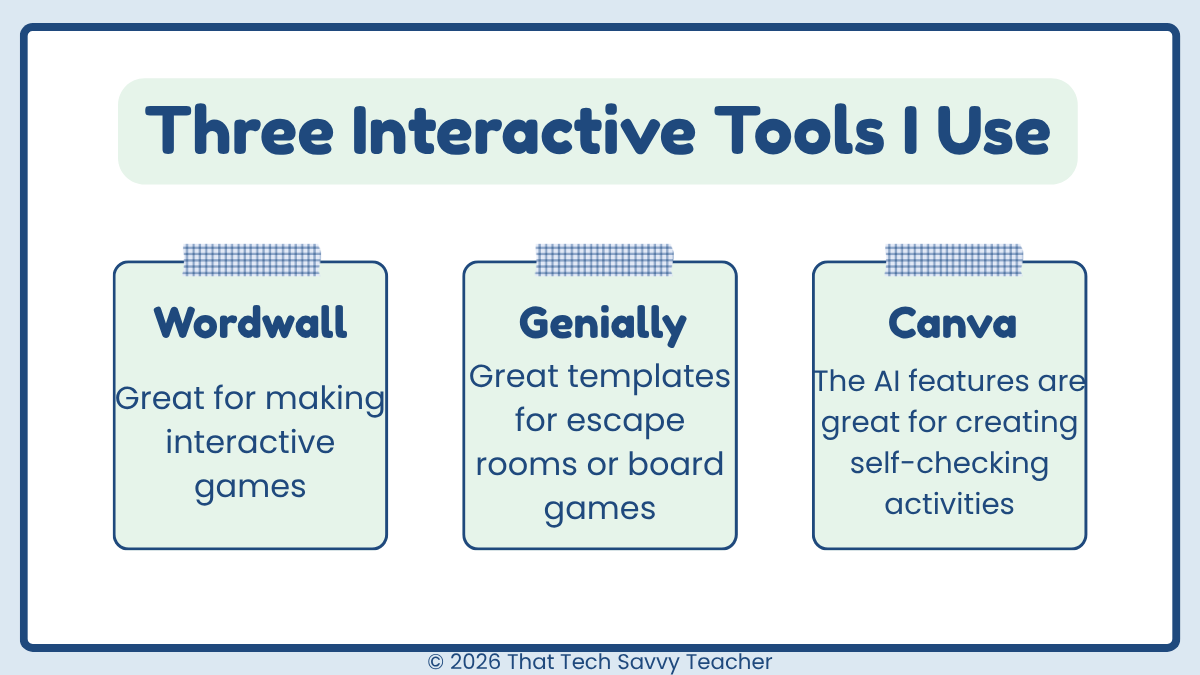
I use interactive lessons all the time.
Some of my favorite tools:
• Wordwall
• Genially
• other online resources with self checking features
These are great for:
• identifying computer parts
• reviewing technology skills
• reinforcing concepts
👉 I love activities that let students check their own answers. It builds confidence and saves time.
If you want examples of these types of lessons already created for you, you can grab them here:
🧰 Combining Tools to Build Better Lessons
One of the best things I started doing was combining tools instead of using just one.
A typical lesson might include:
• a video lesson
• a project or activity
• a quick check for understanding or reflection on the project
👉 This allows students to work at their own pace and creates a smoother flow during lab time.
🎨 Using Canva for Interactive Lessons
Canva is one of my favorite tools for creating interactive activities.
You can:
• design projects
• create simple games with their AI feature
• build visual lessons
• use artificial intelligence to help generate ideas
👉 I often combine:
• a video I created
• a Canva project
Everything works together and keeps students engaged.
📚 Creating Digital Books and Practice Activities
I also like using tools like Book Creator.
You can:
• create simple e books
• include directions
• add digital activities
• embed quizzes
👉 This is a really helpful way to combine teaching and practice in one place.
⌨️ Foundational Computer Skills
For my youngest students, I focus heavily on building strong foundations.
We work on:
• foundational computer procedures
• using a digital tool
• building confidence
👉 I rely a lot on video lessons here so students can pause and work independently.
🎨 Creative Technology Projects
This is one of my favorite parts.
I love using project based technology lessons that connect to what students are learning in other classes.
Examples:
• government projects
• science based activities
• typing projects with vocabulary
👉 This helps students see that technology skills connect to real learning, not just isolated activities.
💻 Using Google Tools for Technology Projects
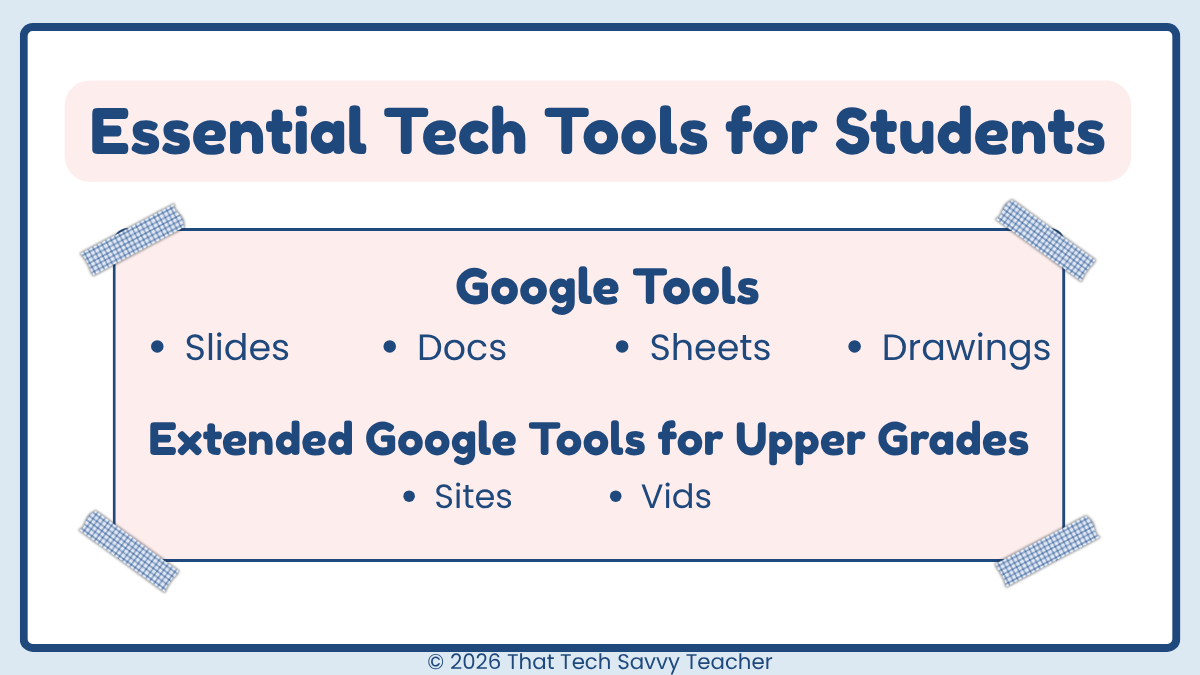
One of the best things you can do in your technology lessons is use tools your students will continue to use throughout their school years.
I use Google tools in my classroom all the time because they are:
• easy to access
• familiar to students
• a great way to build real-world technology skills
📊 Google Slides Projects
Google Slides is one of my favorite tools for elementary students.
Students can:
• create presentations
• insert images
• practice formatting
• build confidence with layout and design
👉 I use Slides for things like:
• digital posters
• research projects
• step-by-step guided activities
📝 Google Docs Activities
Google Docs is perfect for helping students practice writing and formatting.
Students learn how to:
• type and edit text
• use basic formatting tools
• organize their ideas
👉 This is a great way to connect technology lessons with classroom writing skills.
📈 Google Sheets for Interactive Learning
Google Sheets is such an underrated tool in the elementary classroom.
I use it for:
• interactive activities
• simple data projects
• color by number style activities
👉 Students love it, and it builds critical thinking and problem solving skills.
🎨 Google Drawings for Creativity
Google Drawings is a great option for creative projects.
Students can:
• design
• drag and drop
• create visual responses
👉 This is a fun way to build technology literacy while giving students more creative freedom.
💡 Why This Matters
When students learn these tools early, they build transferable digital skills they will use year after year.
👉 This is exactly why I include Google-based projects in my lessons, so students are not just completing activities, they are building skills they will actually use.
👉 If you want ready-to-use Google Slides, Docs, and Sheets projects that follow this exact structure, I’ve included those inside Ready to Click Tech Lab so you don’t have to build them from scratch.
🧩 How I Structure My Technology Lessons
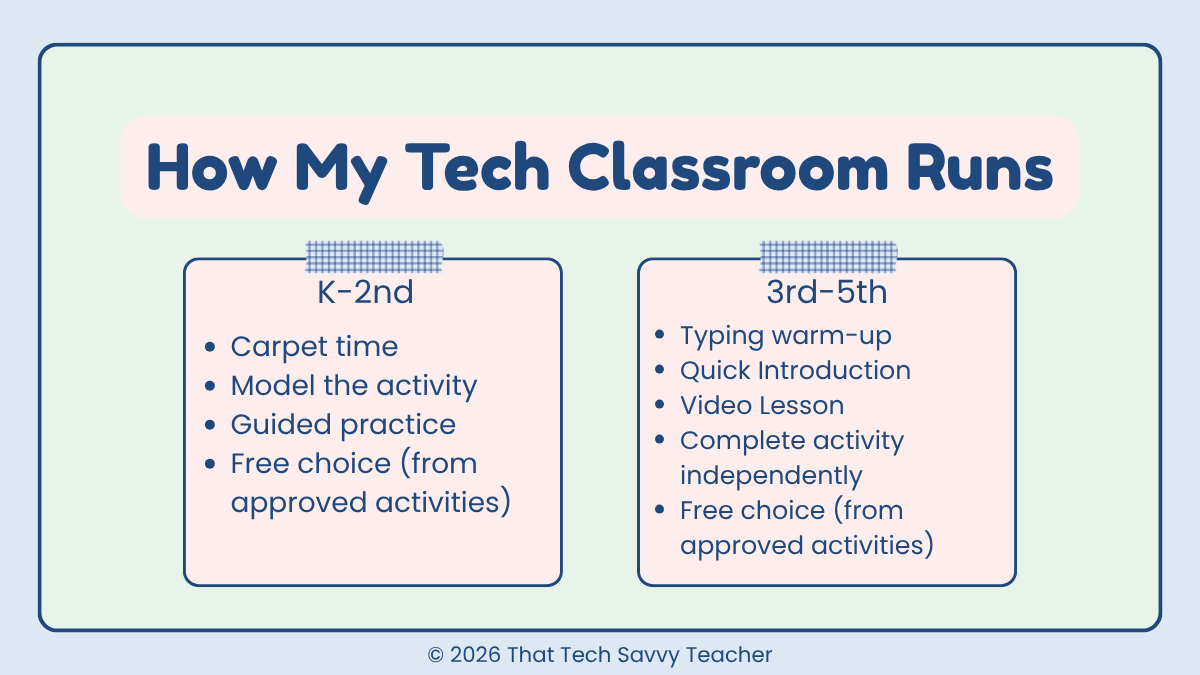
This is what changed everything for me.
Instead of planning random lessons, I focused on:
• consistent lesson structures
• clear routines
• building on previous lessons
In my classroom:
• Students use a class website
• They always know where to go
• They know what to do next
👉 This structure builds independence and reduces confusion.
It also supports all learners and makes your classroom run smoothly.
👉 This is the same structure I use inside Ready to Click Tech Lab, so everything is already organized and ready to go.
📥 Where to Find Free Elementary Technology Lessons
There are a lot of places to find free downloads and teacher resources:
• Teachers Pay Teachers
• free resource libraries
• shared online resources
👉 I also share many of the templates and lessons I use as free resources because I know how helpful it is to have something ready to go.
These are great starting points.
But they are often missing structure.
🚀 When You Are Ready for More Than Random Lessons
At some point, most teachers realize they need more than scattered ideas.
You need a system.
Instead of searching for new content, you want:
• organized lesson plans
• built in digital citizenship lessons
• aligned technology skills
• ready to use interactive lessons
👉 That is exactly why I created Ready to Click Tech Lab.
It is everything I use in my own classroom, already organized by grade level and ready to assign.
If you’re not quite ready for a full system yet, you can start with my free lesson library here:
✨ Final Thoughts
Teaching technology does not have to feel overwhelming.
With the right technology lessons, clear routines, and a focus on elementary technology instruction, your classroom can run smoothly and your students can build meaningful skills.
Start simple.
Use what works.
Build from there.
👉 And if you are ready for a full system instead of piecing everything together, you can explore Ready to Click Tech Lab here.
You do not have to figure this out alone.