📒 Make your planning easier with editable templates for lesson plans, parent communication, and more.
I taught in the regular classroom for 20 years before stepping into my current role as a K–5 technology teacher—and now I work with almost 900 students on a rotating schedule. So when I say I understand how much teachers juggle, I really mean it.
We’re constantly creating things: lesson plans, parent letters, newsletters, sub notes... and usually doing it all while answering emails, wiping noses, or rebooting a Chromebook. And most of the time? We’re starting from scratch.
That’s why I started building a collection of free Google Docs templates for teachers. Each one is thoughtfully designed to be organized, editable, and easy to use—so your planning process feels less overwhelming and a little more efficient. These are the kinds of templates I know can save time, keep things organized, and help your week run a whole lot smoother.
You can grab each template using a force-copy link, so it’s ready to customize with just one click. They’re completely free, but I do ask—pretty please—that you send other teachers to this blog post to get their copy. That way, they can explore what might be helpful for them too, and it helps protect the time and care I’ve put into creating these resources. If you’ve found them helpful, sharing this post is a small but meaningful way to support the work—and I truly appreciate it.
✨ Grab Your Free Google Docs Templates
🎉 Want instant access to all the free Google Docs templates?
Just drop your email below, and I’ll send you a PDF with every template inside. It’s the easy way to get started without formatting headaches.
👉 What's Included in the Template Pack
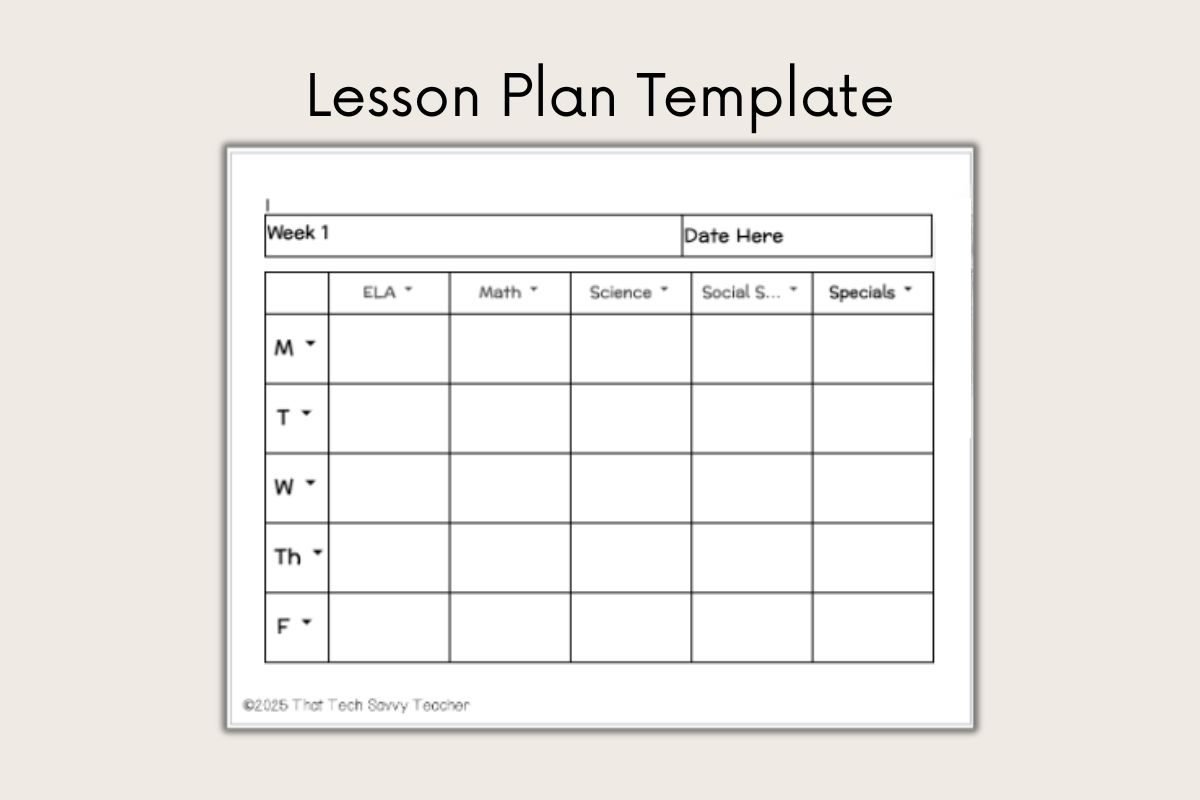
🏫 Free Lesson Plan Template
Includes two different layout options to help you organize your week or plan out a more detailed lesson when needed. You can use them as-is or tweak the sections to match your planning style. A few versions also include editable dropdown menus to save time with common routines or standards.
Below is a sample of the editable layout:
📓 Hyperdoc Templates
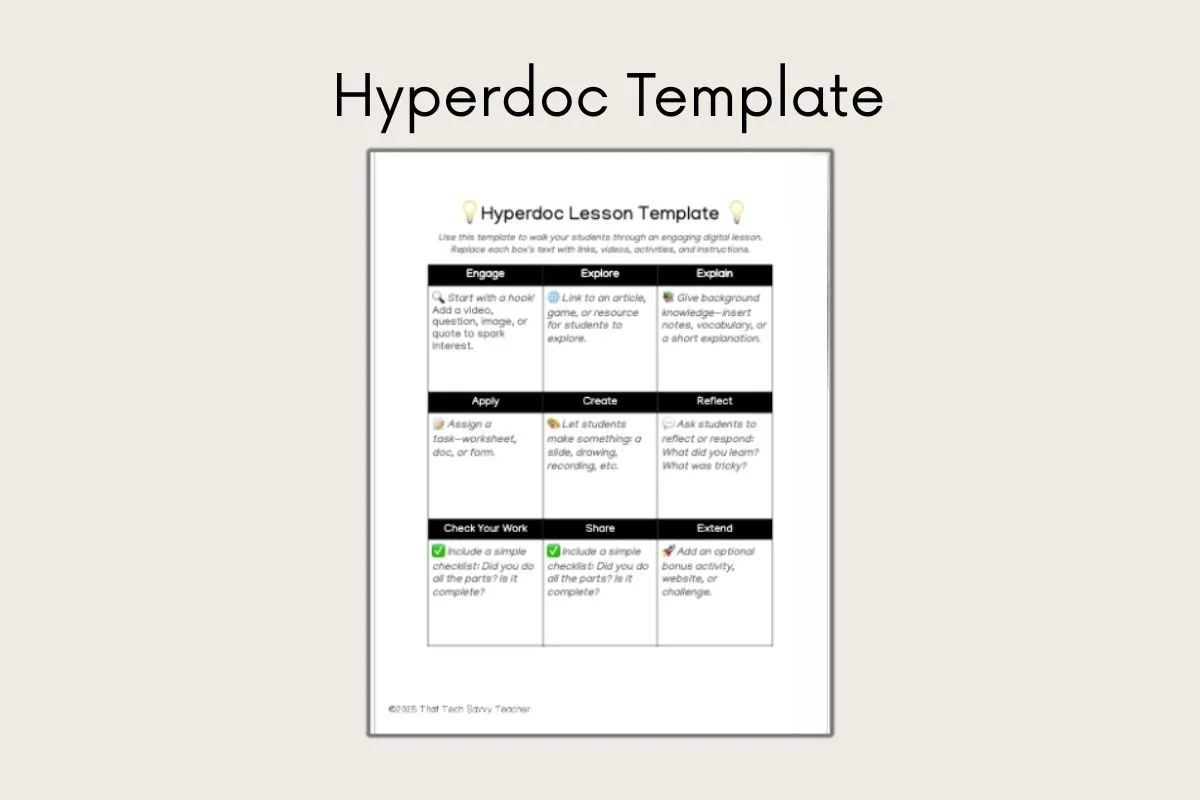
This Google Doc is designed to help you build an interactive lesson in one place. This template includes sections for instructions, links to resources or videos, and space for students to respond—making it easy to guide them through a digital activity step by step.
Take a closer look:
📧 Parent Communication Log
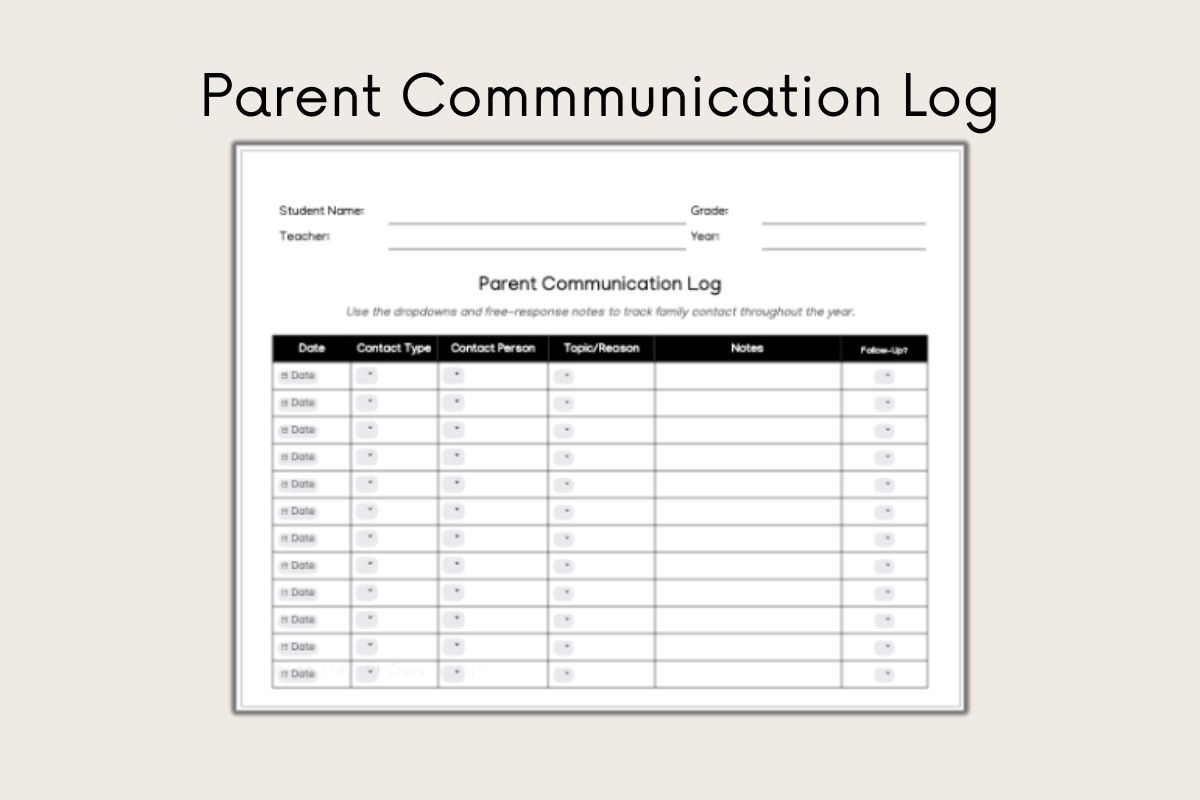
This simple but powerful log helps you track family contact by date, method (like email, phone, or in person), and quick notes. What makes this template especially efficient is its smart use of dropdown menus for faster entry and easy organization. Each student has their own tab within the document, so you can keep all communication neatly organized in one place. Just click to navigate between students—no flipping through papers or digging through files. It’s editable, digital, and teacher-friendly… and honestly, the one I’m most proud of.
Here's a preview of what it look like:
📰 Class Newsletter Template
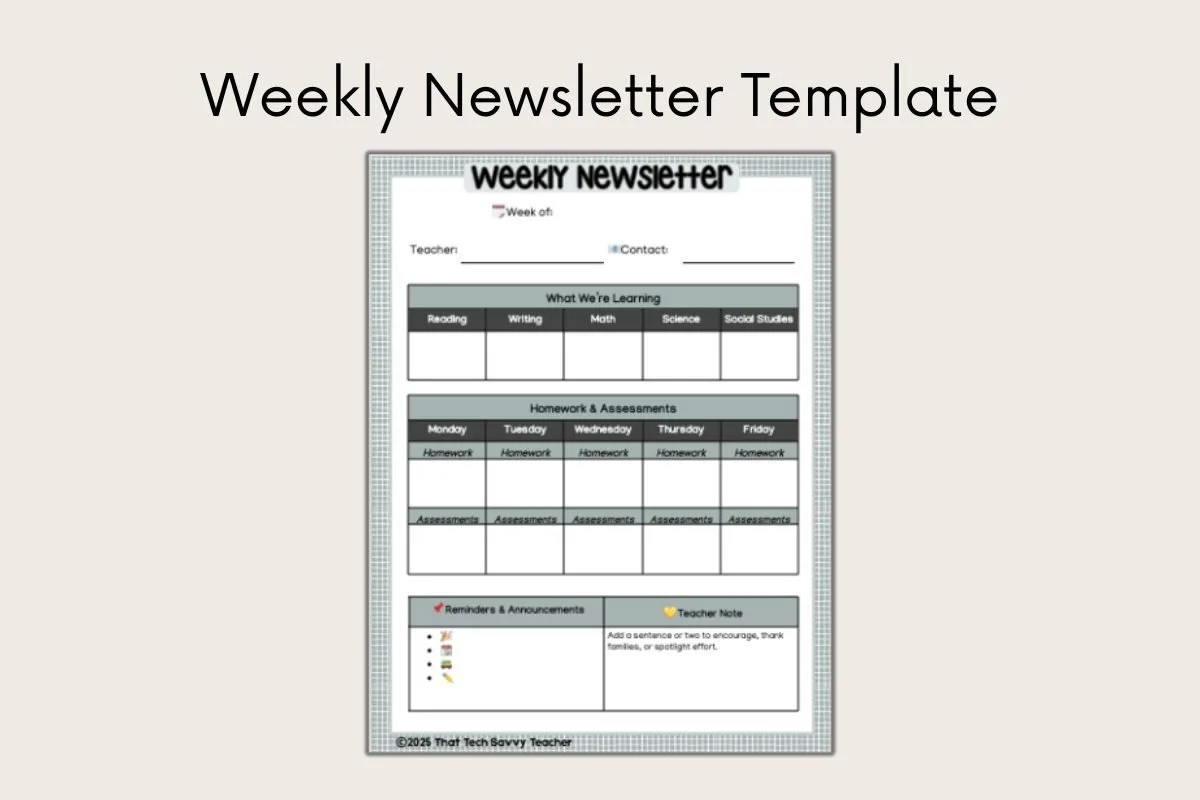
This simple and structured newsletter template makes it easy to send home updates. You’ll be able to edit font styles, add your own class highlights, and reuse the same structure each week or month.
Take a closer look:
📨 Parent Letter Templates
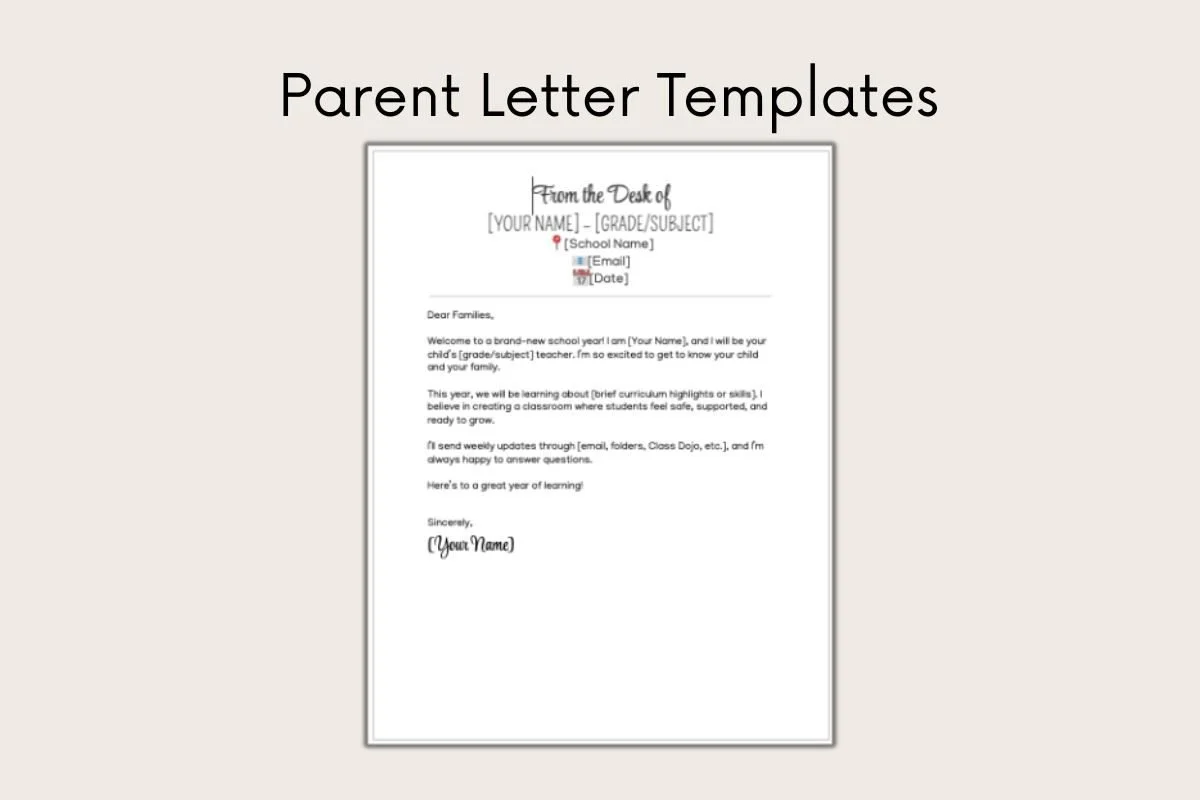
This set of templates is designed to help you communicate clearly and professionally with families throughout the year. Each page includes an editable header—“From the Desk of…”—so you can personalize your letters for reminders, celebrations, or any classroom updates. These are simple, flexible templates that make parent communication feel a little more polished without adding extra work.
Below is a sample:
🖨 Printable Lesson Planner
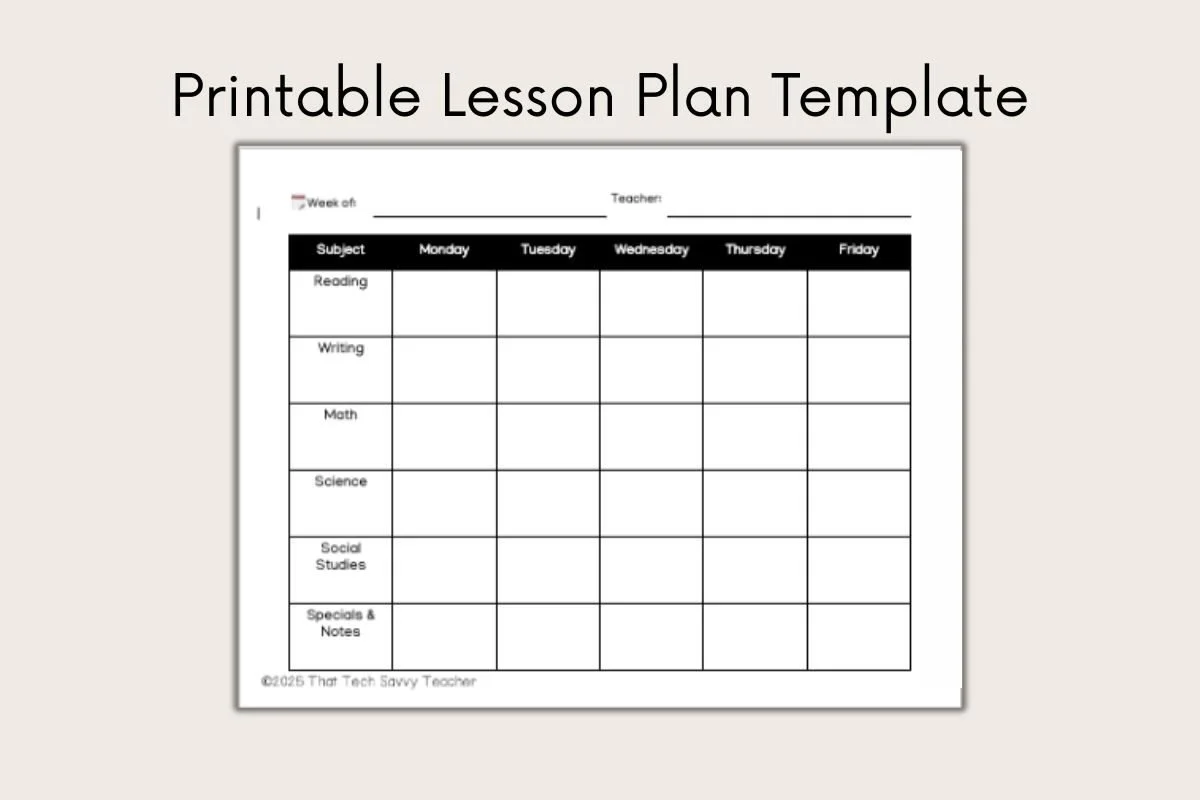
For those of us who still love a printed plan, this Google Document can be downloaded and printed weekly. It includes boxes for each subject area and helps you stay focused—even without an internet connection. There are color and black and white options.
Take a look below:
📝 Meeting Notes + Team Planning Templates
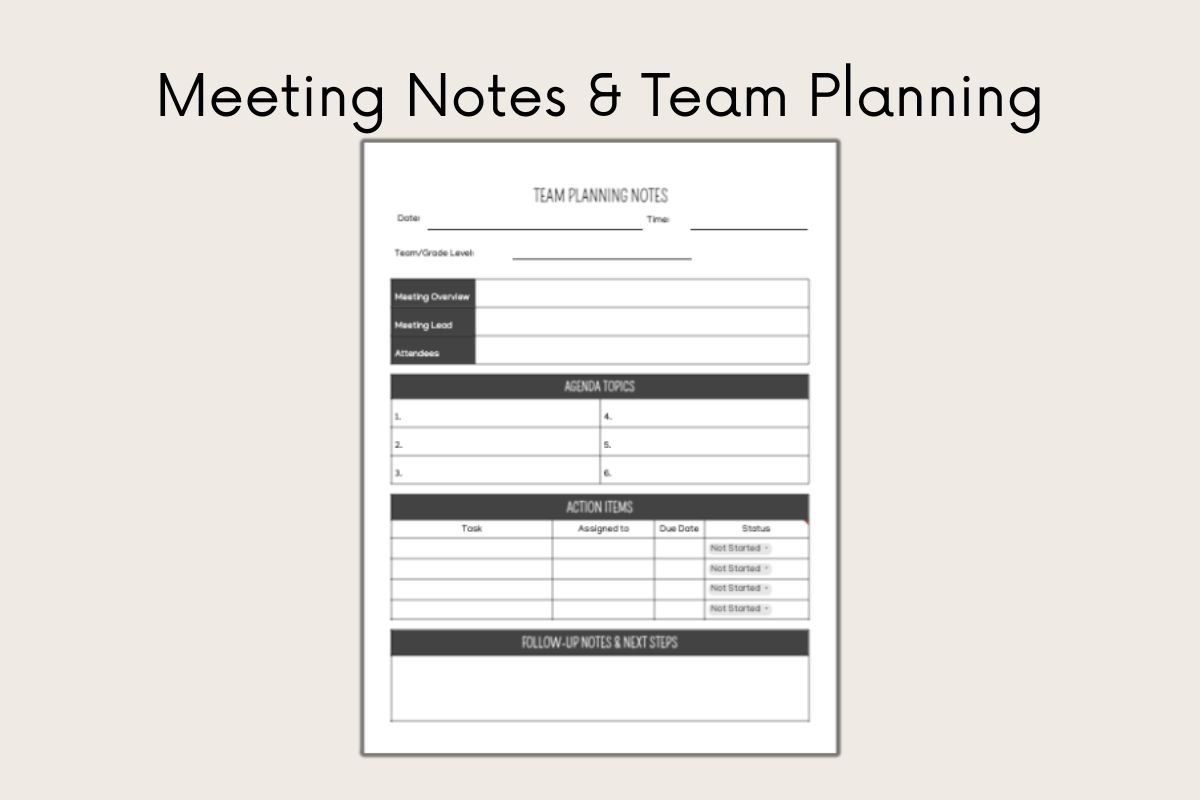
Stay on the same page with your department or grade-level team using these editable meeting templates. With sections for the agenda, action items, and follow-ups, you won’t have to dig through old emails later.
Check out the sample below:
☑️ How to Use These Templates
Each template is delivered in a downloadable PDF with clickable Google Docs force-copy links. That means when you click a link, it’ll prompt you to make your own editable version in your Google Drive—no formatting, no fuss.
Please don’t forward the templates directly. Instead, share the link to this blog post so other teachers can grab their free email access and explore everything else I’ve got for them too.
☑️ Why These Templates Matter
The goal behind each teacher template is simple: to help you save valuable time while still hitting all the important details. Whether you’re planning, prepping, or communicating, starting with a thoughtful template gives you a head start—and it helps you put your energy where it matters most.
They’re especially helpful during those high-stress seasons—like back-to-school, report card time, or sub plans on a Friday morning.
❓FAQs
-
Yes! Every template is a Google Document shared via a force-copy link. You’ll be able to edit your own version however you’d like.
-
Definitely. Many are designed to work well both digitally and on paper—especially the printable lesson planner.
-
You’ll need an internet connection to make your copy and edit it in Google Docs, but you can also download them for offline use.
-
Of course! Just send them here to the blog so they can sign up and download their own templates.
-
Yep! After you sign up, I’ll send occasional updates, more online resources, and maybe even some tips about how to export emails, organize your planning, and streamline your week.
⭐️ Want Even More Templates?
I’m working on a full Teacher Template Toolkit that will include even more ready-to-use resources—like Google Slides templates, Google Sheets templates, editable Canva headers, and extra planning tools. The basic pack is free, but I’ll also have a few premium options available soon for teachers who want the full collection. Stay on the list, and you’ll be the first to see everything when it drops!
If you’re a K-5 Technology teacher, I also create ready-to-use tech lessons and curriculum resources designed specifically for computer lab classes - so you’re not starting from scratch each week.
🗓 What’s Coming Next
This set of Google Docs templates is just the beginning. I’m also working on a growing collection of Google Slides templates for student lessons and class presentations, along with Google Sheets templates to help with things like behavior tracking, weekly planning, and progress monitoring. These tools will offer even more flexibility and organization—especially for teachers who love using visual and data-driven tools in the classroom. If you’re on the list, you’ll be the first to know when they’re ready!
Grab Another Freebie While You're Here!
If you're looking for another classroom-ready freebie, I've got one more you'll love—especially if your students enjoy pixel-style activities.
🎨 Try my Free Google Sheets Color-by-Number Template—it's a fun, self-checking activity that works perfectly for early finishers, tech centers, or review days.
