Looking for a meaningful digital citizenship activity that goes beyond worksheets?
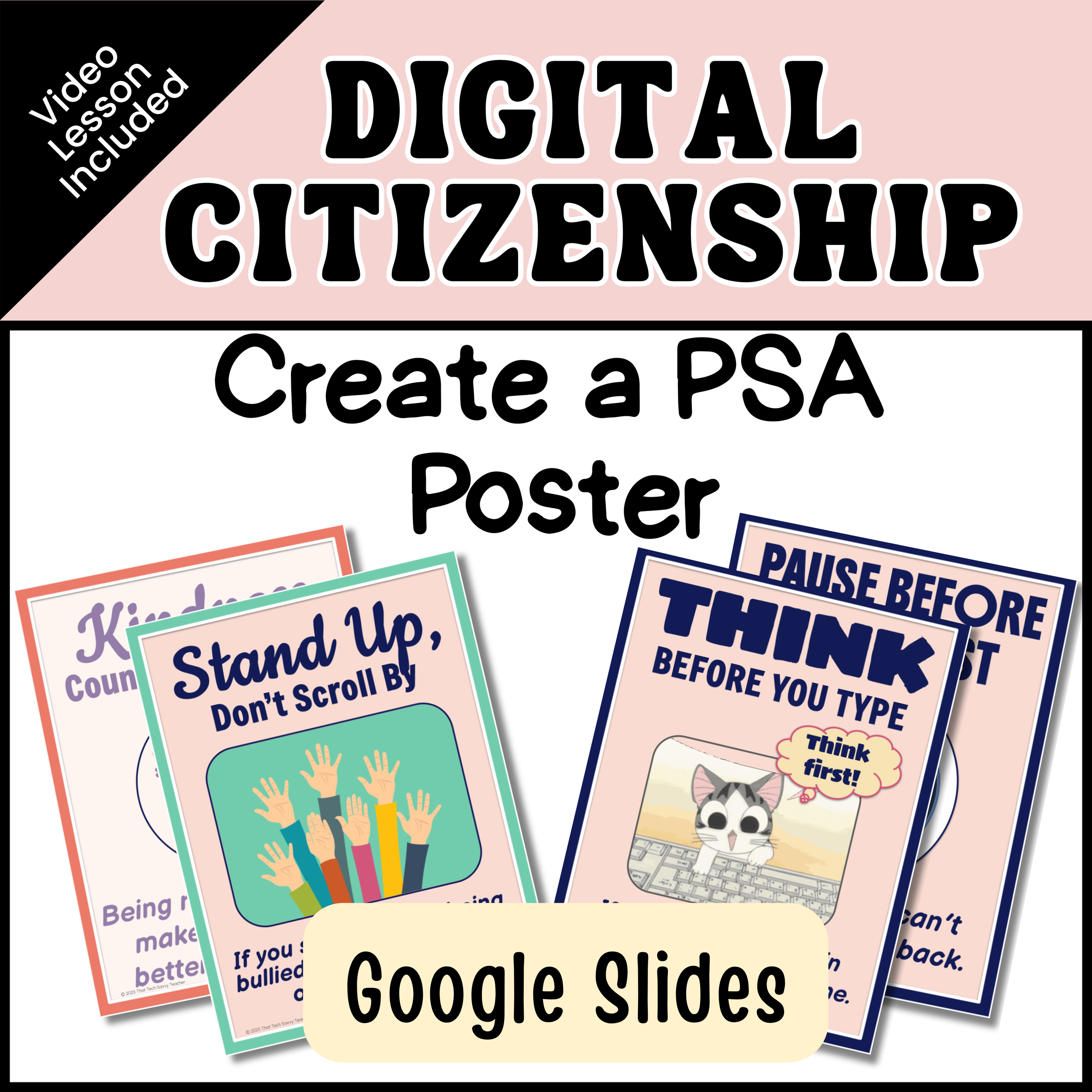
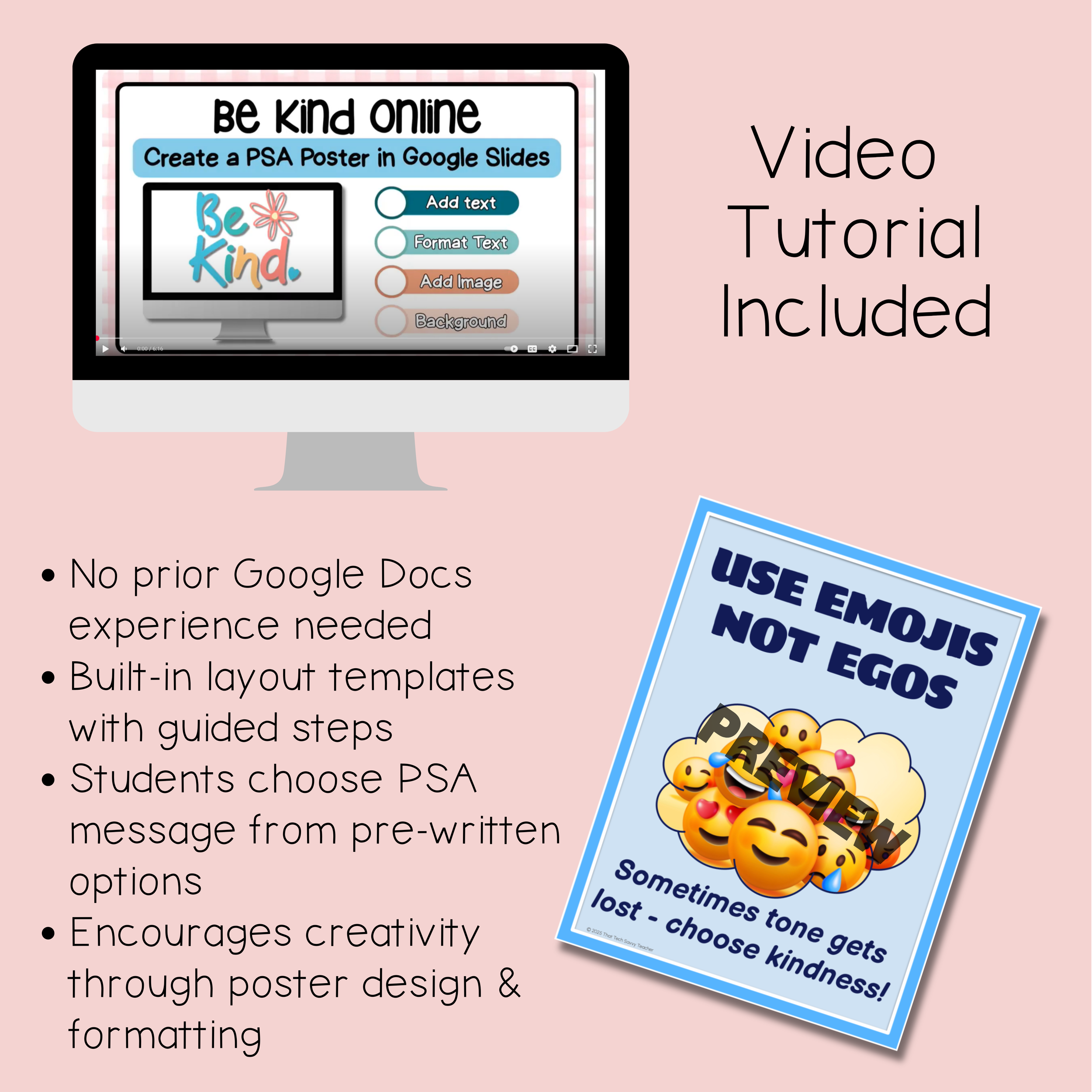
The Digital Citizenship Create a PSA Poster project gives students the opportunity to apply what they’ve learned by creating a Public Service Announcement poster in Google Slides. Instead of just answering questions, students show their understanding of digital citizenship topics through design, text, and thoughtful choices.
This project works well in technology class, computer labs, or classroom settings where students are learning how to communicate responsibly online while practicing real Google Slides skills.
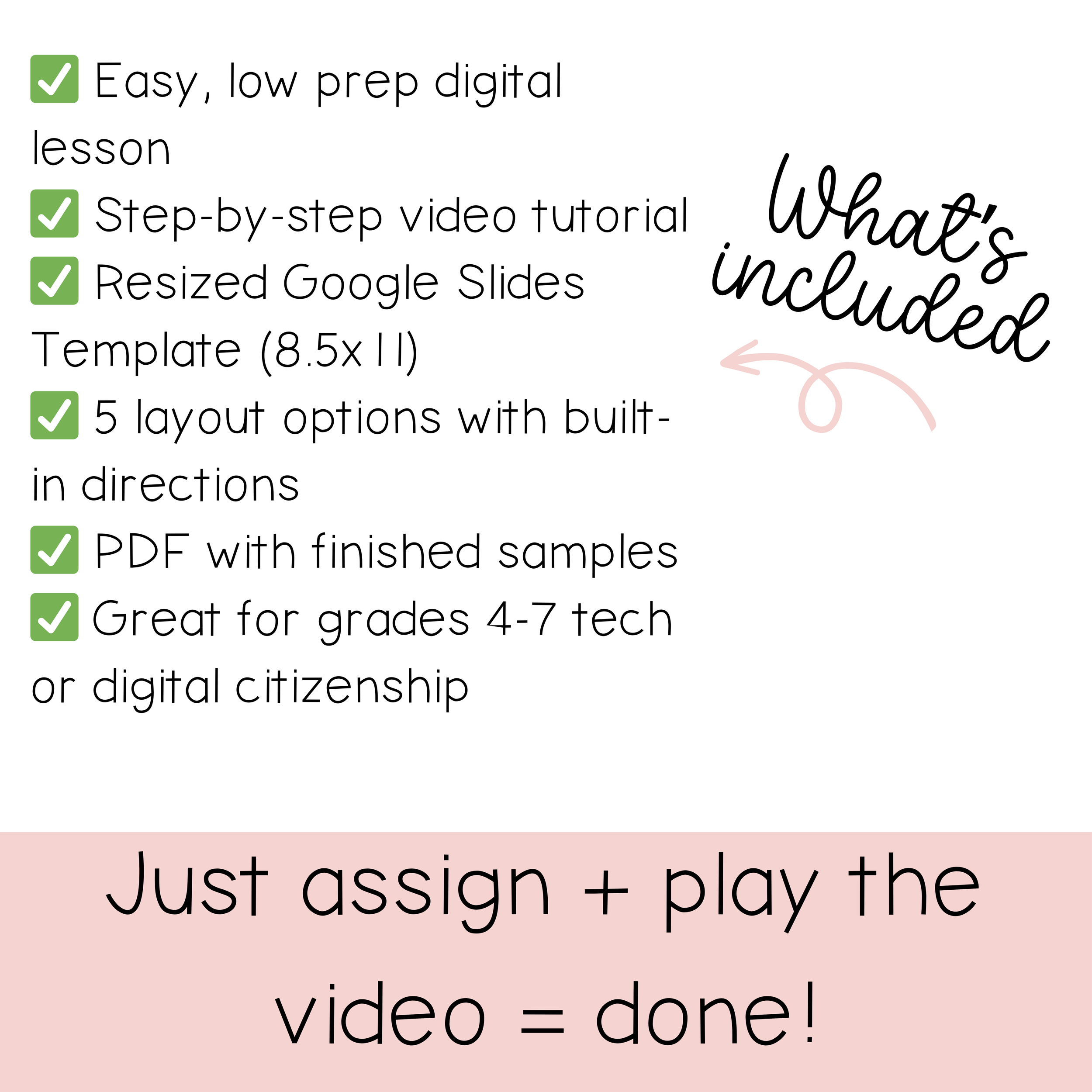
What’s Included
Google Slides PSA poster template
Clear, student-friendly directions
Editable text boxes for student responses
Ready-to-assign format — no prep required
Skills Students Practice
Digital citizenship concepts and responsible online behavior
Creating and editing content in Google Slides
Using text boxes, formatting tools, and layout design
Communicating ideas clearly and creatively
Easy Ways to Use This Resource
Digital citizenship lessons in tech class
Computer lab projects
Classroom technology integration
Independent or small-group work
Assessment or review activity
Why This Project Works
Creating a PSA encourages students to think critically about digital behavior while giving them ownership of their learning. By combining content knowledge with digital creation, students stay engaged and produce work they’re proud to share. The structured template keeps the focus on learning — not troubleshooting — making it accessible for a wide range of skill levels.
This project is an excellent way to reinforce digital citizenship expectations while building practical Google Slides skills students will use all year.