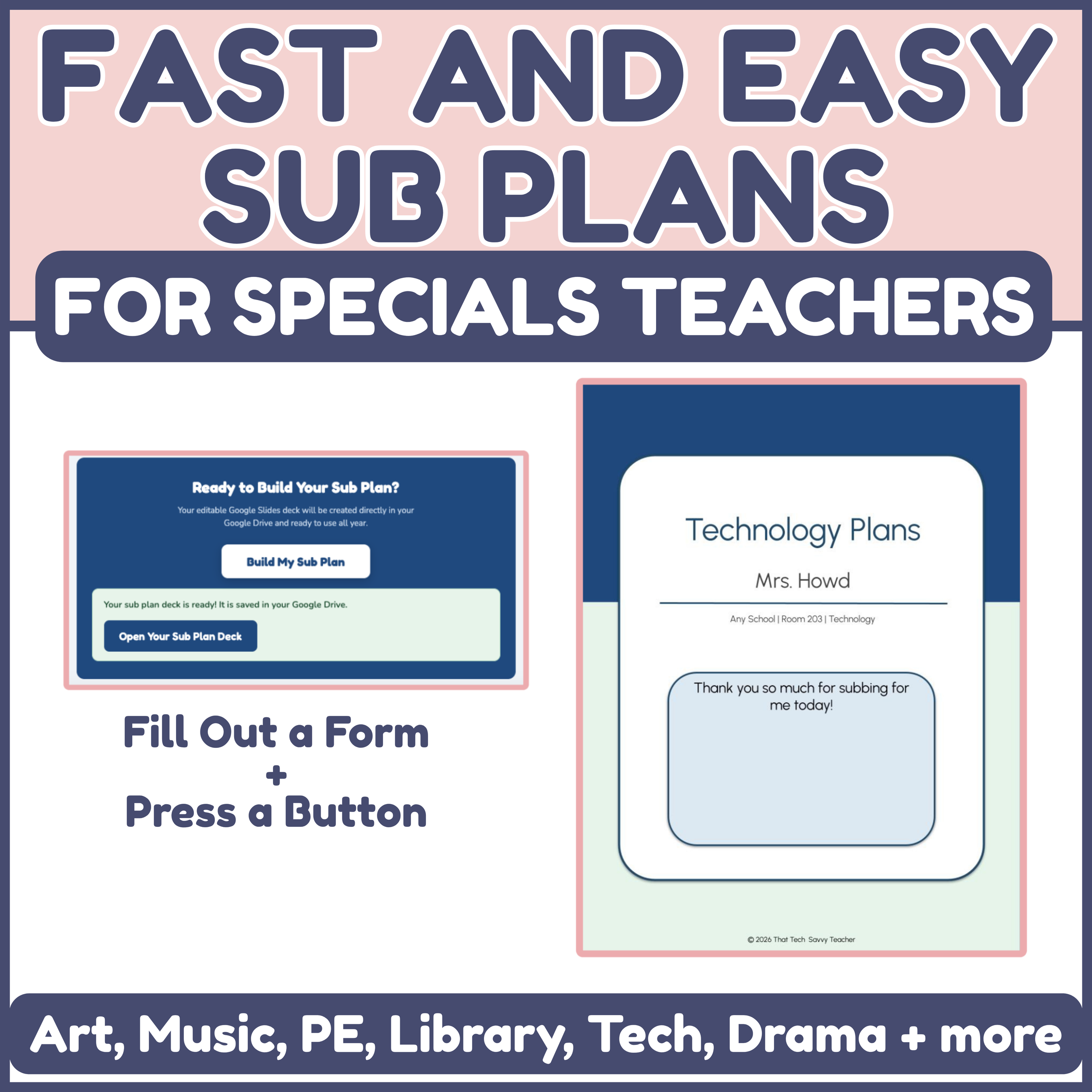
Editable sub plans for specials teachers, ready in minutes. Fast and Easy Sub Plans is built for art, music, PE, library, technology, drama, and orchestra teachers, the ones who see hundreds of students a week across a full rotation.
Getting ready for a sub is harder when you are a specials teacher. You are not handing off one class for the day. You are handing off class after class, different grades, different routines, all day long. It is a lot to explain, and almost impossible to write out clearly the night before when you are not feeling well.
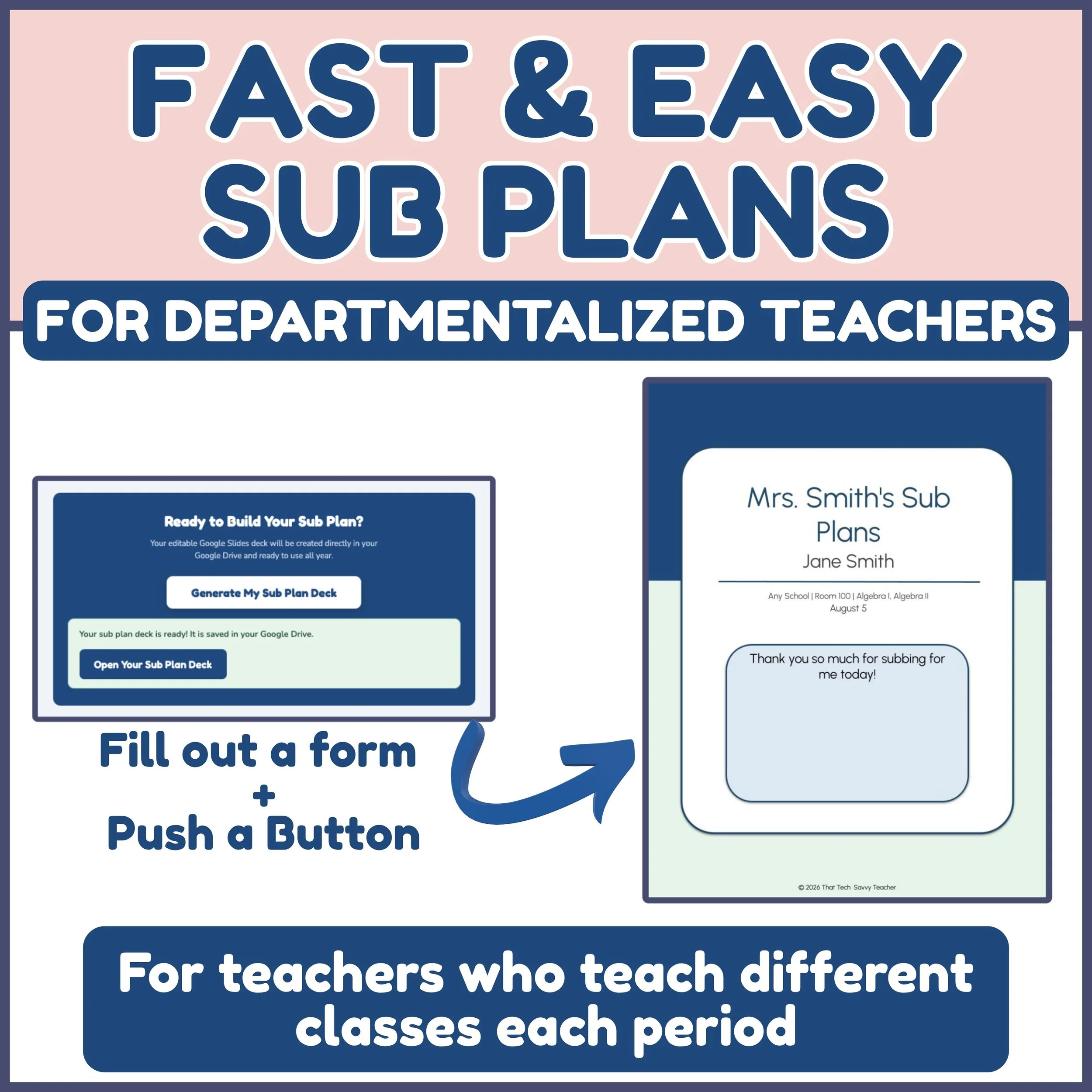
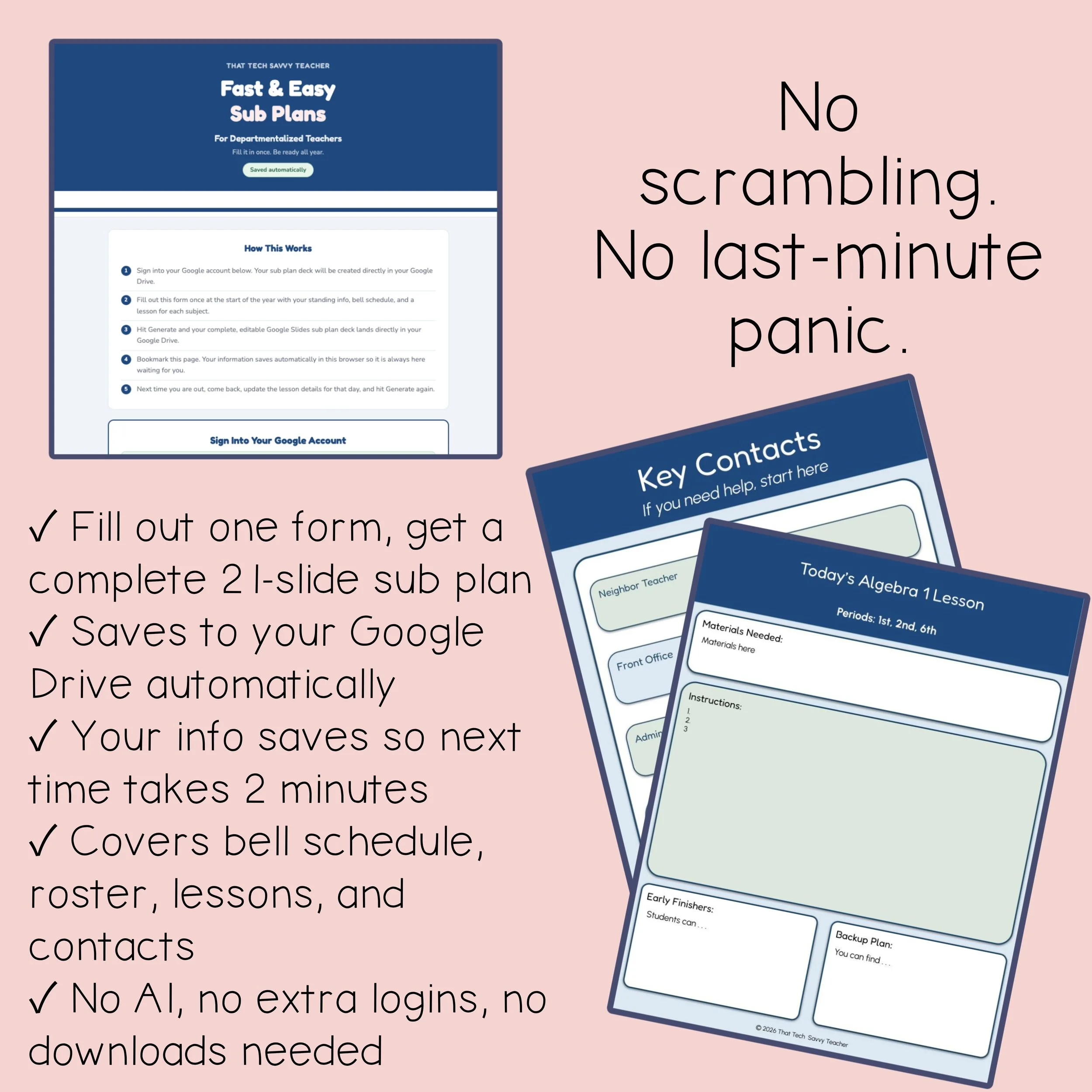
This tool does the organizing for you. You fill out one simple form that already thinks through everything a sub needs to run your room. Then it formats your answers into a clean, professional, fully editable Google Slides sub plan and saves it right to your Google Drive. Your words. Your students. Your classroom.
Not a single word is AI generated.
This is written by a teacher who has taught both elementary and specials, so it is built around how a rotation actually works, not a generic classroom.
THIS IS NOT AI GENERATED:
The tool does not write your content for you. It takes the information you provide and organizes it into a beautifully formatted, professional sub plan. Every detail comes directly from you.
MAKE IT ONCE, USE IT ALL YEAR:
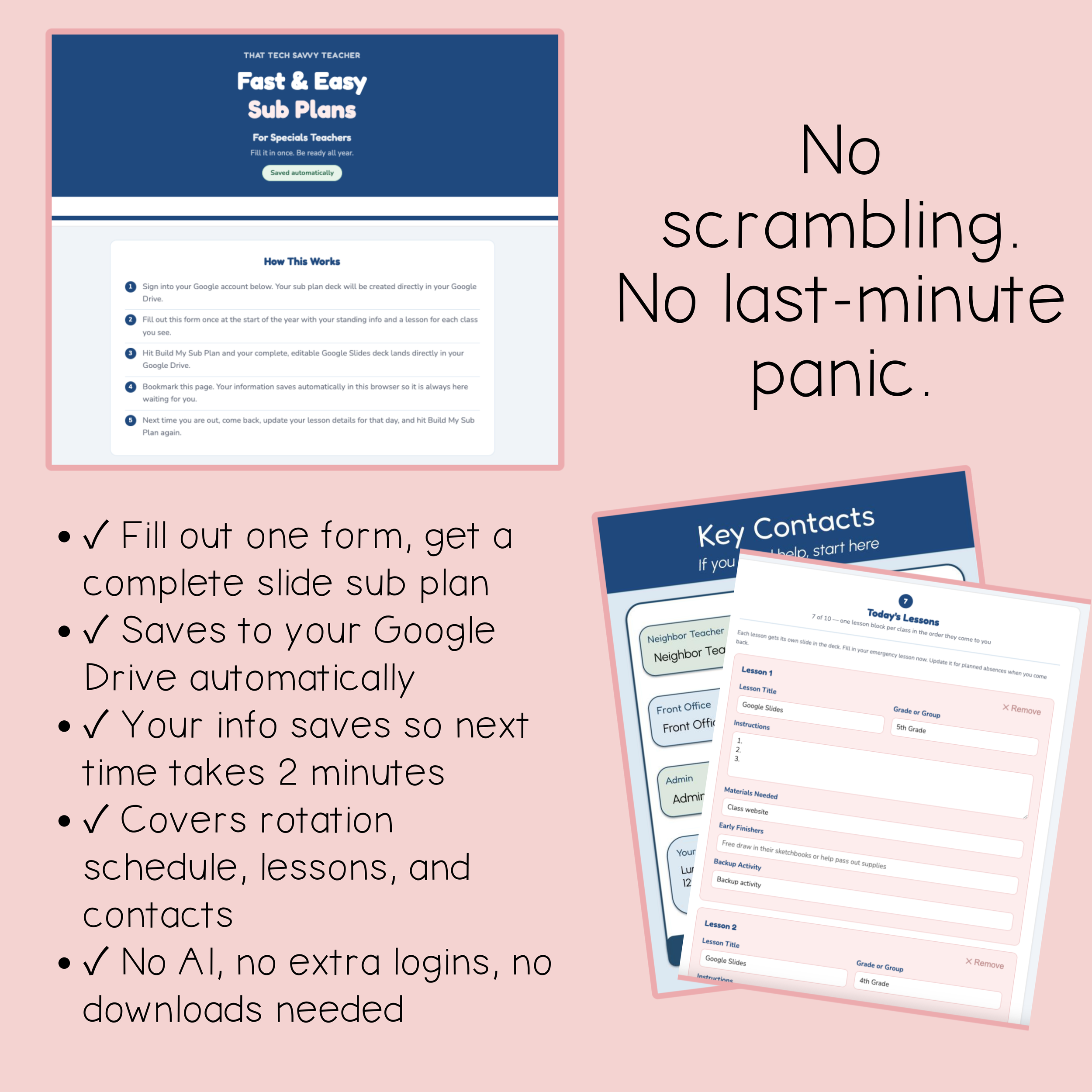
Your form answers save right in your browser. Fill it out at the start of the year, and the next time you are out, just update your lessons or make a few changes and press the button. A fresh, organized Google Slides sub plan lands in your Drive every time. (Autosave works when you use the same browser on the same device.)
YOUR SUB PLAN INCLUDES THESE SLIDES:
Cover Slide: Your name, room, specialty, and the date. Polished before your sub even walks in.
Your Rotation at a Glance: Your specials rotation, so your sub knows which classes come on which day.
Today's Schedule: Every class coming in, with times and grades, laid out clearly.
Before Students Arrive: Setup and prep so your sub is ready before the first class walks through the door.
Class Routines: How you start, transition, and end every class. The rhythm that keeps a specials room from falling apart.
Where to Find Student Info: Rosters, accommodations, and the notes your sub needs to keep every student safe and supported.
Important Links: Every link your sub needs, in one place.
Login and Tech Info: Usernames, passwords, and projector notes, so your sub is not stuck at a locked screen.
Key Contacts: Neighbor teacher, office, admin, lunch, and any duties. Who to call and when.
Lesson Slides: One slide per class with materials, instructions, early finishers, and a backup plan already included.
End of Day: How to wrap up and leave your room ready for you.
HERE'S HOW IT WORKS:
Answer a few simple questions about your rotation, schedule, and room
Fill in your lesson details
Click the button to create your sub plan
A complete, professionally formatted Google Slides sub plan lands directly in your Google Drive, fully editable and ready to share
Your details come out organized, formatted, and professional. Sub plans you can actually be proud of.
WHAT'S INCLUDED:
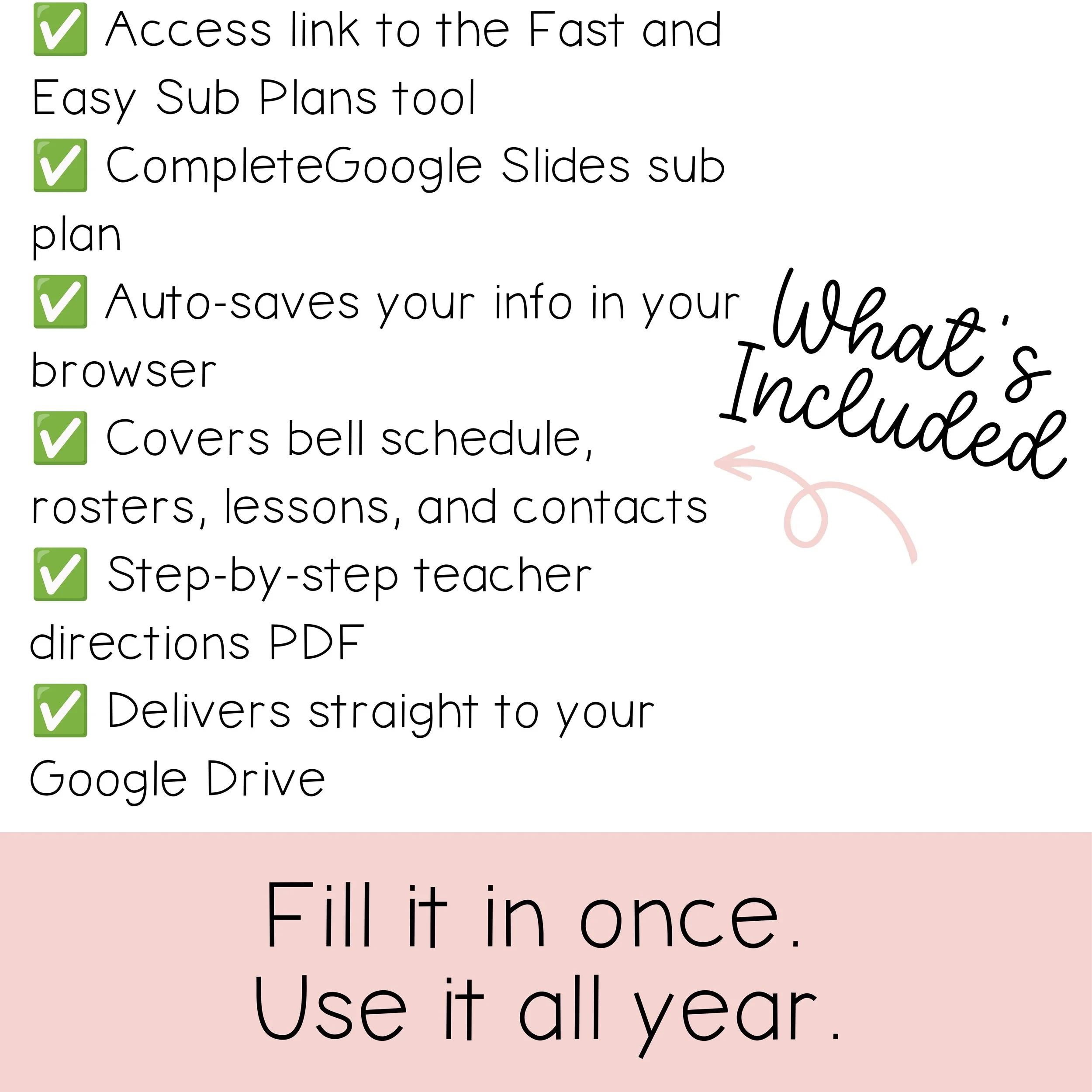
Access link to the Fast and Easy Sub Plans tool
Step-by-step directions PDF
Google Slides sub plan template (a copy goes directly to your Drive)
THIS PRODUCT IS FOR:
Specials teachers who see multiple classes across a rotation: art, music, PE, library, technology, drama, and orchestra.
Teach in a regular classroom instead? Check out the other Fast and Easy Sub Plans volumes in my store, one for self-contained elementary teachers and one for departmentalized teachers who switch classes.
READY TO STOP DREADING SUB DAYS?
Add Fast and Easy Sub Plans to your cart and have your first sub plan built in minutes. The next time you wake up sick, your plans are already handled.
Editable sub plans for specials teachers, ready in minutes. Fast and Easy Sub Plans is built for art, music, PE, library, technology, drama, and orchestra teachers, the ones who see hundreds of students a week across a full rotation.
Getting ready for a sub is harder when you are a specials teacher. You are not handing off one class for the day. You are handing off class after class, different grades, different routines, all day long. It is a lot to explain, and almost impossible to write out clearly the night before when you are not feeling well.
This tool does the organizing for you. You fill out one simple form that already thinks through everything a sub needs to run your room. Then it formats your answers into a clean, professional, fully editable Google Slides sub plan and saves it right to your Google Drive. Your words. Your students. Your classroom.
Not a single word is AI generated.
This is written by a teacher who has taught both elementary and specials, so it is built around how a rotation actually works, not a generic classroom.
THIS IS NOT AI GENERATED:
The tool does not write your content for you. It takes the information you provide and organizes it into a beautifully formatted, professional sub plan. Every detail comes directly from you.
MAKE IT ONCE, USE IT ALL YEAR:
Your form answers save right in your browser. Fill it out at the start of the year, and the next time you are out, just update your lessons or make a few changes and press the button. A fresh, organized Google Slides sub plan lands in your Drive every time. (Autosave works when you use the same browser on the same device.)
YOUR SUB PLAN INCLUDES THESE SLIDES:
Cover Slide: Your name, room, specialty, and the date. Polished before your sub even walks in.
Your Rotation at a Glance: Your specials rotation, so your sub knows which classes come on which day.
Today's Schedule: Every class coming in, with times and grades, laid out clearly.
Before Students Arrive: Setup and prep so your sub is ready before the first class walks through the door.
Class Routines: How you start, transition, and end every class. The rhythm that keeps a specials room from falling apart.
Where to Find Student Info: Rosters, accommodations, and the notes your sub needs to keep every student safe and supported.
Important Links: Every link your sub needs, in one place.
Login and Tech Info: Usernames, passwords, and projector notes, so your sub is not stuck at a locked screen.
Key Contacts: Neighbor teacher, office, admin, lunch, and any duties. Who to call and when.
Lesson Slides: One slide per class with materials, instructions, early finishers, and a backup plan already included.
End of Day: How to wrap up and leave your room ready for you.
HERE'S HOW IT WORKS:
Answer a few simple questions about your rotation, schedule, and room
Fill in your lesson details
Click the button to create your sub plan
A complete, professionally formatted Google Slides sub plan lands directly in your Google Drive, fully editable and ready to share
Your details come out organized, formatted, and professional. Sub plans you can actually be proud of.
WHAT'S INCLUDED:
Access link to the Fast and Easy Sub Plans tool
Step-by-step directions PDF
Google Slides sub plan template (a copy goes directly to your Drive)
THIS PRODUCT IS FOR:
Specials teachers who see multiple classes across a rotation: art, music, PE, library, technology, drama, and orchestra.
Teach in a regular classroom instead? Check out the other Fast and Easy Sub Plans volumes in my store, one for self-contained elementary teachers and one for departmentalized teachers who switch classes.
READY TO STOP DREADING SUB DAYS?
Add Fast and Easy Sub Plans to your cart and have your first sub plan built in minutes. The next time you wake up sick, your plans are already handled.