
Looking for a simple, engaging way to introduce Google Slides this March?
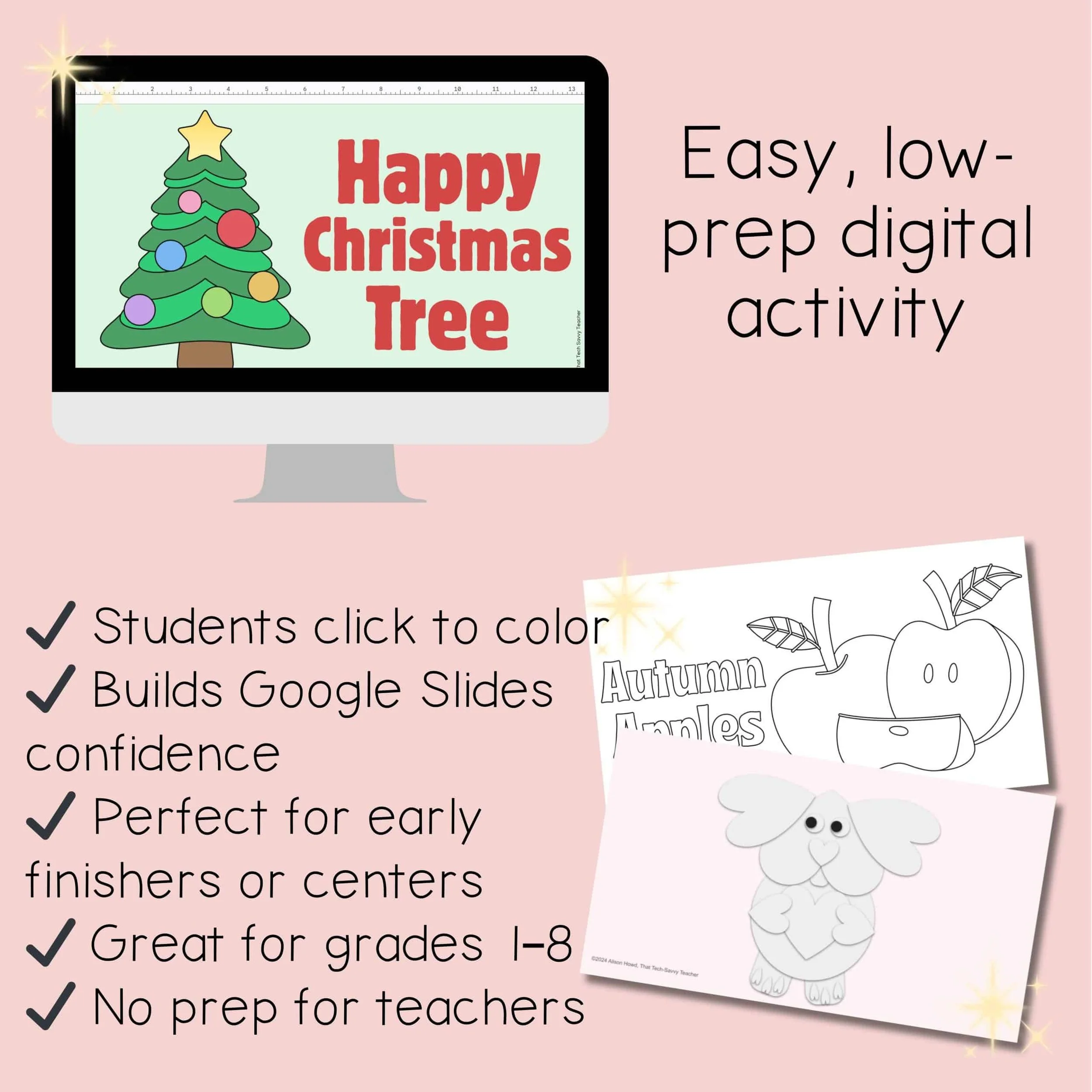
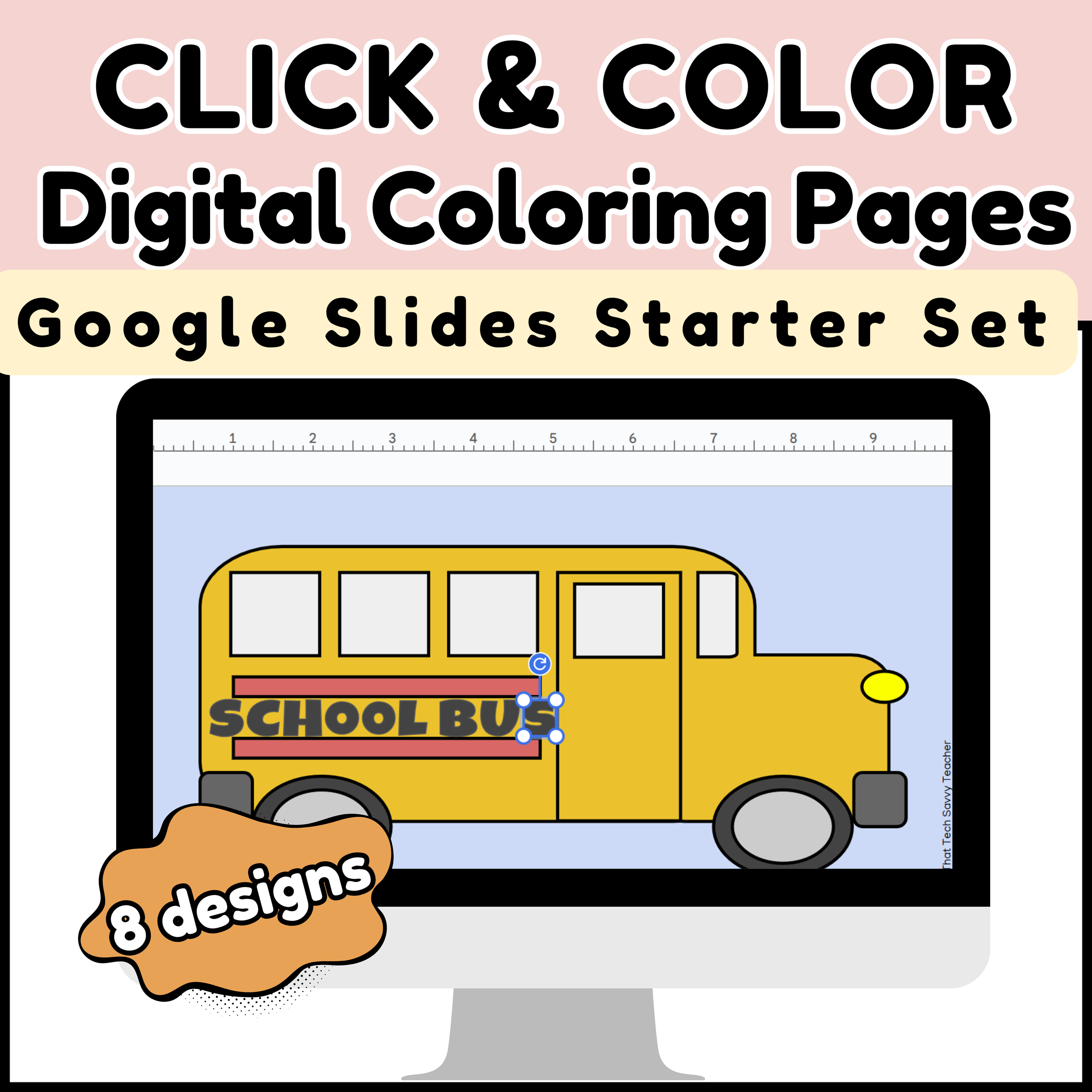
These March Click & Color Digital Coloring Pages are the perfect low-prep tech activity for elementary and middle school students.
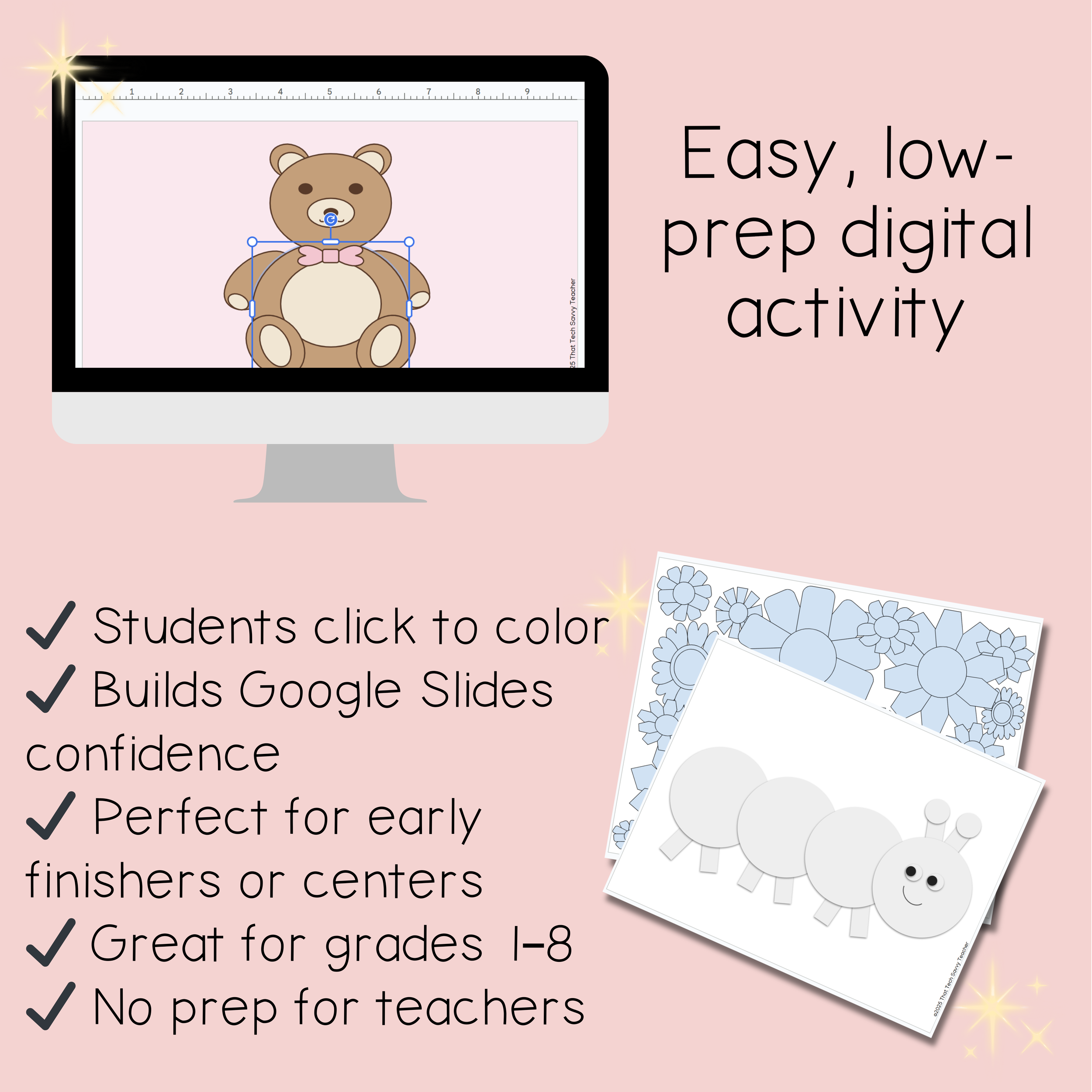
Students click each section of the design and use the paint bucket tool to color it in. That’s it. Simple, fun, and packed with real Google Slides skills.
This is one of my favorite ways to build confidence before jumping into bigger projects. Even my older students love it. Once they get comfortable, they naturally start exploring backgrounds, gradients, outlines, and moving elements on their own.
It’s creativity + tech practice without overwhelming them.
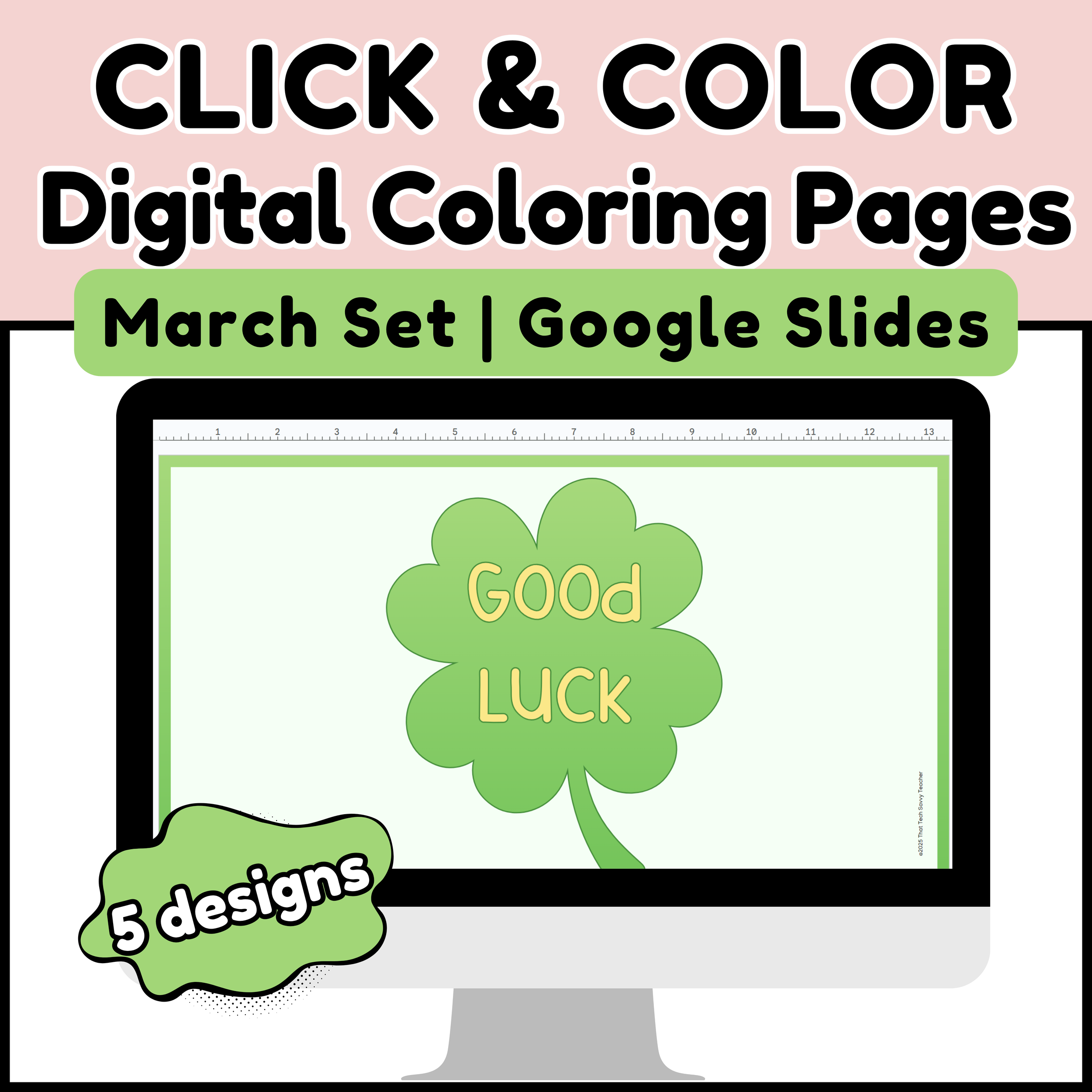
This resource includes 5 March and early spring themed pages:
• Good Luck (shamrock)
• Luck O’ the Irish
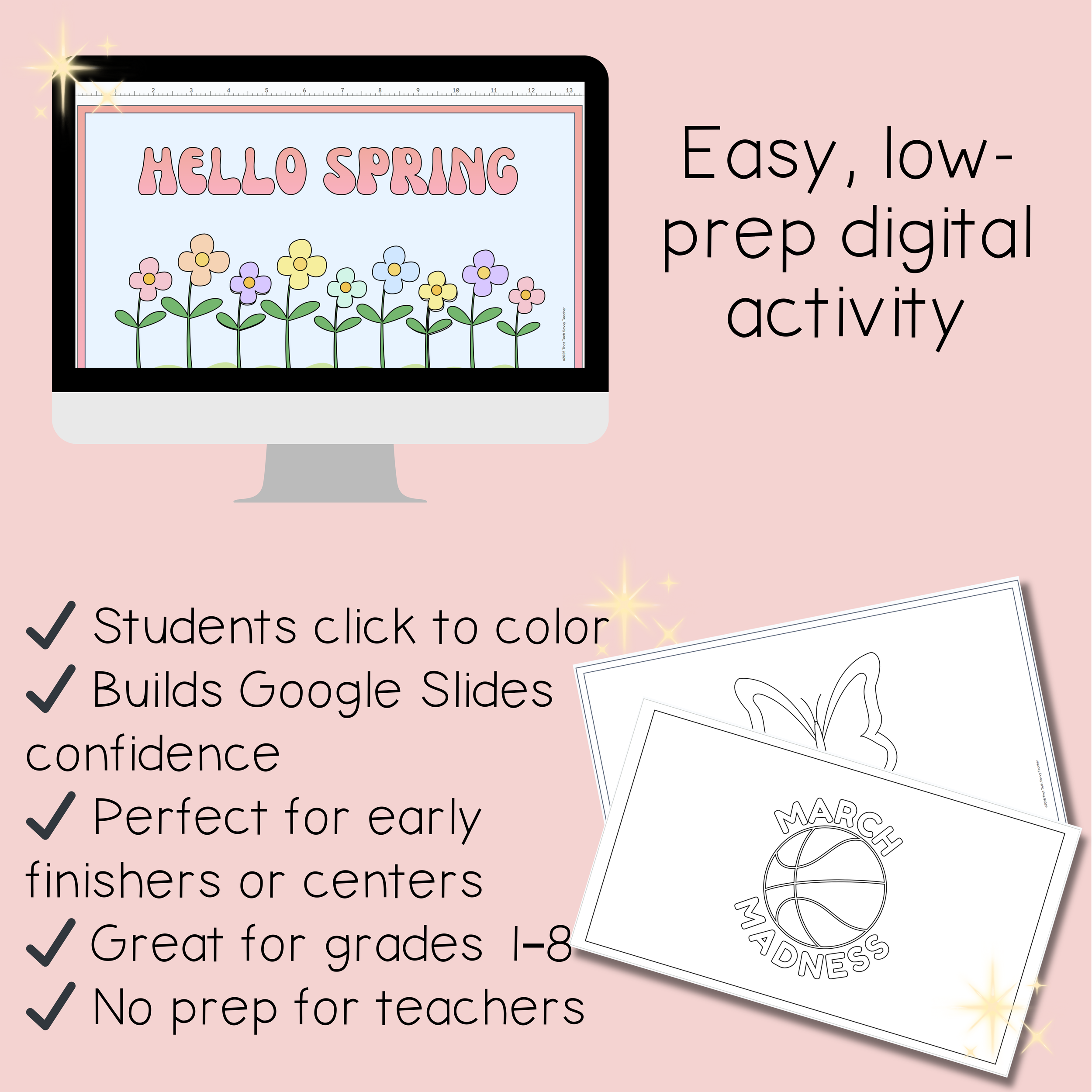
• Hello Spring (flowers)
• March Madness
• Be a Butterfly
What’s Included:
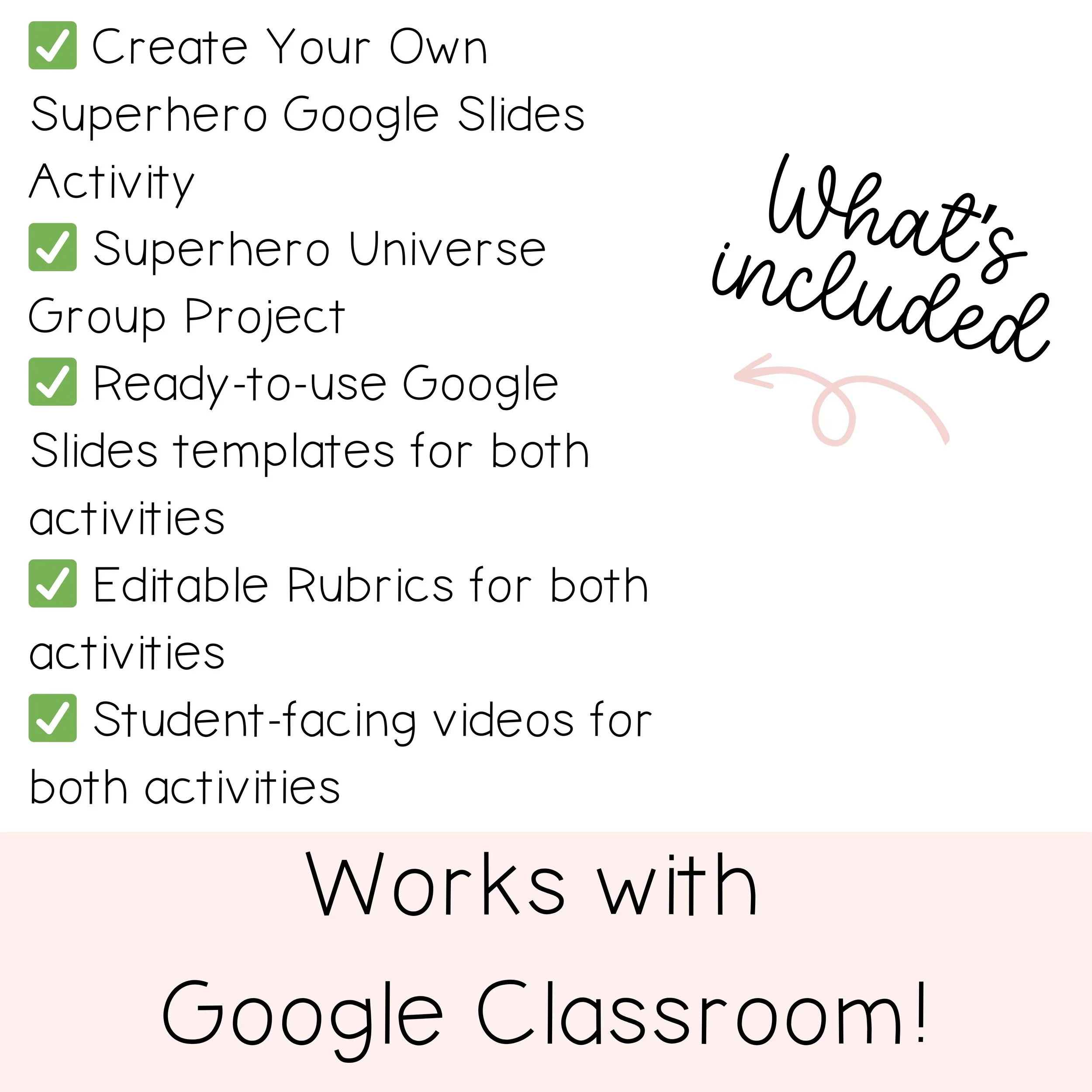
• 1 Google Slides file
• Teacher directions
• Designed for grades 1–8
Perfect for:
• Introducing Google Slides
• St. Patrick’s Day activities
• Early finishers
• Sub plans
• Low-prep tech days
• Building student confidence with digital tools
Your students will think they’re just coloring.
You’ll know they’re learning real tech skills.