Struggling to find engaging ways to teach foundational computer skills like copy and paste to your 2nd, 3rd, 4th, or 5th graders? This lesson was created to make teaching those skills simple, structured, and student-friendly.
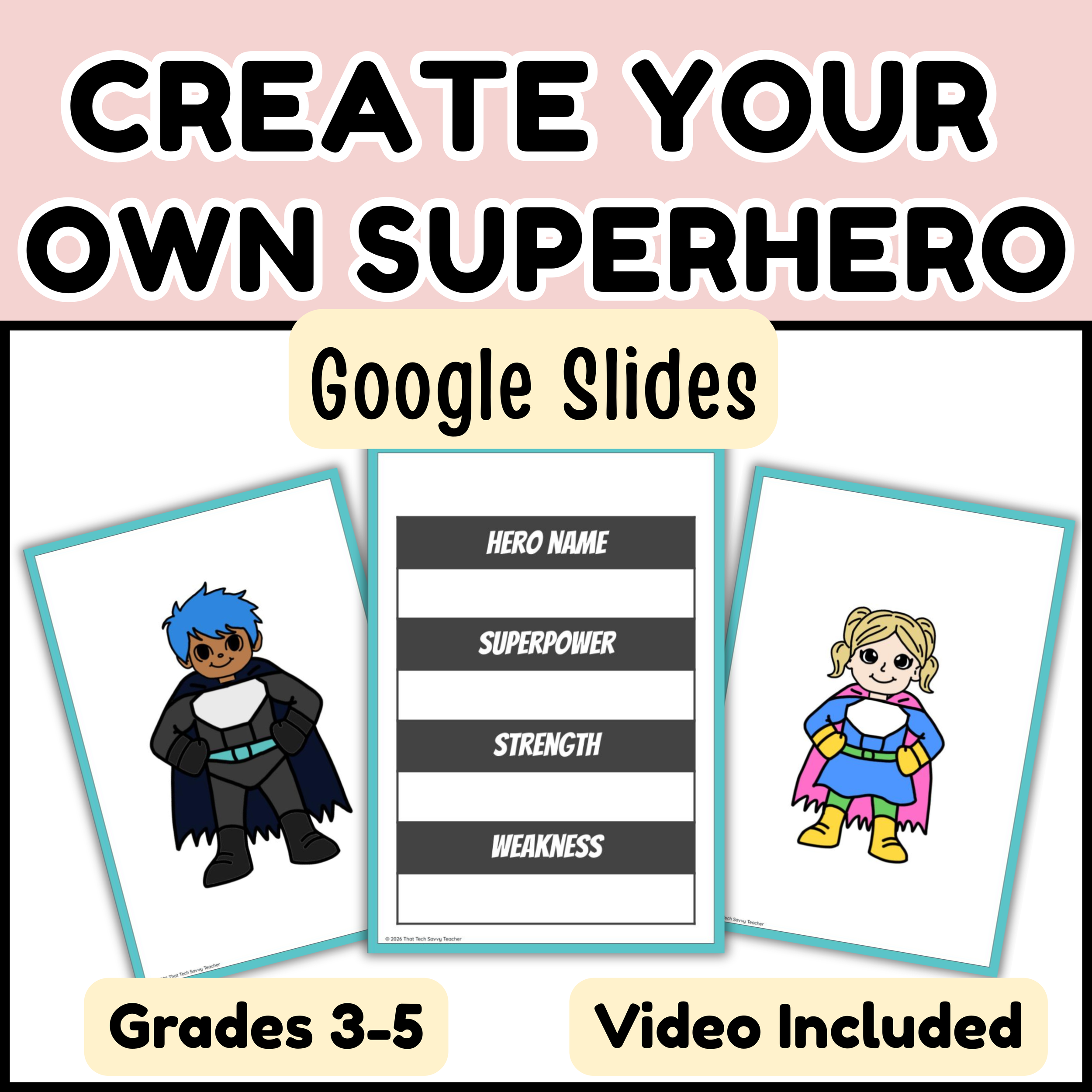
Teach Copy & Paste in Google Slides walks students through the copy and paste process step by step using a visual, hands-on project they actually enjoy. Students follow along with a clear video tutorial while working inside Google Slides, allowing them to practice independently with confidence.
This resource is ideal for technology class, centers, early finishers, or days when you need a no-prep lesson that still builds real skills.
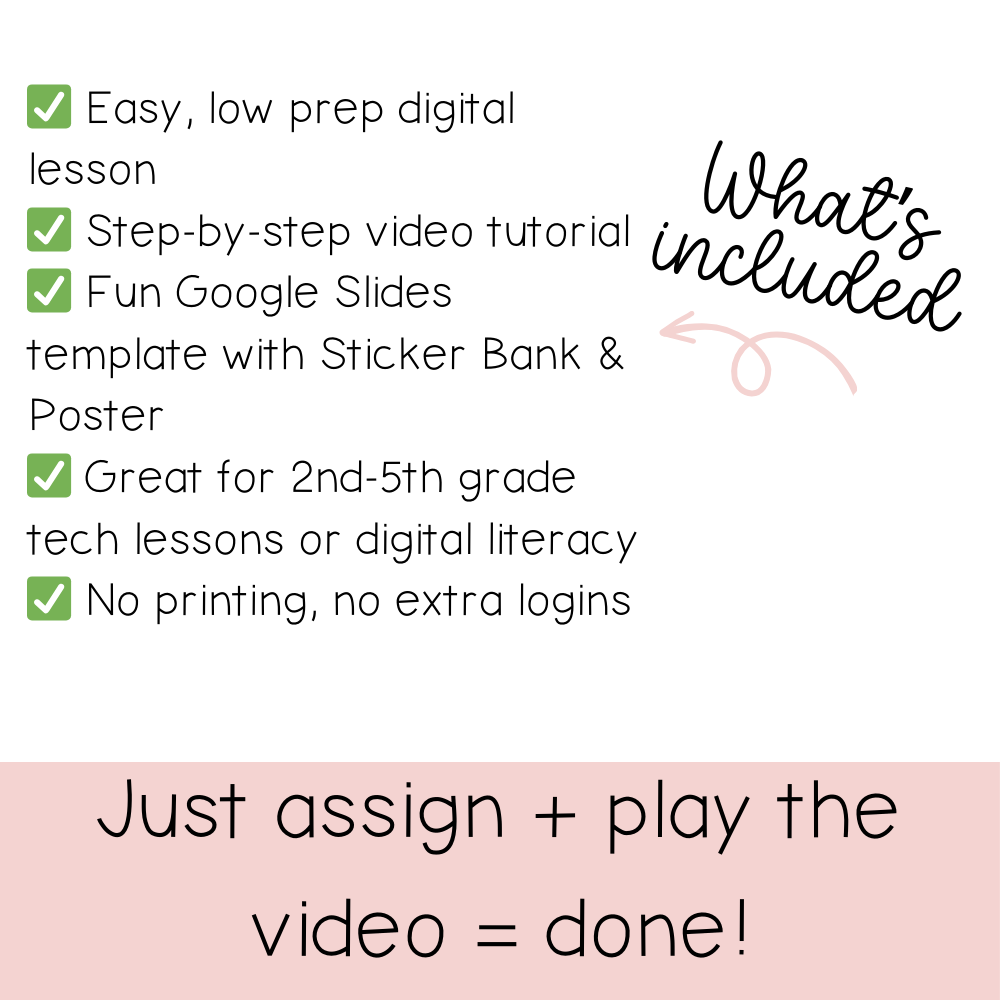
What’s Included
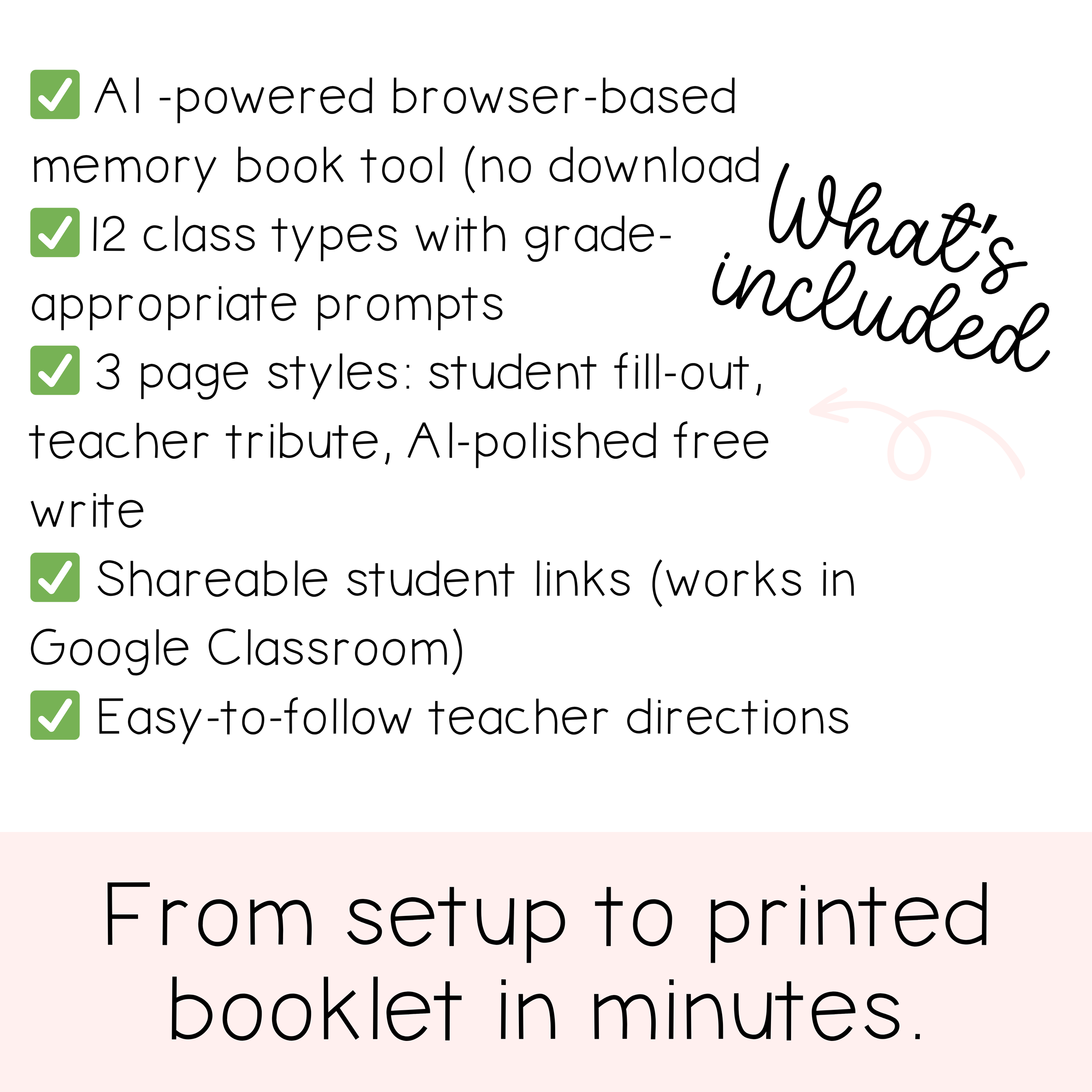
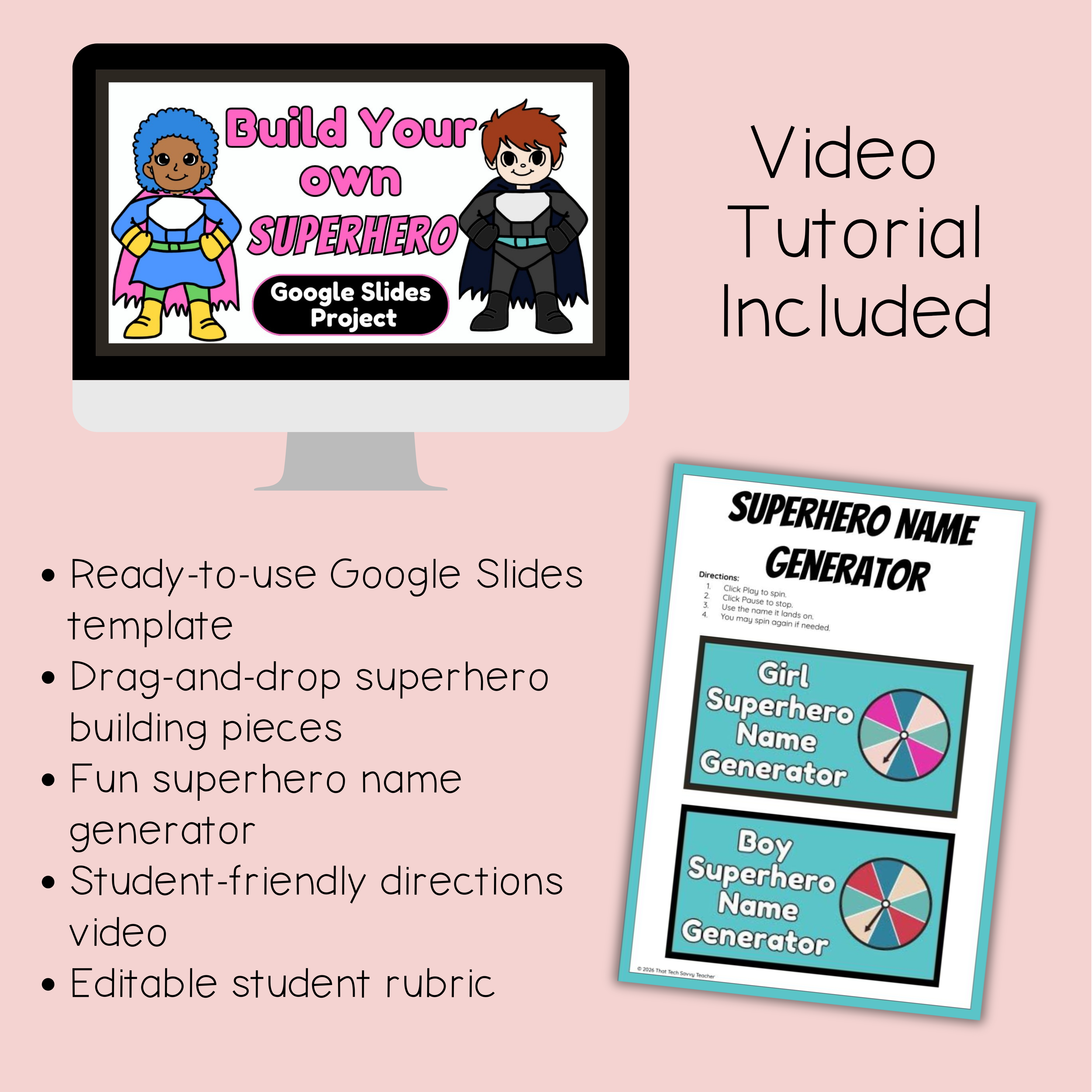
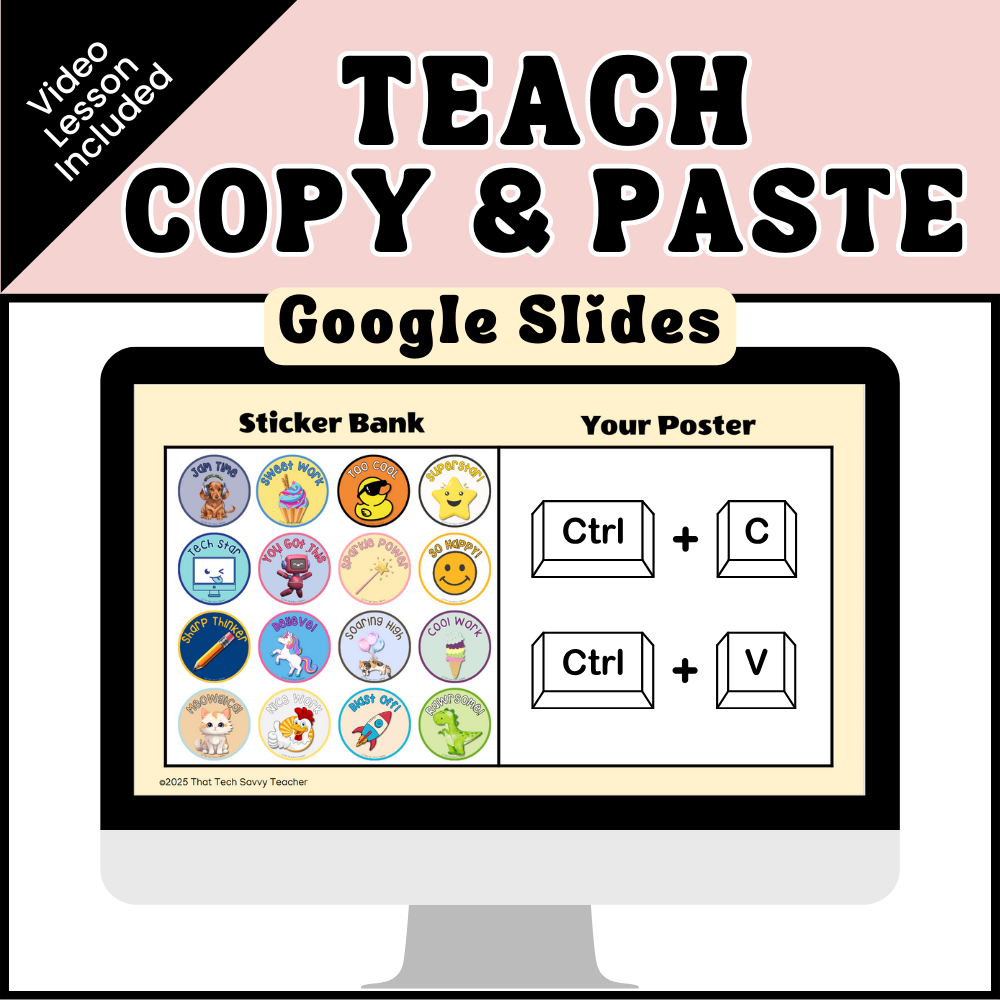
An interactive Google Slides™ template with a Sticker Bank and Poster workspace
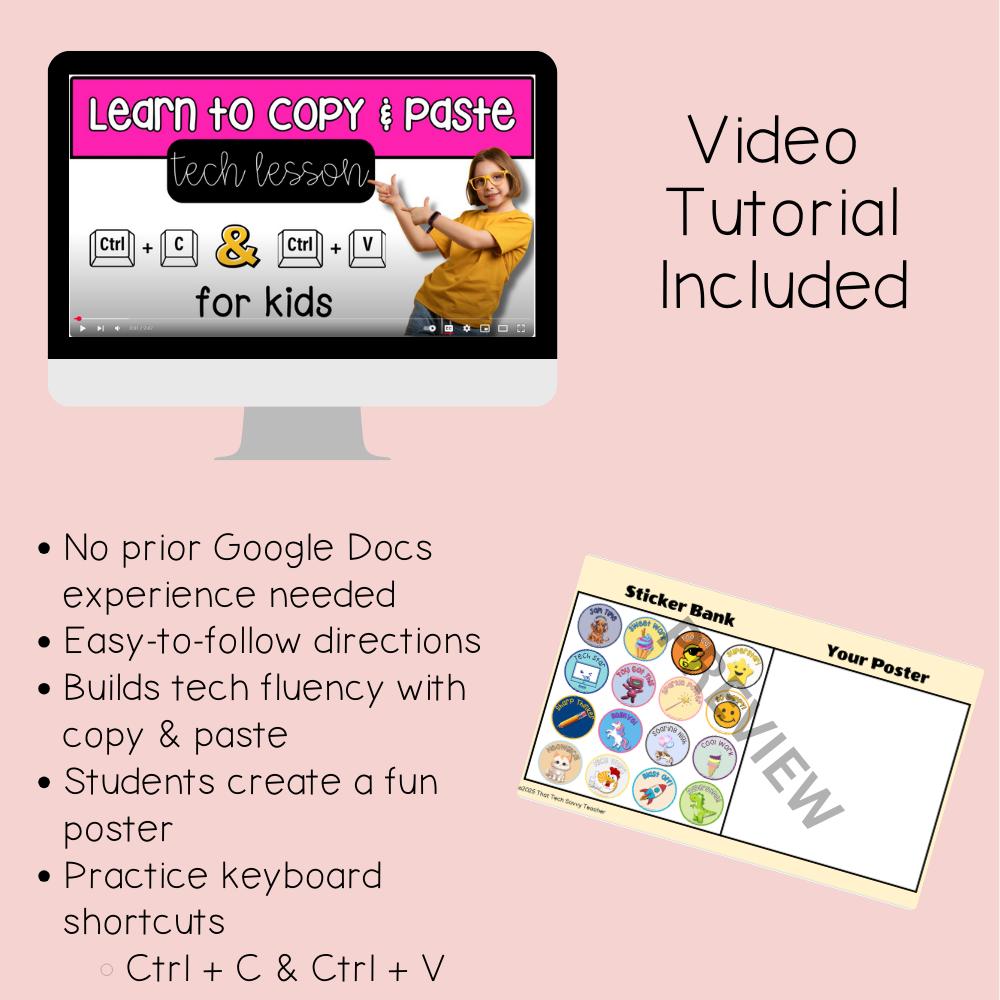
A step-by-step student video tutorial that models exactly what to do
Clear teacher and student directions for easy implementation
Learning Objectives
Students will:
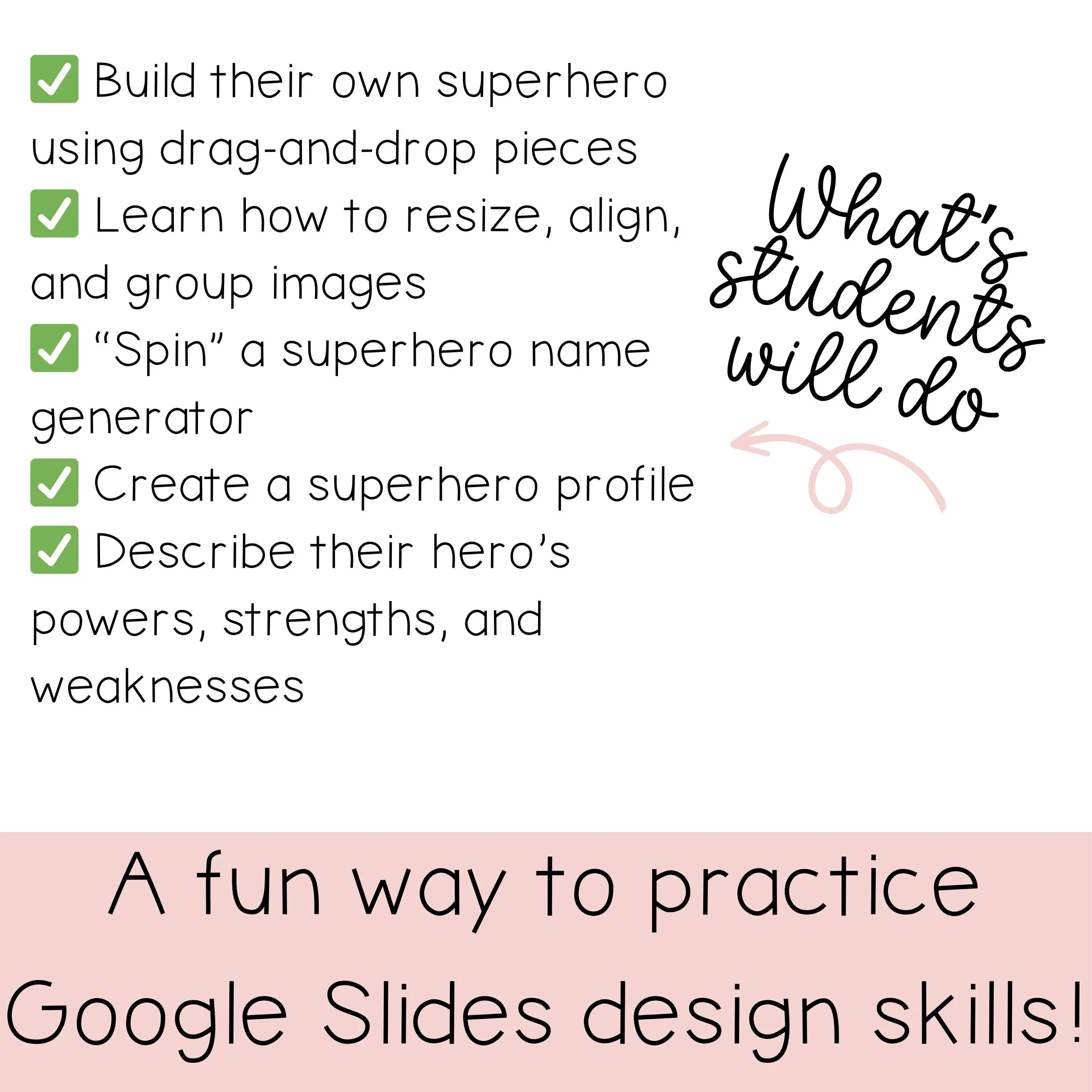
Use copy and paste tools correctly in Google Slides
Select, copy, and paste digital elements to create a project
Build confidence navigating basic Google Slides tools
How to Use This Resource
Introduce copy and paste skills during Computer Science lessons
Assign as an independent activity for tech centers or stations
Leave for substitute teachers with minimal explanation
Build digital fluency before moving on to more advanced projects
Perfect For
Elementary technology lessons
Students new to Google Slides
Extra practice with copy and paste skills
Encouraging independence and confidence with digital tools
Why This Lesson Works
Students learn best when they can see the process modeled clearly and then try it themselves. The guided video removes confusion, while the creative project keeps students engaged. Because students work at their own pace, this lesson naturally supports differentiated learning.
If you’re looking for a low-stress way to teach an essential tech skill that students can actually master, this lesson fits right in.