Are student tech issues piling up and slowing down your day? Forgotten logins, broken devices, and constant repair requests can quickly turn a smooth lesson into chaos.
The K–12 Tech Lab Helper Pack is a simple, effective system designed to help you track technology issues, label broken equipment, and keep your classroom running smoothly. Whether you manage a computer lab, shared carts, or 1:1 devices, this pack gives you an easy way to stay organized without extra prep.
What’s Included
This printable PDF pack includes:
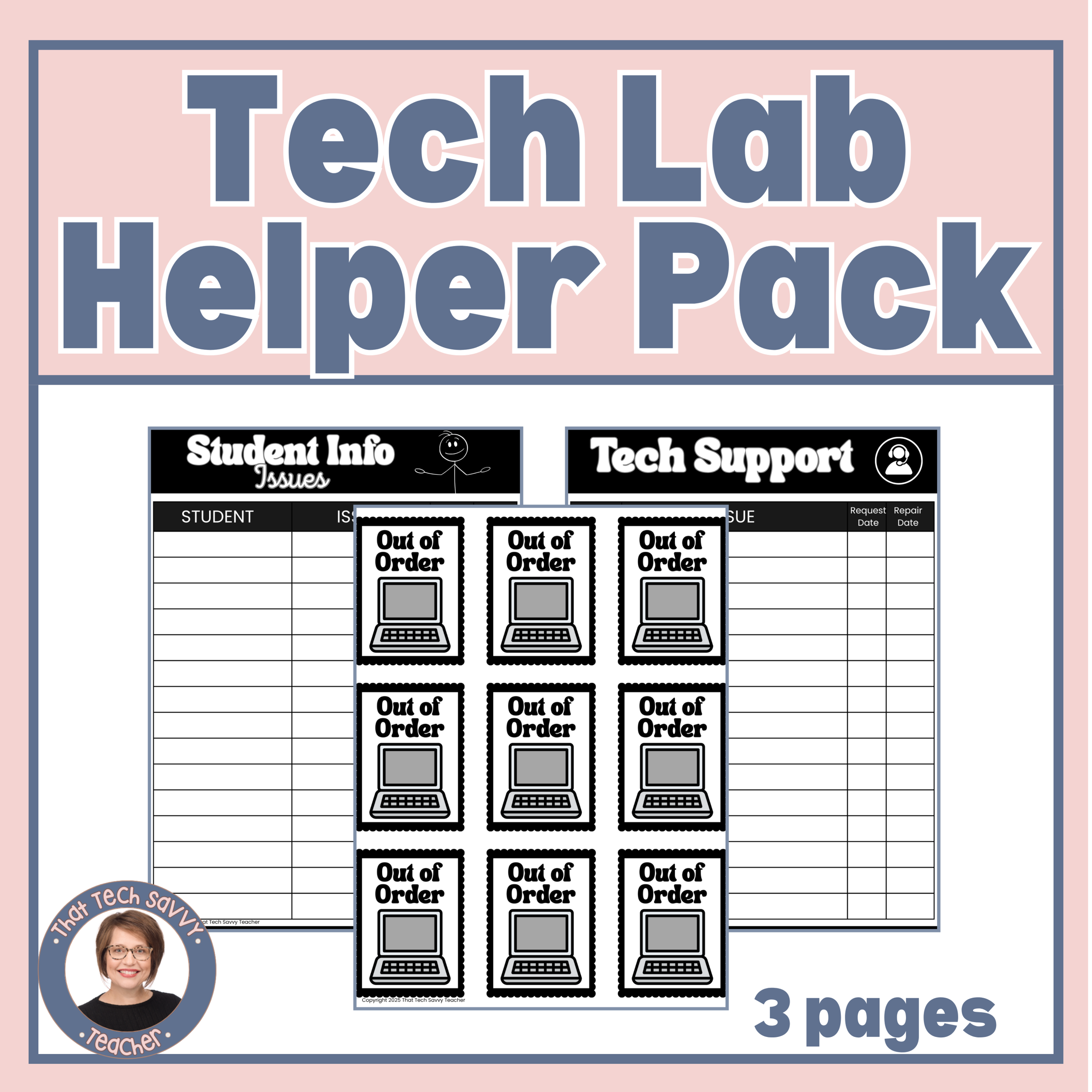
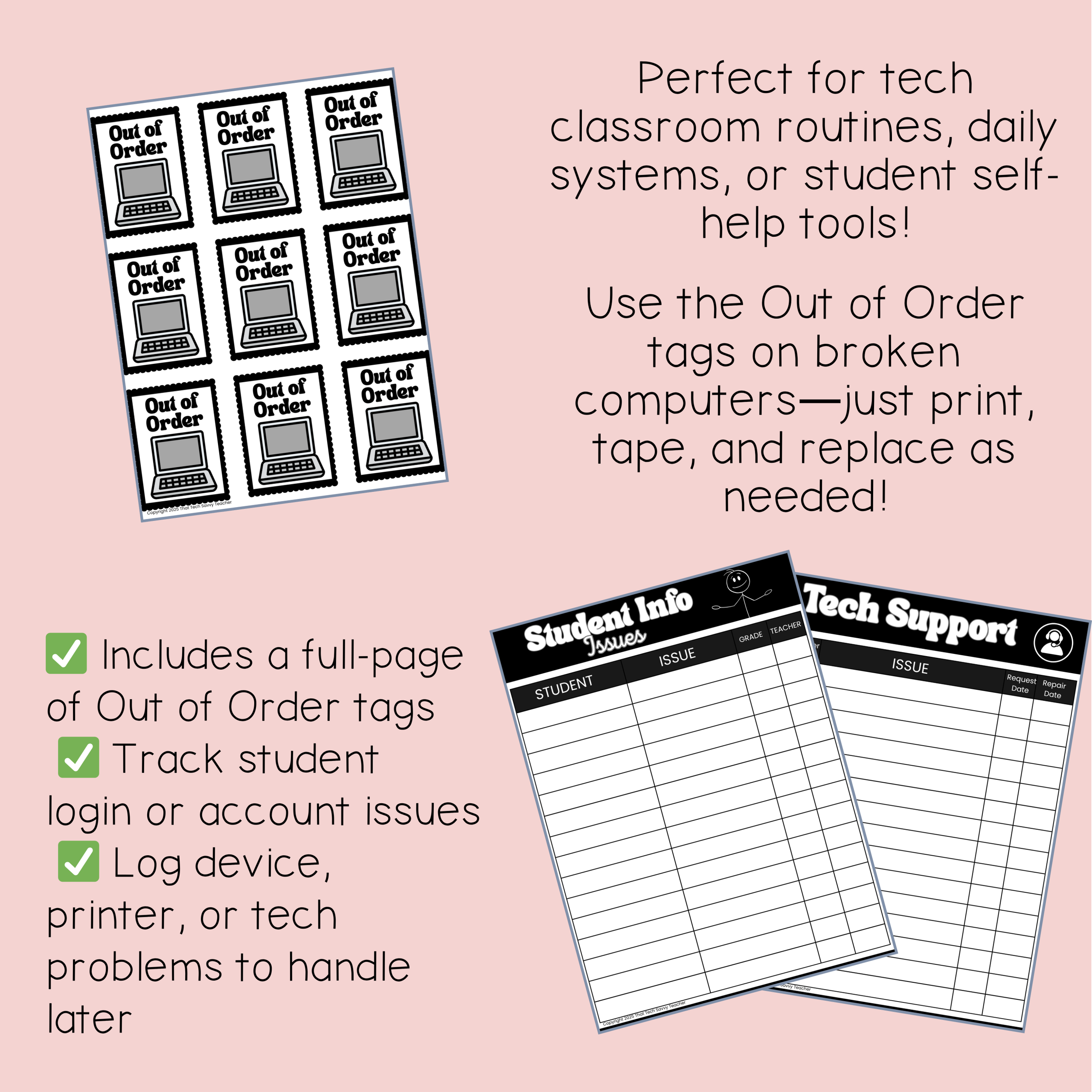
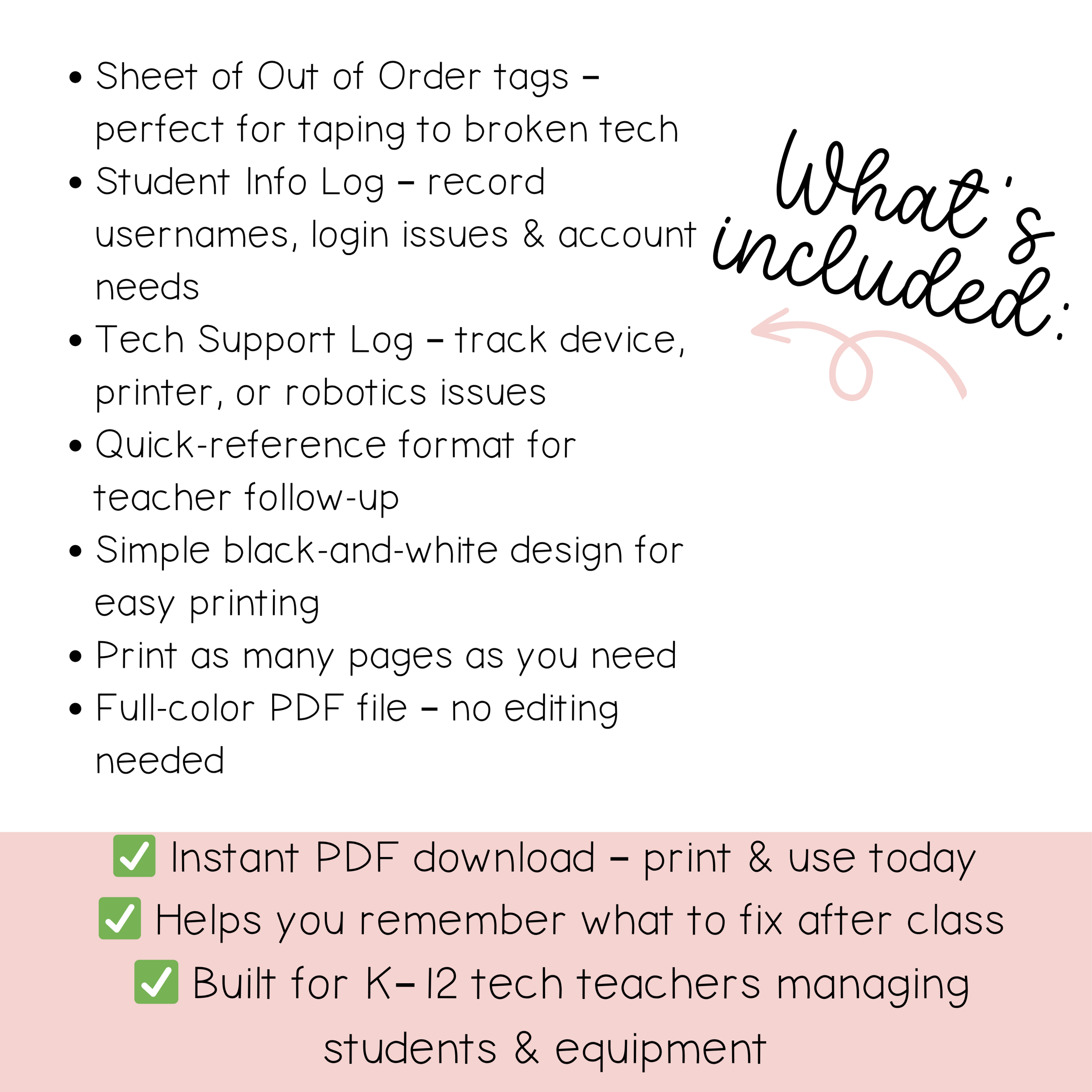
Clear, easy-to-spot Out of Order tags for labeling broken or unavailable devices
Repair log sheets to track student tech issues, login problems, and device concerns
Print-and-go PDF files for fast setup and easy use
Why This Works
Makes broken devices immediately visible
Helps students clearly report tech issues
Keeps all repair and login problems organized in one place
Reduces repeated questions and classroom disruptions
Supports smoother days for teachers, subs, and tech support staff
How to Use
Place Out of Order tags directly on malfunctioning equipment
Keep repair log sheets at your teacher desk or tech station
Have students report issues during independent work or rotations
Use logs to communicate clearly with IT or support staff
This system helps prevent small tech problems from becoming big interruptions.
Perfect For
K–12 technology teachers
Media specialists and instructional coaches
Classroom teachers using shared devices or carts
Substitute friendly classrooms
Schools looking for better tech organization systems