I have been a teacher for 25 years. For the last 5, I have been in a K-5 tech lab where I see about 900 students across 42 different classes on a 7-day rotation.
My whole career, I have been driven by one question: there has to be a better way to do this.
Not because things were falling apart. But because I have never been okay with doing something the hard way when a smarter way existed. Long before AI was part of the conversation, I was watching YouTube videos about spreadsheets, taking courses on Google Sheets, figuring out what was possible. Not because anyone asked me to. Because I genuinely wanted to know.
And word got around.
At my school, people started coming to me when something felt harder than it needed to be. "You should ask Alison Howd. She'll know a better way." I helped the school counselor build a system to manage her caseload. I helped our nurses set up a clinic log that actually worked. I built a budget request system for the finance department so departments could submit their requests for the following year and keep everything in one place. A student locator. A lunch schedule. A specials schedule. A teacher sign-in for faculty meetings. A volunteer tracking system. One by one, person by person, the same way every time: there has to be a better way, and let's find it.
That was before AI.
Now, what used to take hours of building and troubleshooting happens in a conversation. And I realized I could stop helping one person at a time and build something that could help everyone at once.
That is why I built Teacher Systems Lab.
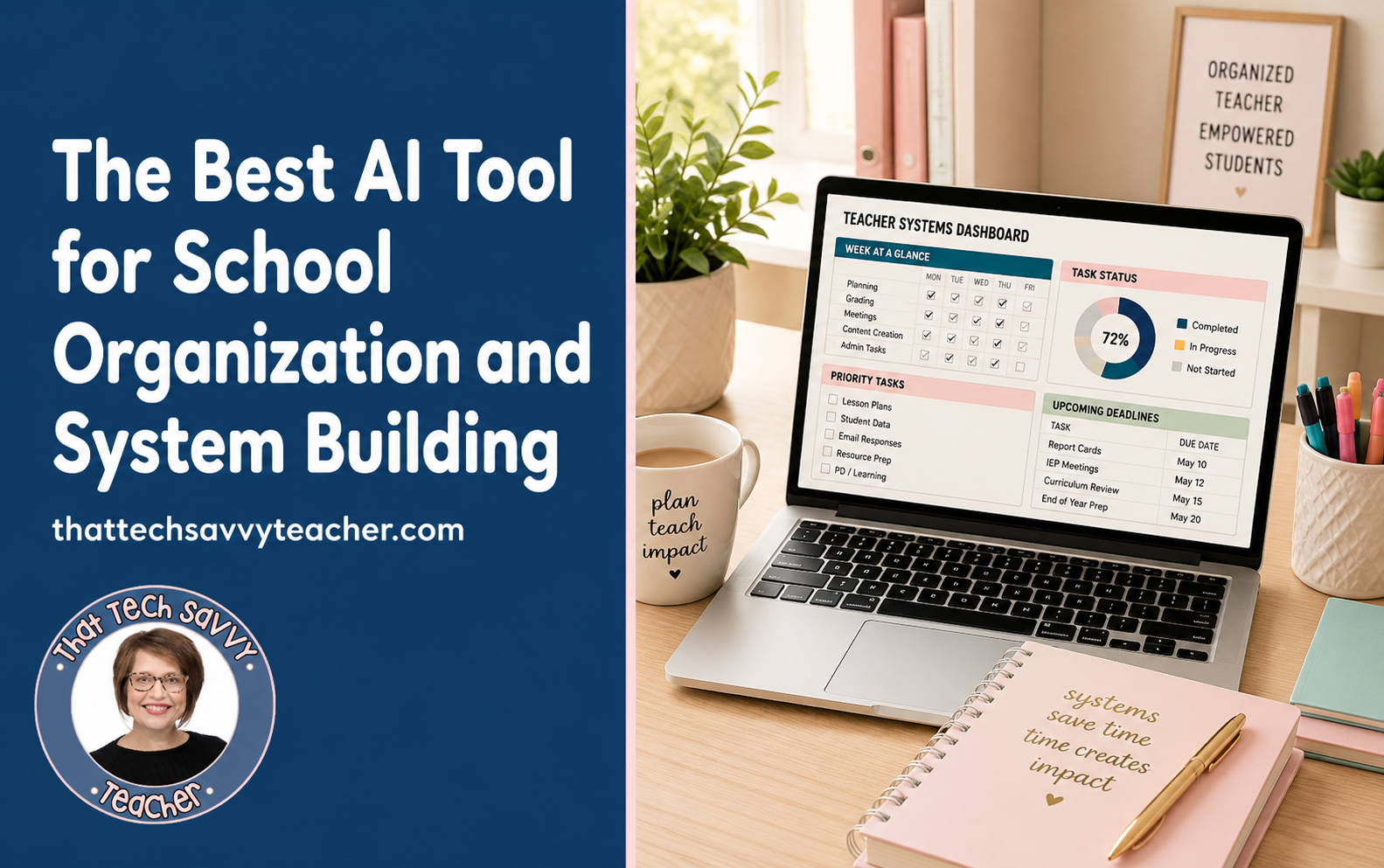
Why I Built Teacher Systems Lab
For years, I was the person at my school who built things for other people.
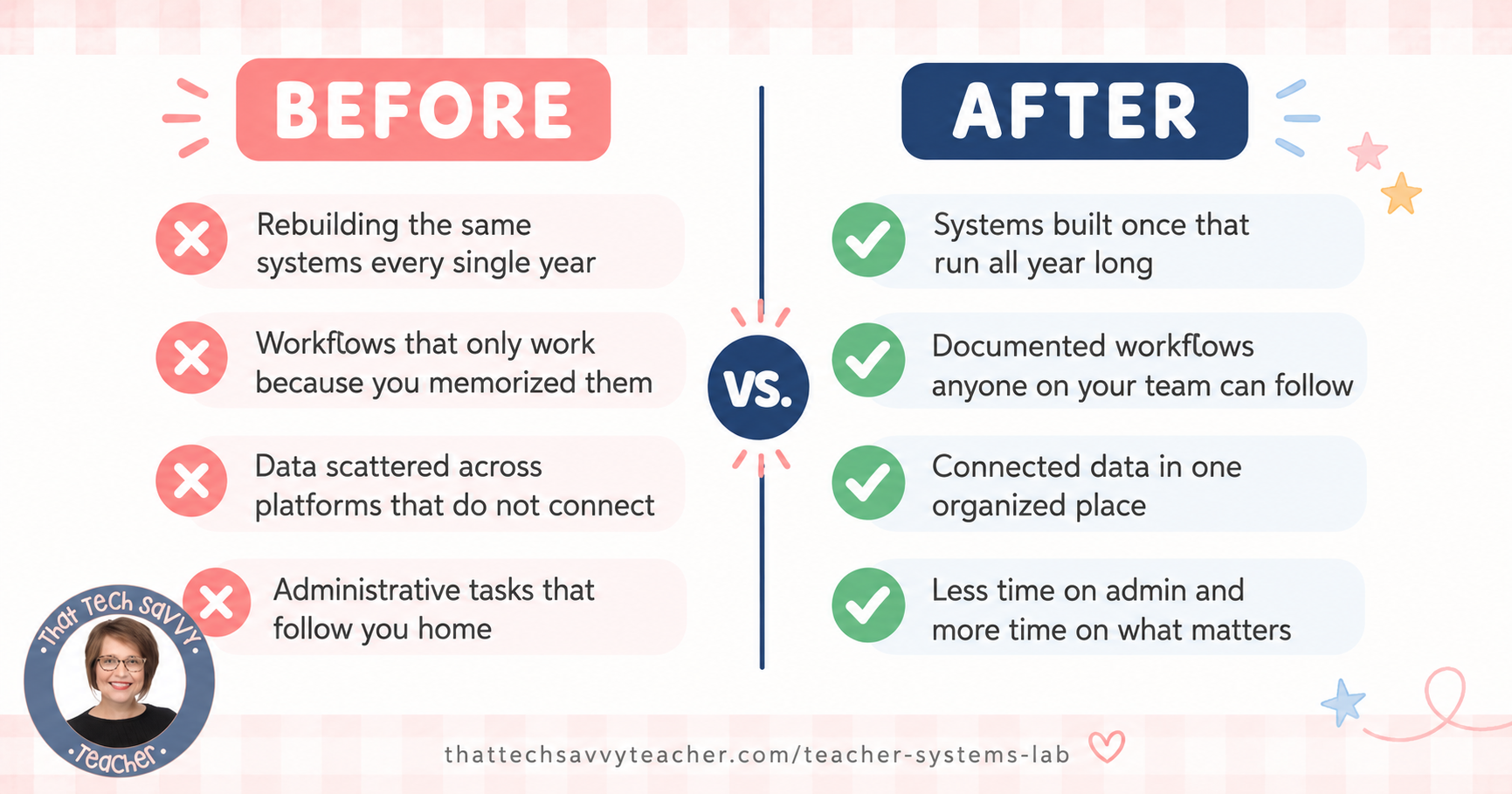
Someone would come to me with a process that was taking way longer than it should. Something they were doing manually. Something they were recreating every year. Something that only worked because they had memorized every step and nobody else could do it without them. And we would sit down together and figure out a better way.
I loved doing it. And I got good at it because I had put in the time. The YouTube videos. The courses. The hours of learning what Google Sheets could actually do if you knew how to use it. Building systems has never felt like extra work to me. It has always felt like the most satisfying part of the job.
But there was a limit to how many people one person could help one conversation at a time.
Then AI came into the picture. And I recognized immediately what it made possible.
Suddenly, the kind of help I had been giving individually, one system at a time, could scale. Suddenly, someone who had never opened Google Sheets in their life could describe their problem in plain language and walk away with something real. No YouTube rabbit holes required. No courses. No needing to find the right person down the hall who might know how to help.
I built Teacher Systems Lab to make that available to everyone in a school building. Not just the people lucky enough to work near someone like me. Everyone.
It is a custom AI coach that lives inside ChatGPT. You open it, you tell it your role, and it asks you one question at a time and walks you through building a real, working system step by step. No tech experience needed. No perfect question required. No jargon. Just practical help for the specific needs of anyone who works in a school.
Explore it here: thattechsavvyteacher.com/teacher-systems-lab
This Is for Everyone in Your Building
Let me be clear about something, because I think it matters.
When most people hear "ai tools for school organization," they picture lesson plan generators and student learning dashboards. That is not what Teacher Systems Lab is. That is a different category of tool for a different set of needs.
Teacher Systems Lab is for the operational side of working in a school. And that means it is for everyone, not just classroom teachers.
Classroom teachers who are rebuilding the same systems every single year and are ready to stop.
School nurses who handle incident reports, clinic visit logs, medication tracking, and parent communications before most teachers have even arrived in the morning.
School counselors managing caseloads, documenting student progress, logging parent communications, and tracking at-risk students across multiple grade levels.
Office staff and registrars doing data entry, processing enrollment paperwork, and keeping school operations moving behind the scenes every single day.
School administrators and school principals who need real-time visibility into daily operations and want their teams working from consistent, connected systems instead of everyone doing things a different way.
Interventionists and department heads coordinating group work across teams, managing task management systems, and keeping larger projects from falling through the cracks.
First-year educators who never got a guide to the operational side of this job and are building everything from scratch while learning everything else at the same time.
Retiring educators who want to leave their role well, hand things off properly, and make sure the next person is not starting completely from scratch.
If you work in a school and you have ever thought "I spend a lot of time on this and I am not sure it has to be this hard," Teacher Systems Lab was built for you.
What Most AI Tools Get Wrong
The benefits of AI in education are everywhere right now. And most of that conversation is focused on generative ai for learning experiences: lesson planning, ai-generated content for students, tools that support critical thinking in the classroom. Those tools are real and they are useful.
But they are solving a different problem than the one most people in a school building face every single day.
The time-consuming tasks that slow down school administration are not instructional. They are operational. I see it every day in my own building and I hear it from educators everywhere I turn:
Attendance forms that get recreated every fall from scratch
Incident report workflows that are different for every staff member
Meeting notes scattered across different platforms with no central system
Parent communications tracked inconsistently or not at all
Student performance data in one place and student progress notes somewhere else with nothing connecting them
Repetitive tasks eating a lot of time every week that never gets reclaimed
Most ai-powered tools are not built for any of this. They are built for the classroom. I built Teacher Systems Lab for what happens outside of it.
How Teacher Systems Lab Works
Teacher Systems Lab is a custom AI coach that runs inside ChatGPT. You need a free ChatGPT account to access it, no credit card required.
Here is how it works.
You open your Coach, you tell it your role (teacher, nurse, counselor, office staff, administrator, whatever applies), and it takes it from there. It asks you one question at a time. It adapts to your comfort level. It does not dump a ten-step plan on you before you are ready. It walks you through building a real system in phases until it is done and you can actually use it.
If your Coach mentions a tool you are not familiar with, just say so. It will explain or suggest something simpler. If you are not techy, it meets you there. If you are comfortable in Google Docs and Google Drive, it matches that fluency. It is built to work for every comfort level because I know every comfort level shows up in a school building.
The philosophy I built into every part of this tool: Build once. Update everywhere.
Stop recreating things from scratch. Stop holding your entire workflow in your head. Stop starting over every August. Build the system once, connect the pieces, and let it carry the load.
The What-Ifs Are More Possible Than You Think
Here is what I know from 25 years of helping people in my building solve operational problems.
Most of the time, when someone comes to me and says "there has to be a better way," there is. We just have to find it. And more often than not, the thing they assumed was just part of the job, the thing they had been managing the hard way for years, turns out to be completely solvable.
That is still true. It is just faster now.
You can bring your what-ifs to Teacher Systems Lab the same way colleagues used to bring them to me. "What if I had a system where my whole counseling team could track at-risk students in real time without emailing each other constantly?" Let's find out. "What if my incident report process was the same for every staff member and actually easy to retrieve later?" Worth asking. "What if I could stop rebuilding my attendance excuse system from scratch every single year?" That one I am pretty confident about.
Most of the time, the answer is yes. Maybe not with one click, but with a clear plan, the right tools, and an AI assistant that already understands how schools work.
Teacher Systems Lab was built on 25 years of knowing what school problems actually look like and what it takes to solve them. The AI just made it possible to do it at scale.
Key Features That Make This Different
One question at a time, always. This was a design choice I made on purpose. Most tools overwhelm you with options upfront. Teacher Systems Lab asks one question, waits for your answer, and moves forward from there. You never feel buried.
Natural language, no tech jargon. You describe your specific needs the way you would describe them to a colleague. "I keep losing track of which parents I have contacted and when" is enough. A real system comes back.
Works in phases, not all at once. Every system gets broken into stages: build the foundation, connect the pieces, then maintain and improve. You get a clear starting point and you finish one thing before you add more.
Adapts to your role. A school principal asking for data-driven decisions gets different help than a school nurse setting up a clinic log. The Coach knows the difference and responds accordingly.
Works with Google Workspace and Microsoft schools. The default tools are Google Docs, Google Drive, Google Sheets, Google Slides, Google Forms, and Google Calendar. For schools on Microsoft tools, it adapts to Excel, Word, SharePoint, Outlook, and Teams.
Saves your conversation history. Your chat history stays saved in ChatGPT. You can pick up where you left off or start a new system whenever you are ready. It is there when you need it.
What You Can Actually Build Inside Teacher Systems Lab
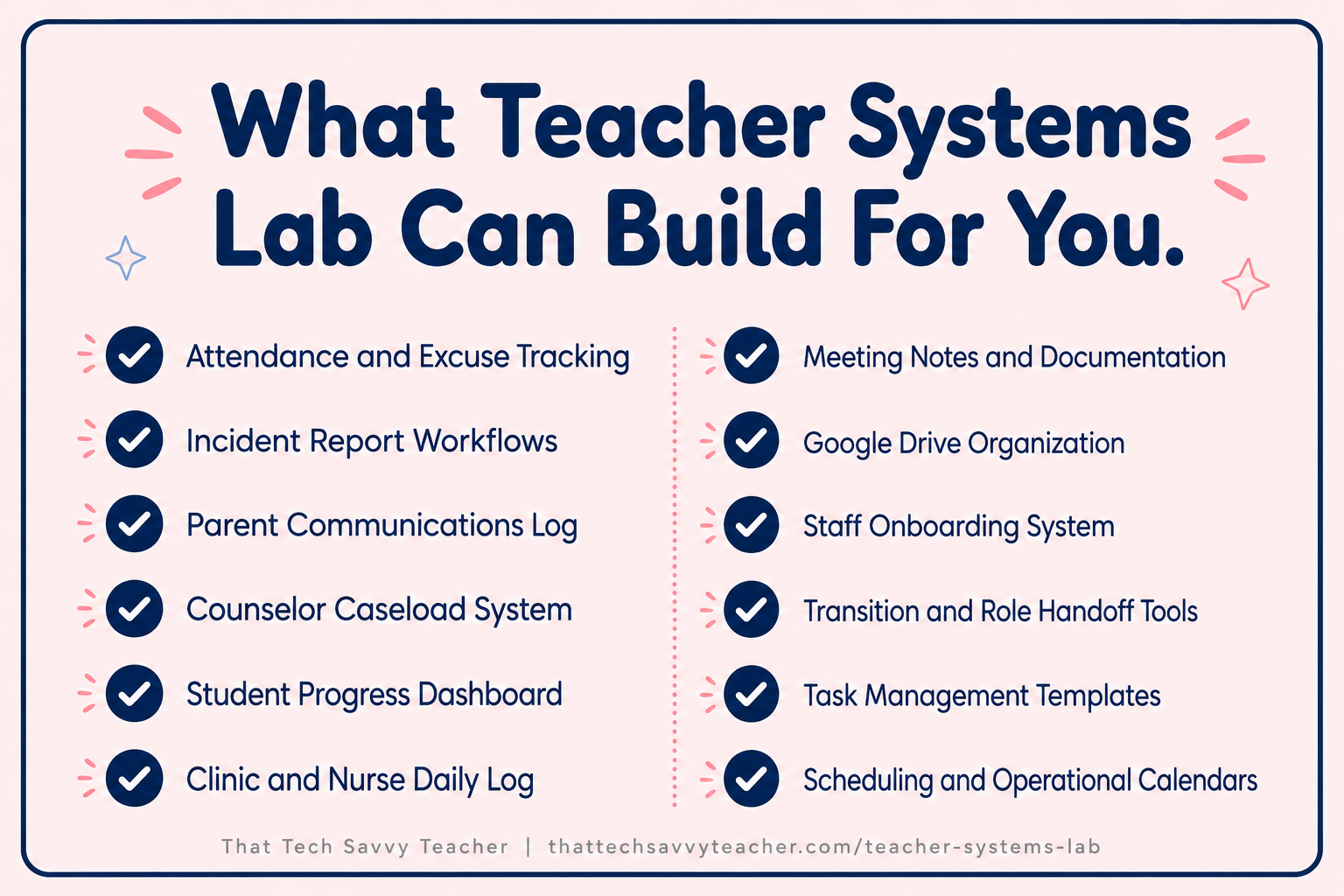
Here is what I trained it to help with, based on real school needs I have seen and heard about across 25 years in education.
Attendance and Excuse Tracking Attendance forms, excuse logs, makeup work tracking systems, and absence dashboards that give you real-time visibility into who is where and what they still need.
Incident Report Systems Standardized incident report workflows so documentation is consistent across your whole staff and easy to retrieve later.
Parent Communications Logs A system for tracking every parent and family contact: who, when, what was discussed, and what follow-up is needed. No more hunting through your inbox.
Student Progress and Data Systems Student performance data dashboards, intervention logs, progress monitoring trackers, and documentation tools that keep student data organized and connected.
At-Risk Student Tracking Shared systems for monitoring at-risk students across counselors, teachers, and administrators, with real-time updates that actually support data-driven decisions.
Clinic and Nurse Systems Daily visit logs, medication tracking, health documentation, and attendance excuse workflows built for the specific way a school nurse's daily operations run.
Meeting Notes and Documentation Centralized systems for meeting notes, shared documentation workflows, and record-keeping processes that do not disappear into someone's inbox afterward.
Scheduling and Workflow Systems Specials rotations, intervention schedules, operational calendars, and workflow documentation that makes the way your school runs clear and repeatable.
Google Drive Organization A folder structure that your whole team can actually navigate, with naming conventions, access levels, and organization that holds up all year long.
Transition and Onboarding Systems Staff onboarding documentation, role handoff systems, substitute teacher information packages, and everything someone needs to step into a role without starting from scratch.
Can You Use a Free ChatGPT Plan to Start?
Yes. Teacher Systems Lab can be used with a free plan inside ChatGPT.
The free version gives you full access to the AI coach so you can start building real systems right away. A basic plan is the starting point for most people, and it is enough to make a real difference in your daily operations.
Start with the system that has been on your to-do list the longest. That is always the right place to begin.
A Note on Student Data and Privacy
Because Teacher Systems Lab lives inside ChatGPT, all of the standard data privacy practices that apply to any AI use in schools apply here too.
The Coach helps you build and document your systems. It does not need your actual student data to do that. You do not need to input personally identifiable student information to get great results. Describe your system, describe your needs, and it builds from there.
As always, review your school district's AI use policies and use the tool in alignment with your school's data privacy guidelines. These are just good practices for any new tools you bring into a school setting, and they do not limit what you can build here.
Your First Prompt to Try
Not sure where to start? Here are two prompts I suggest in the delivery guide that come straight from real users:
If you want help with parent communications or student data: "I want to build a system for tracking [parent communication / student information]. I'm a [your role]. Can you walk me through it one step at a time?"
If you are not sure what you need most: "My school day systems feel disorganized and I am not sure where to start. Can you ask me some questions and help me figure out what to tackle first?"
You do not need a perfect question. You do not need to know what you need. The Coach will figure it out with you.
Frequently Asked Questions
-
It is not. I built Teacher Systems Lab for everyone in a school building: teachers, school nurses, counselors, registrars, office staff, school administrators, school principals, interventionists, department heads, and first-year educators. If you have administrative work to streamline, there is something here for you.
-
Yes, and this was important to me. The Coach adapts to your comfort level immediately. If you say you are not techy, it simplifies. If you are comfortable in Google Workspace, it matches that. No tech experience is required to get real results.
-
Attendance systems, incident reports, parent communications logs, student progress tracking, meeting notes, data entry workflows, Google Drive organization, clinic logs, onboarding documentation, staff transition systems, counselor caseload tools, scheduling systems, and operational dashboards, among many others.
-
This is a custom GPT I built and trained specifically on how schools work. Regular ChatGPT does not know the difference between a specials rotation and an intervention block. This one does. It asks one question at a time, it adapts to your role, and it is built to walk you through complete systems from start to finish, not just give you a generic template.
-
No. A free ChatGPT account is all you need to access Teacher Systems Lab. No credit card required.
Ready to Build Systems That Finally Work?
I have been in education for 25 years. For the last 5, I have been running a K-5 tech lab. Building systems has always been how I operate. Smooth transitions, fewer steps, nothing falling through the cracks. I know what that feels like on the good side of it, and I know what it looks like when people do not have that foundation yet.
Teacher Systems Lab exists to close that gap. For every role. One system at a time.
There is now.
Teacher Systems Lab is built for every role in your building. It asks one question at a time. It walks you through the whole thing. And it works whether you are the most tech-savvy person in your building or the least.
The what-ifs are more possible than you think. Let's find out what yours are.
👉 Open Teacher Systems Lab 👉 Grab free resources at the Resource Map
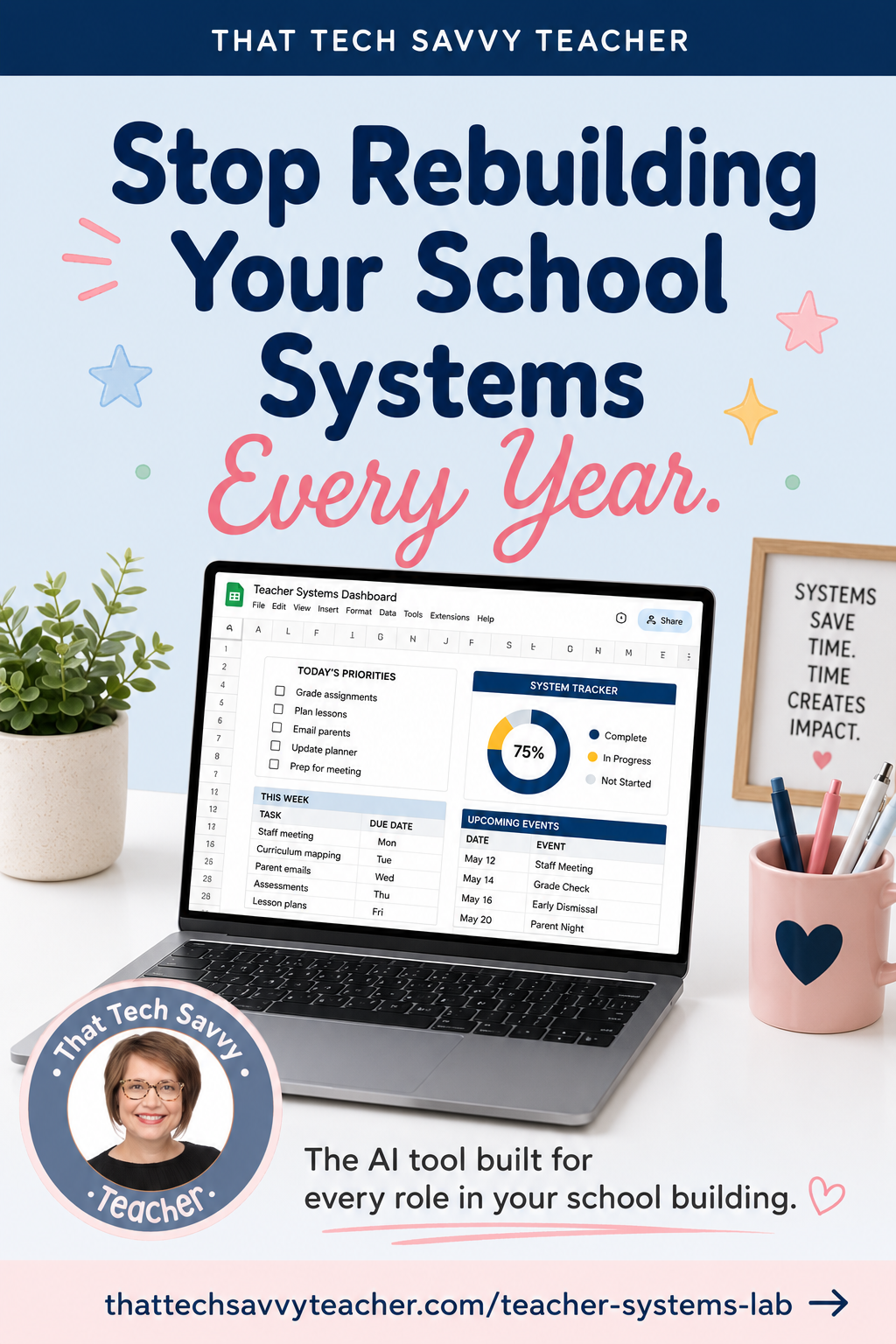
Have you tried Teacher Systems Lab yet? Or is there a system you have been putting off building? Drop it in the comments. I would love to help you figure out where to start.
