Elementary Computer Lab Lessons Done for You
If you are a computer lab teacher managing five or six different grade levels every week, you already know the drill. Monday is kindergarten students figuring out where to click. Tuesday is third grade deep into a Google Slides project. Wednesday is fifth grade wrapping up a coding challenge. And somewhere in the middle of all of it, you are supposed to have lesson plans ready, sub plans prepped, and a technology curriculum that actually makes sense from one grade level to the next.
It is a lot. And if you are piecing together your computer lab lessons one week at a time, this post is for you.
The Real Challenge in the School Computer Lab
Let's be honest: most computer lab teachers are not handed a clear roadmap when the school year starts. You are expected to know what to teach kindergarten students versus fifth graders, figure out pacing on your own rotation schedule, weave in digital citizenship, cover ISTE standards, and make it engaging on top of all of that.
And you are doing it for every single grade level, often back to back.
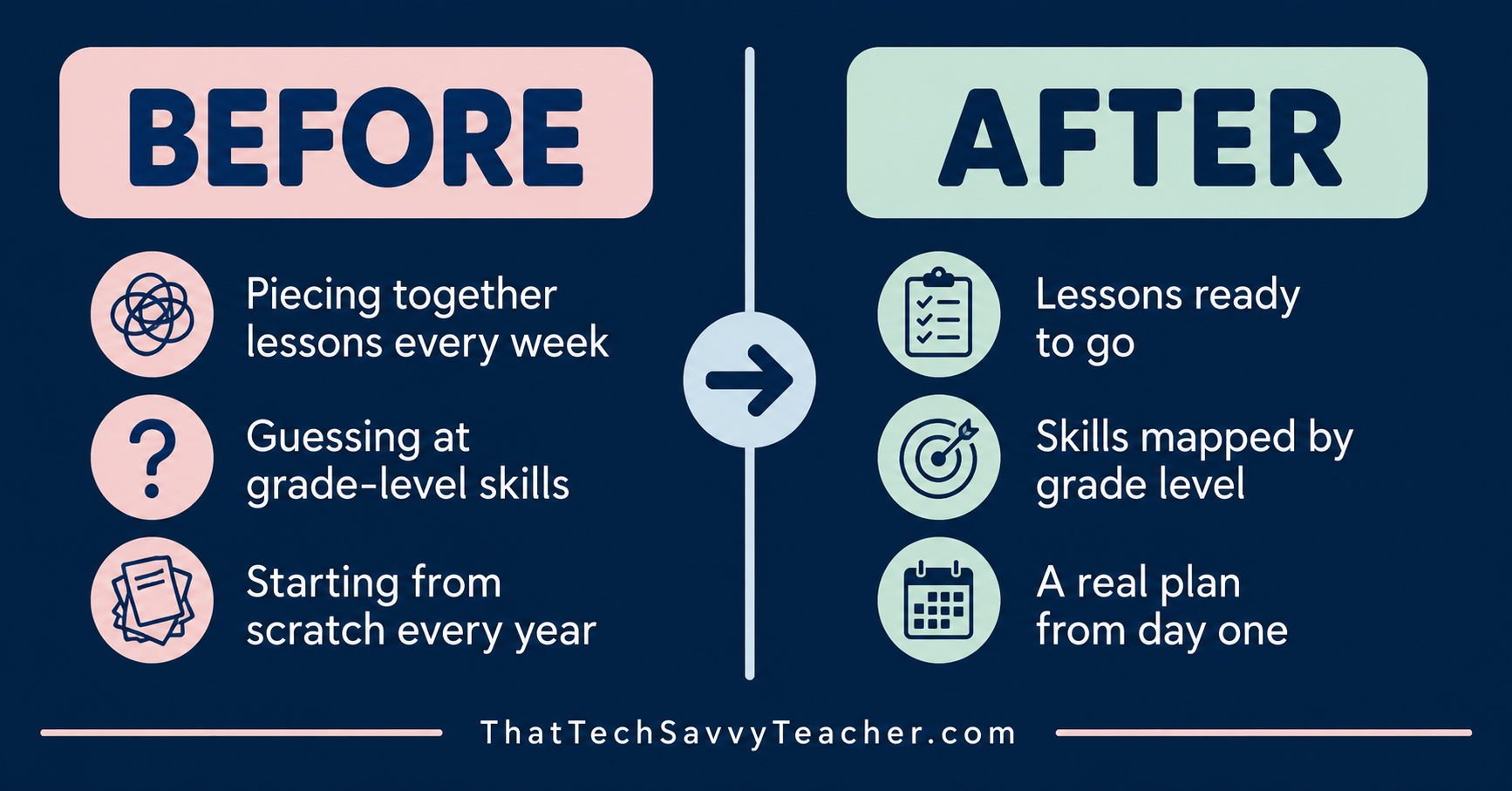
The problem is not that technology teachers lack good ideas. The problem is that there is no built-in structure. Without a clear technology curriculum, it is incredibly easy to accidentally skip skills, repeat things students already know, or default to an online game just to get through a class period.
That is not a you problem. That is a system problem.
What Elementary Students Actually Need at Each Level
Before we talk solutions, let's talk about what students actually need in the computer classroom to build real, lasting tech skills.
Kindergarten and First Grade: Building the Foundation
For kindergarten students and first graders, everything starts with the basics. Mouse skills. Keyboard awareness. Understanding simple computer rules. Getting comfortable with the idea that the computer classroom has routines, just like every other place in school.
At this stage, students need short activities, clear expectations, and repetition. One solid technology lesson repeated with slight variation goes much further than jumping to something new every class. The goal for 1st grade is confidence, not complexity.
Second Grade: The Bridge Year
Second grade is a transition point that often gets overlooked. Students have moved past the very basics, but they are not yet ready for the full independence you will ask of older grades. This is where word processing starts. Where web pages become a real tool for learning (with guidance). Where digital citizenship conversations get more specific and more personal.
Second grade deserves its own attention. It is not just a repeat of first grade, and it is not a preview of third. It is its own developmental stage with its own lesson plans and its own skill progression.
Third, Fourth, and Fifth Grade: Independence and Creation
By third grade, students are ready to create, collaborate, and think critically. This is where Google Classroom becomes part of the routine, where typing fluency grows, where critical thinking and problem-solving skills show up in real project-based work. Fifth grade students should be developing genuine independence, applying different skills across technology tools, and demonstrating what they have learned through projects that matter to them.
Hour of Code, Google Docs and Slides, building a class website, researching on web pages, exploring new technology tools: all of this fits here. But only if there is a clear progression underneath it that got them ready.
What "Done for You" Tech Lessons Actually Look Like
When most computer teachers hear "done for you," they picture a folder full of random links or a resource library with no clear order. That is not what we are talking about here.
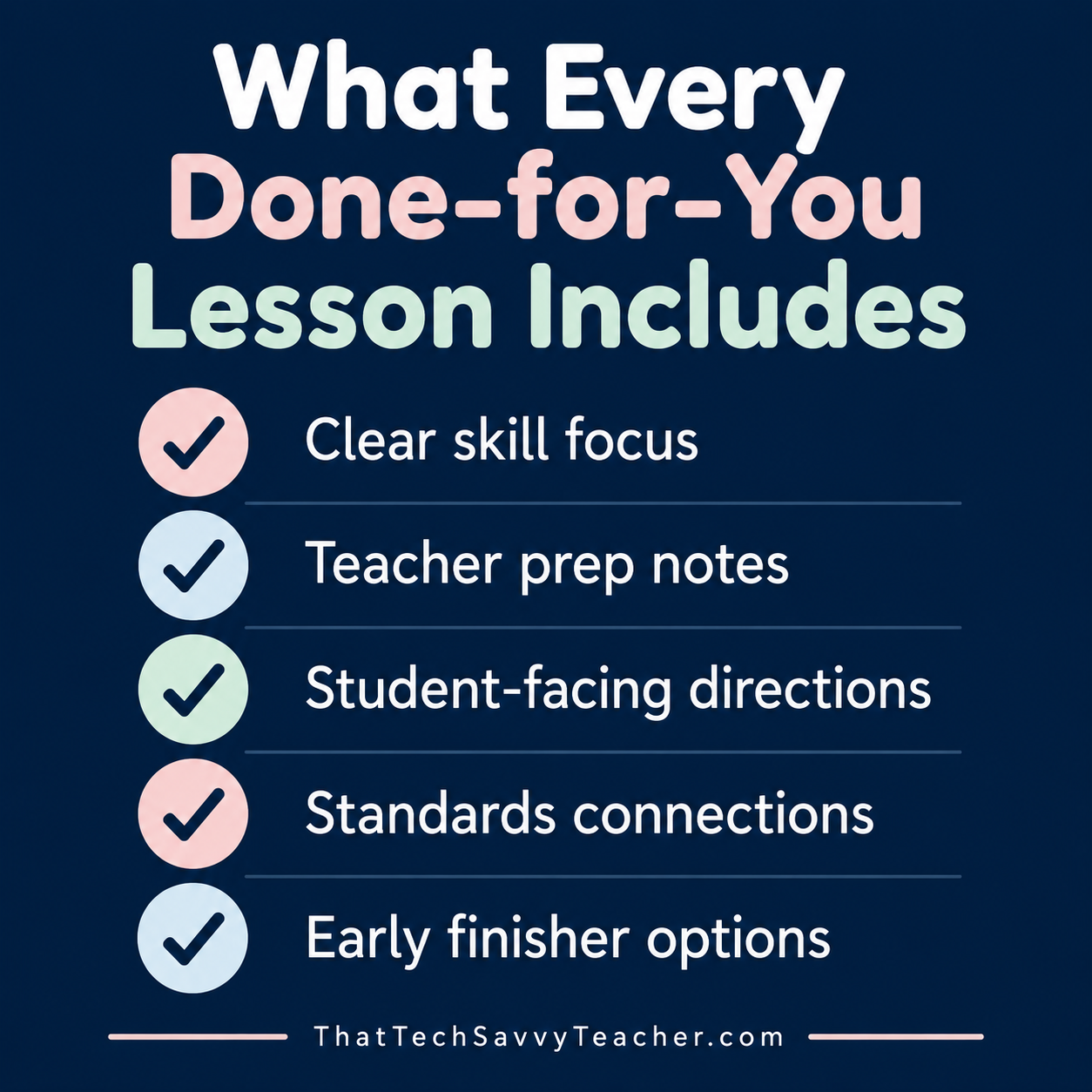
A real done-for-you technology lesson for elementary students includes everything you need to open, assign, and teach without spending your evenings rebuilding from scratch. That means a clear skill focus. Teacher prep notes. Student-facing directions. Standards connections. Options for early finishers. Real lesson plans that are organized, sequential, and ready to go.
When your instructional technology materials are organized by developmental stage rather than just by grade level, everything changes. You stop guessing. You stop repeating. You stop worrying about whether you are covering what matters. Your students can work at their own pace because the lesson is built to support them, not just survive the period.
That is what "done for you" should actually feel like.
Have a Question? Ask Me Right Here
Not sure where to start? Wondering how to handle a specific grade level or situation in your lab? Go ahead and ask below.
This is a real AI assistant built on 5 years of tech teaching experience and 20 years of teaching outside of tech. It knows my classroom systems, my teaching philosophy, and how I think about everything from kindergarten mouse skills to fifth grade independence. Ask it anything about K-5 tech teaching.
Start Here: Grab the Free K-5 Technology Curriculum Map
If you are not sure where your students are right now or where your school computer lab curriculum should be headed, the K-5 Technology Map is the best place to start.
This free resource gives you a bird's-eye view of what computer skills students should be developing at each stage, from foundational mouse skills in kindergarten all the way through creative projects and collaboration in fifth grade. It is designed to help classroom teacher and computer teacher alike see the big picture of K-5 technology in one clear, organized layout.
Use it to audit your current lesson plans. Use it to plan out your school year. Use it to start a conversation with your principal about where your technology curriculum is headed.
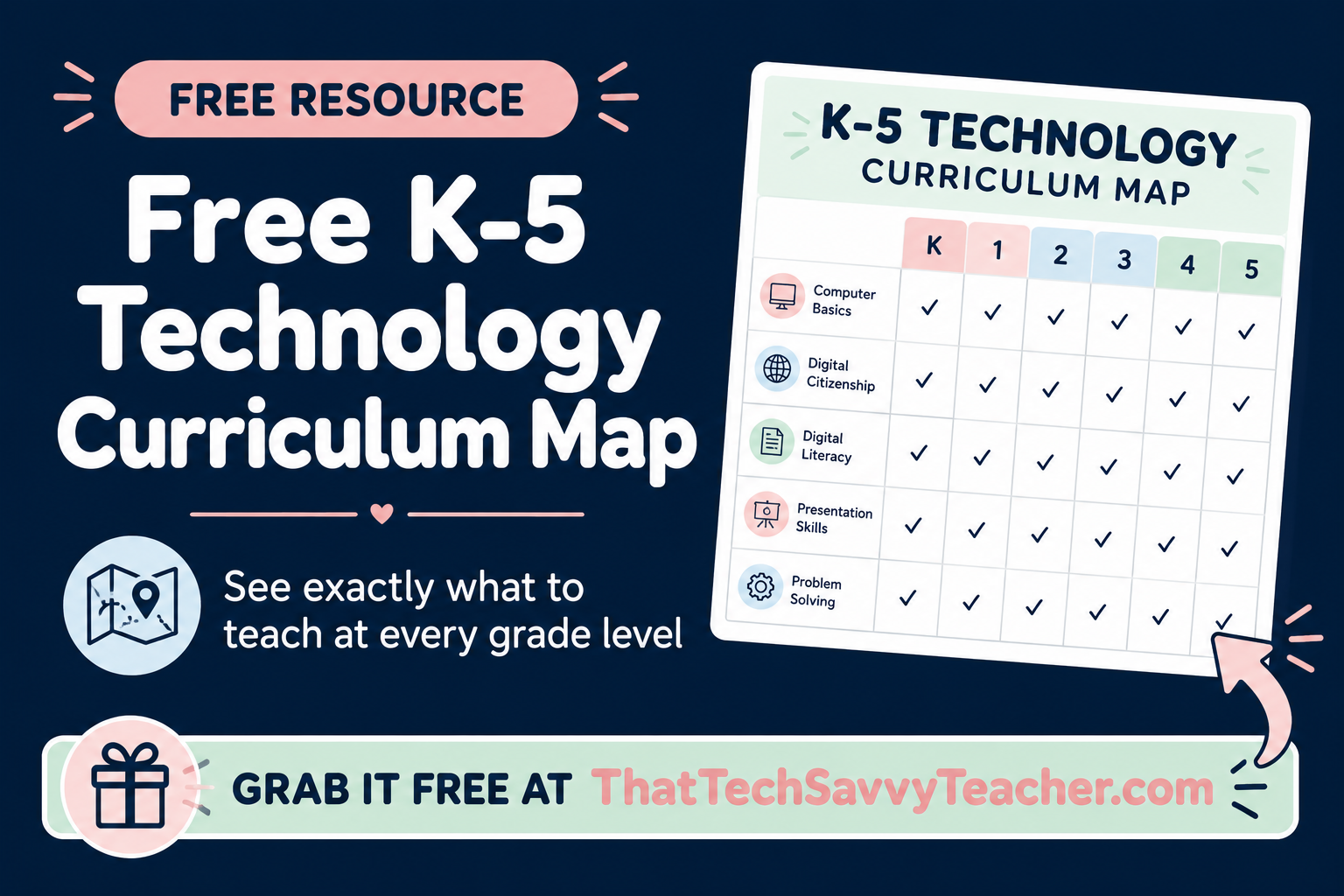
It is free, it is practical, and it gives you a foundation to build from. Once you have the map, you will see exactly where the gaps are and where you want to go next.
Ready for the Full System? Meet Ready to Click Tech Lab
The K-5 Technology Map shows you the roadmap. Ready to Click Tech Lab gives you everything you need to actually drive it.
Ready to Click Tech Lab is a structured K-5 technology membership built for elementary computer lab teachers who are done guessing and ready for a real plan. It is not a resource dump. It is a complete system with ready-to-use lessons, student-friendly videos, templates, and simple routines organized by developmental stage so you always know what to teach, when to teach it, and how to make it work for your actual schedule.
What Is Inside
A Complete Lesson Library organized into three developmental bands:
K-1 Foundations: Routines, device basics, mouse skills, login independence, computer rules, and an introduction to digital citizenship for kindergarten and first grade students.
2nd Grade Bridge Year: Word processing, guided web page exploration, skill-building with just the right amount of scaffolded support, and digital citizenship conversations that go deeper.
3-5 Independence and Projects: Google Classroom, Google Docs and Slides, typing growth, Hour of Code, coding fundamentals, critical thinking challenges, problem solving projects, class website building, and full creative independence.
Each technology lesson includes a skill focus, teacher overview, student directions, standards alignment (including ISTE standards), a student video lesson, editable templates, and optional extension activities. Real lesson plans that are ready to use.
Systems and Routines Vault with everything you need to set up and run your computer classroom with less stress: first-week routines, login systems, attendance trackers, device issue forms, behavior logs, substitute plans, and early finisher systems.
Student-Facing Videos so your students can learn at their own pace and build real independence without waiting on you for every click.
Sub-Friendly Resources including emergency backup lessons and plug-and-play digital citizenship activities for days when you are out.
Templates and Planning Tools including year-at-a-glance maps, pacing guides, scope and sequence documents, and standards trackers so your instructional technology planning is finally organized.
The CLICK Framework
Everything inside Ready to Click Tech Lab is built around the CLICK Framework:
C - Create Consistent Routines
L - Layer Skills by Development
I - Increase Independence
C - Cover What Matters
K - Keep It Simple to Sustain
This is not just a catchy name. It is the actual system that makes the tech lab calmer, more consistent, and far less overwhelming. When your computer classroom runs on a framework, you spend less time putting out fires and more time actually teaching.
Who This Is For
Ready to Click Tech Lab is the right fit if you are:
A K-5 technology teacher managing multiple grade levels on a rotation
A computer teacher who was handed the lab with little or no curriculum to work from
A specials teacher pulled into an instructional technology role
A classroom teacher supporting computer skills alongside a dedicated computer teacher
Anyone who wants their students to be more independent and their lesson plans to already be done
How Much Does It Cost?
Membership is $27/month or $297/year.
For less than the cost of piecing together random tech lessons every month, you get a complete K-5 roadmap, ready-to-use lesson plans, student independence tools, and systems that make your school computer lab run more smoothly from day one.
Frequently Asked Questions
Have a question before you dive in? Here are the ones I hear most often.
-
Not at all. Most elementary tech teachers learned on the job, and that is completely normal. What matters most is having a clear plan for what to teach at each grade level and routines that help students know what to do. That is exactly what Ready to Click Tech Lab is built around.
-
That is exactly who this is designed for. Ready to Click Tech Lab organizes everything by developmental stage: K-1, 2nd grade, and 3-5. So you are not trying to manage six completely separate lesson plans from scratch. The structure does the heavy lifting for you.
-
Each lesson includes a clear skill focus, teacher prep notes, student-facing directions, standards alignment, a student video, editable templates, and extension options for early finishers. You open it, assign it, and teach it. That is the whole idea.
-
No, and that is an important distinction. It is a structured K–5 system with lessons organized by developmental stage, student independence tools, classroom management systems, and sub-friendly resources. It is a plan, not just a pile of files.
-
Ready to Click Tech Lab works for classroom teachers too, especially if you are expected to cover technology skills alongside your regular content. The lessons are designed to be easy to follow even if tech is not your primary subject area.
-
TPT is great for individual resources, but it does not give you a progression. You end up with a collection of disconnected activities that may repeat skills or leave gaps. Ready to Click Tech Lab gives you a sequenced K–5 roadmap so skills build on each other the way they should.
You Deserve a Plan That Actually Works
Whether you are a veteran computer teacher who has been winging it for years or a classroom teacher who suddenly found yourself responsible for teaching technology skills with no background in computer science or instructional technology, this is not your fault.
The school computer lab has always been one of the most under-resourced spaces in the building. You are asked to teach critical thinking, problem solving, digital citizenship, coding, word processing, typing, Google tools, and responsible web page use across every single grade level, often with no clear scope and sequence and no support.
That is exactly why Ready to Click Tech Lab exists.
Start with the free K-5 Technology Map to see the big picture.
Then, when you are ready for the full system, Ready to Click Tech Lab will be there.
You do not have to figure this out alone.
Alison Howd is a K-5 technology teacher with 25 years in education. She works with nearly 900 students across 42 classes and created Ready to Click Tech Lab to give elementary computer lab teachers the structure, lessons, and systems they need to run a calmer, more organized tech lab.
