Digital Citizenship Week falls in the third week of October, and schools use that week to focus on it in a real way. But the truth is, digital citizenship isn't a once-a-year topic. It's one of the most important life lessons we can teach our students, right up there with reading and basic safety, and it deserves more than five minutes squeezed between other lessons.
I teach over 800 students across 42 classes on a 7-day rotation, so whatever I use has to work without a lot of setup. No accounts to create, no printing forty copies. Just something I can hand a class and go. Digital Citizenship Week gives me a natural reason to prioritize it, but I don't treat it as the only week it matters.
What Is Digital Citizenship, Really?
The concept of digital citizenship covers how students act, communicate, and make decisions across digital platforms and devices. That includes everything from how they talk to people online to how they protect their own information.
Kids move through the online world every day now, often without much guidance on what responsible technology use actually looks like. Digital citizenship activities give them a structured way to think through that, instead of learning it by trial and error.
This Isn't Just a Technology Teacher's Job
If we're honest, digital citizenship gets treated like something only the tech teacher covers, one unit, one week, then it's checked off. But protecting kids online isn't a subject area. It's a life skill, and life skills stick when they're reinforced everywhere, not taught once in isolation.
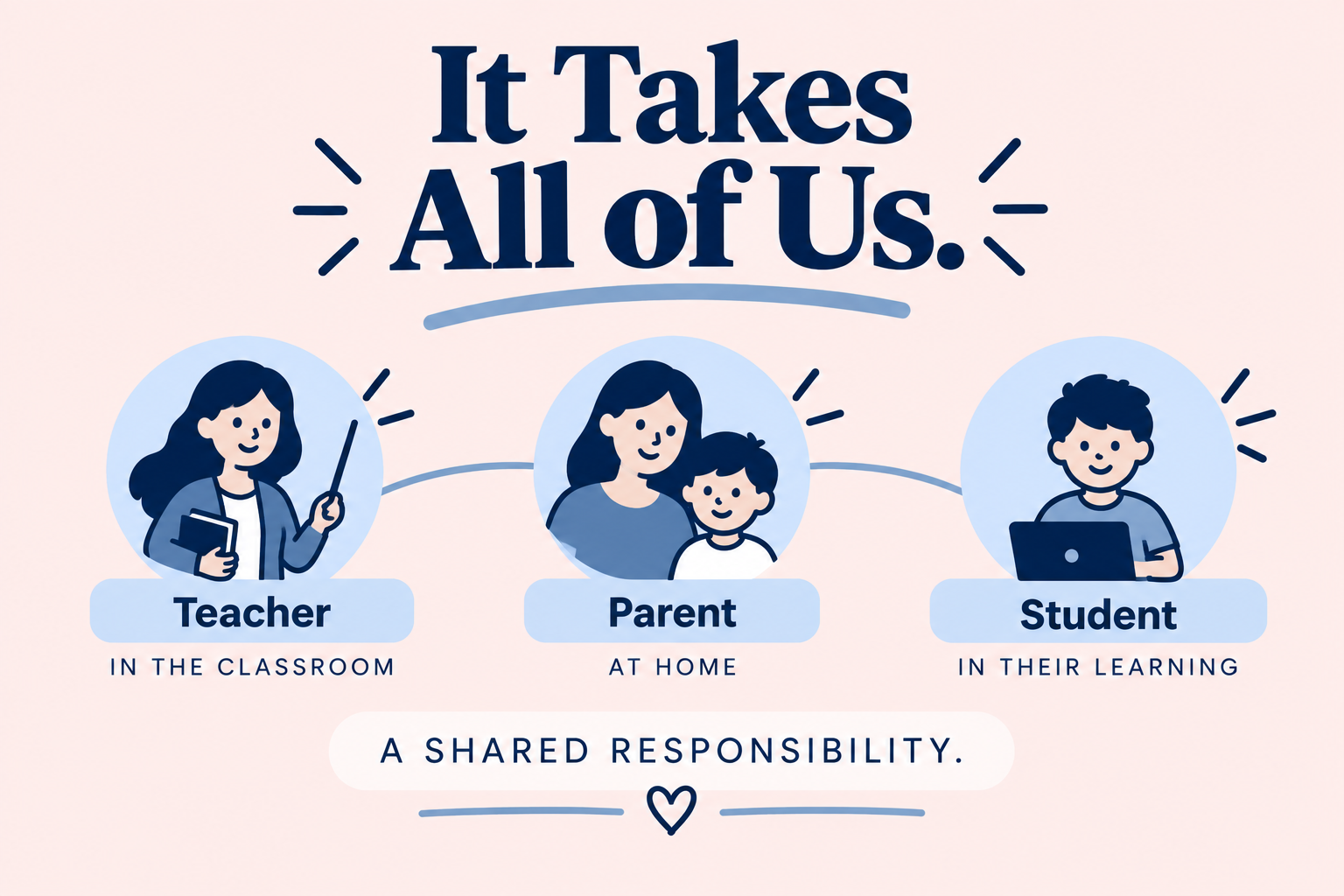
Classroom teachers, coaches, counselors, and parents all have a role here too. A student who hears about strong passwords and online privacy from their tech teacher in October, and then never again, isn't going to retain it the way a student would if those same ideas came up in a classroom discussion in November, a conversation at home in December, and a reminder before a group project in the spring.
If we really want to protect our children online, this has to be a shared responsibility, not a single teacher's checklist.
The Digital Citizenship Skills Students Actually Need
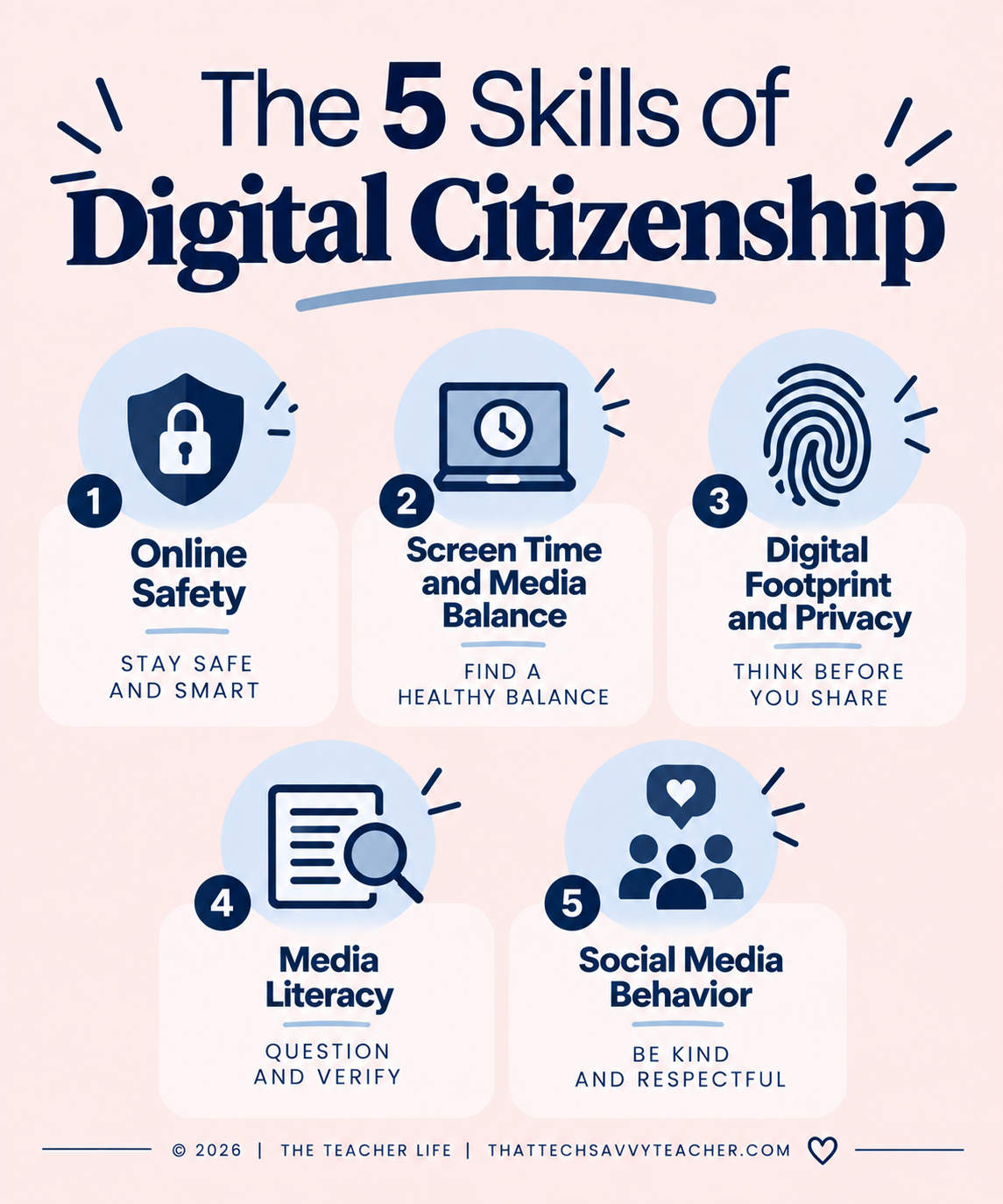
Not every digital citizenship lesson needs to cover everything at once. Breaking it into specific skills makes it easier to teach, easier to reinforce across a school year, and easier for students to actually retain.
Online Safety and Cyber Safety
Internet safety starts with the basics: strong passwords, not sharing personal information, and knowing what a bad password looks like versus a secure one. Students also need to understand what to do if something feels off with one of their online accounts, and who to tell. This is exactly the kind of thing that shouldn't only come from one classroom. A quick reminder from any adult in a student's life reinforces it.
Screen Time and Media Balance
Screen time comes up constantly with families, but it's worth addressing directly with students too. Media balance isn't about cutting screens out completely. It's about helping students build healthy habits around when and how they use their digital devices, habits that get reinforced at home just as much as at school.
Digital Footprint and Online Privacy
Most students haven't thought much about their digital footprint, the idea that what they post or search sticks around longer than they expect. Online privacy lessons give them real examples of digital citizenship in action: what to share, what to keep private, and why that distinction matters.
Media Literacy and Critical Thinking
Media literacy is one of the more overlooked digital citizenship skills. Students need practice telling credible sources apart from unreliable ones, and critical thinking activities help digital learners slow down before they share or believe something online. This kind of thinking applies far beyond a technology class, in research for any subject and in everyday scrolling.
Social Media and Responsible Online Behavior
Social media is where a lot of digital dilemmas actually show up for older students. Working through different scenarios in class, rather than after something's already gone wrong, helps build responsible online behavior and gives students language for handling it themselves, language that holds up whether they're in a technology class, a homeroom discussion, or a conversation with a parent.
Digital Citizenship Activities by Grade Level
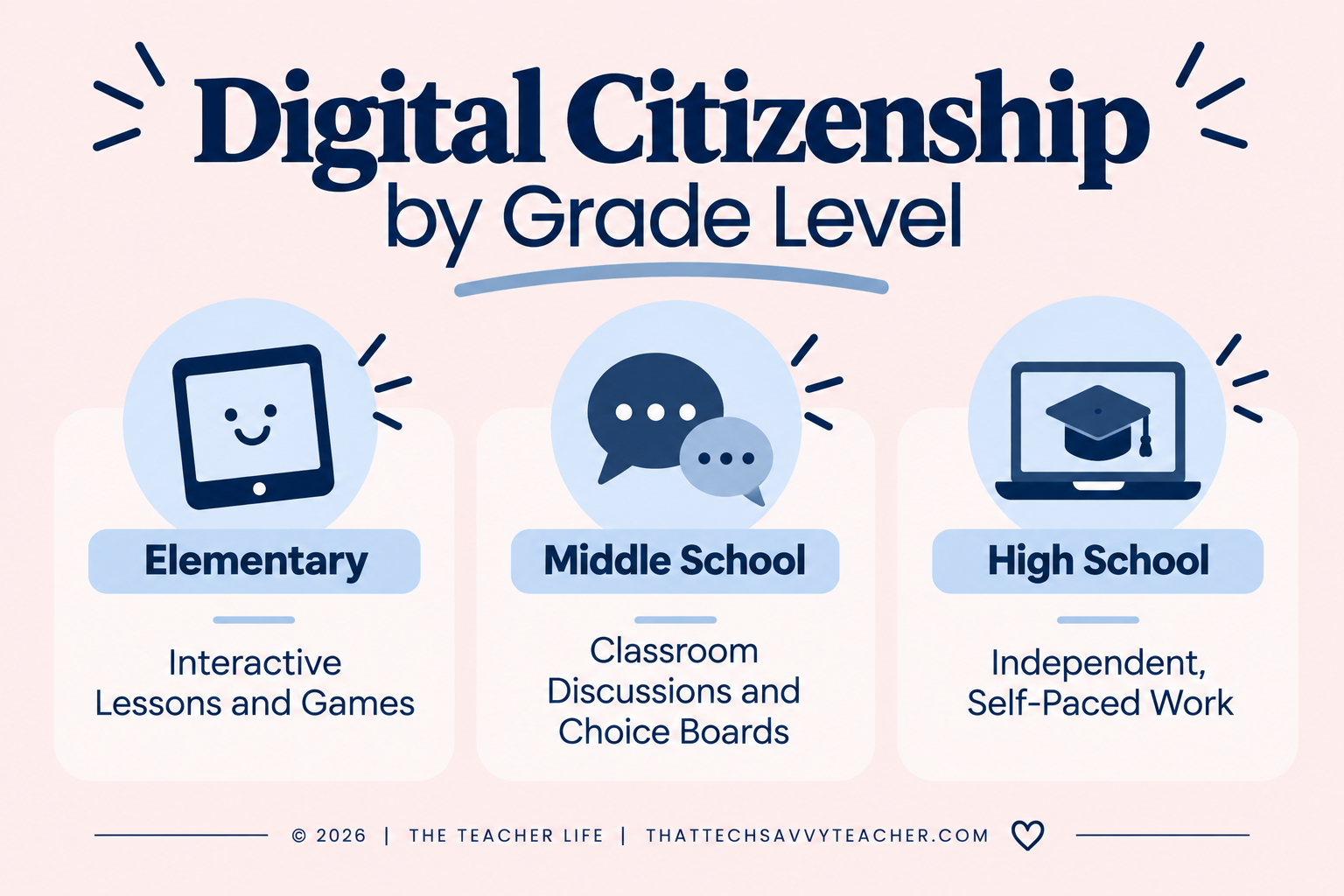
Good digital citizenship activities look different depending on grade level, but the goal stays the same: raising responsible digital citizens who can handle the online world with confidence, whether or not they ever set foot in a dedicated tech class again after elementary school.
Elementary Students
For younger students, interactive lessons and online games work well because they teach the same concepts without feeling like a lecture. Free resources are a good starting point here if you want to test what resonates with your students before building out a full unit.
Middle School Students
Middle school students are old enough for real classroom discussions about social media, personal information, and online privacy. Digital breakouts and choice-based activities work well at this age because they let students work through digital dilemmas at their own pace while you support students who need more guidance.
High School Students
By high school, students are managing their own online platform accounts and digital footprint largely on their own. Independent, self-paced activities that they can return to during free moments in class tend to land better than a single one-time lesson.
Building a Digital Citizenship Curriculum That Actually Works
You don't need to build an entire digital citizenship curriculum from scratch, and you don't need to be a technology teacher to reinforce one. Common Sense Media and Common Sense Education both offer solid free resources if you want a place to start, and I've built out a few ready-to-use options that cover a range of grade levels.
If you want to test the waters first, my free Digital Citizenship Resource Guide rounds up videos, online games, eBooks, and lessons for K-5 classrooms in one place:
Several of those videos come straight from my YouTube channel, where I break down digital citizenship concepts directly for students, so it's worth subscribing there too if you want a running library to pull from all year, not just one week of it.
If you're a K-5 technology teacher, digital citizenship lessons like these are already built into my Ready to Click Tech Lab membership. Instead of piecing together individual resources, you get a new set of ready-to-teach lessons delivered every month, digital citizenship included, so your curriculum stays current without you having to build it yourself year after year.
Membership is $27 a month, or $297 a year if you'd rather pay once and be done with it for the school year. Either way, you get access to the growing lesson library, not just what's available today.
If you're ready to make digital citizenship a real classroom expectation, my Digital Citizenship MEGA Bundle covers grades 3-5 with 12 different resources, including flipbooks, self-checking games, a digital board game, and a digital breakout, so you're not repeating the same format all week.
For middle and high school students, my Internet Safety Early Finisher Digital Choice Board gives them something meaningful to work through independently, built around real-life scenarios tied to internet and social media safety.
FAQ
-
No. The week is a good excuse to prioritize it, but digital citizenship skills hold up any time of year, and honestly need reinforcement all year long.
-
No. It works best as a shared effort between classroom teachers, specials teachers, and parents. Kids need to hear the same message from more than one place for it to actually stick.
-
Elementary is a good starting point. Students are already using digital devices by then, so building good habits early makes middle and high school easier.
-
No. Everything mentioned here works from a link using tools your school likely already has, no logins to set up and nothing to print.
